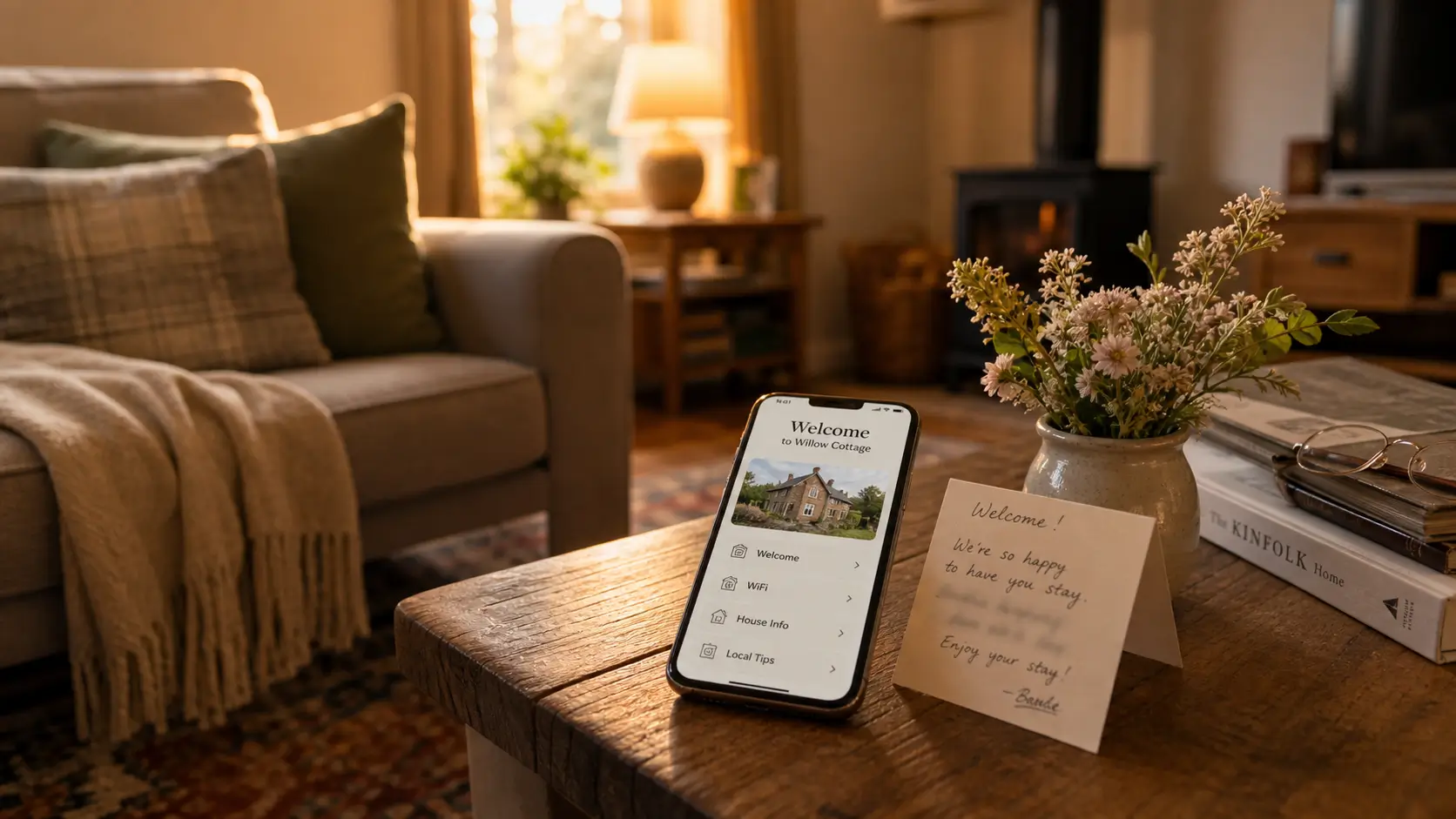
A warm, host‑written Airbnb welcome book should include personal introductions, arrival logistics, Wi‑Fi details, house quirks, local favorites with photos, emergency info, and checkout instructions, while also offering a digital version that can be easily updated. The post guides hosts on tone, structure, and practical tips to create a helpful, authentic guide that enhances guest experiences.
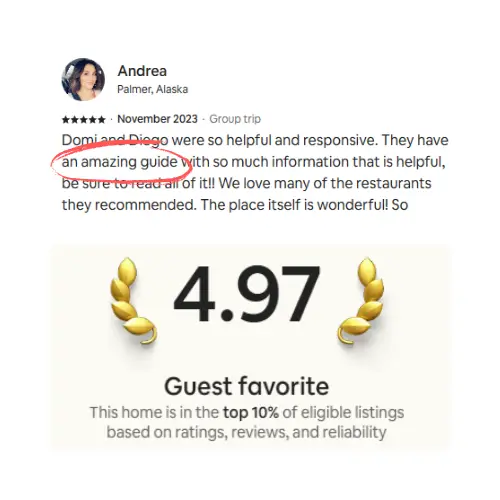
A guest who stayed at our Playa del Carmen house last year left a lovely review that included:
Their digital welcome book was so helpful, it helped us find Chef Cozumel who we booked two private dinners with, which was a highlight of our trip.
She didn't mention the pool. She didn't mention the beds, which cost a small fortune. She mentioned a chef we'd listed in two lines under "if you want someone to cook for you one night." That is what a welcome book does when it's good. It turns a stranger's week into something they tell their friends about, and it does most of that work while you're asleep.
We've been hosting for about ten years across five very different homes, from a row house in Washington DC to a studio in Tulum. The welcome book is the one thing that carries across all of them. Here's what goes in a good one, and how to write it so it sounds like you and not a hotel chain.
What should an Airbnb welcome book include?
A good Airbnb welcome book covers eight things: a short personal welcome, arrival and access, the WiFi and entry codes, how the house actually works, your local favorites, the house rules, emergency contacts, and checkout. The point isn't to document everything. It's to answer the questions a guest would otherwise text you, in the order they'll need them.
At minimum, include:
A short welcome in your own voice (skip "Dear valued guest")
Arrival and access: address, parking, and the door code
WiFi name and password, in a block they can copy
How things work: appliances, heating and cooling, trash day
Local favorites, with a photo for each
House rules, kept short and friendly
Emergency info and your phone number
Checkout steps as a quick checklist
Get those eight right and most of your guest messages disappear. Everything after that is detail. The rest of this post walks each section, then covers whether to keep your welcome book on paper, online, or both.
Start with a welcome that sounds like you
The first thing a guest reads sets the tone for the whole stay. A generic greeting is worse than no greeting at all, because it tells the guest a template is doing the talking. "Dear valued guest, we hope you enjoy your stay" is the sound of nobody.
Write two or three sentences the way you'd actually talk. Say who you are, why you love the place, and one specific thing you want them to notice first. At our DC house we point people to the coffee on the porch in the morning, because the light there is the best part of the house. That one line does more than a paragraph of "welcome to your home away from home" ever could.
Arrival and access: the first thirty minutes
This is the only section a guest reads while still standing on the doorstep, so make it exact and a little boring. Give the full address with the unit or floor, the parking instructions including what not to do ("the spot right in front is a fire lane"), and the door code in plain language with the actual steps.
Put the WiFi name and password in a large block they can copy, and add a photo of the router as a backup. The WiFi is the single most-searched thing in any welcome book. If a guest has to scroll past your life story to find it, you've already lost them.
How the house actually works
This is the section guests come back to all week. Cover the appliances, with a photo for anything mechanical, because every washer and dishwasher uses different symbols and nobody reads the manual. Walk through heating and cooling in particular, since that's where homes differ the most.
Our DC row house is all about winter: the thermostat schedule, the window that sticks in the cold. Our Playa del Carmen house has the opposite problem. The AC remote has a dehumidify button that nobody finds in August without a photo and a sentence pointing right at it. Whatever your version is, write it down once and you stop answering it forever.
Then the unglamorous stuff: trash and recycling with the day and the right bins, the drawer that sticks, the burner that runs hot. Operational detail is what separates a welcome book from a brochure. If you want a deeper take on the pure operations side, that belongs in a house manual, which is the welcome book's more practical sibling.
Local favorites: the part guests quote in their reviews
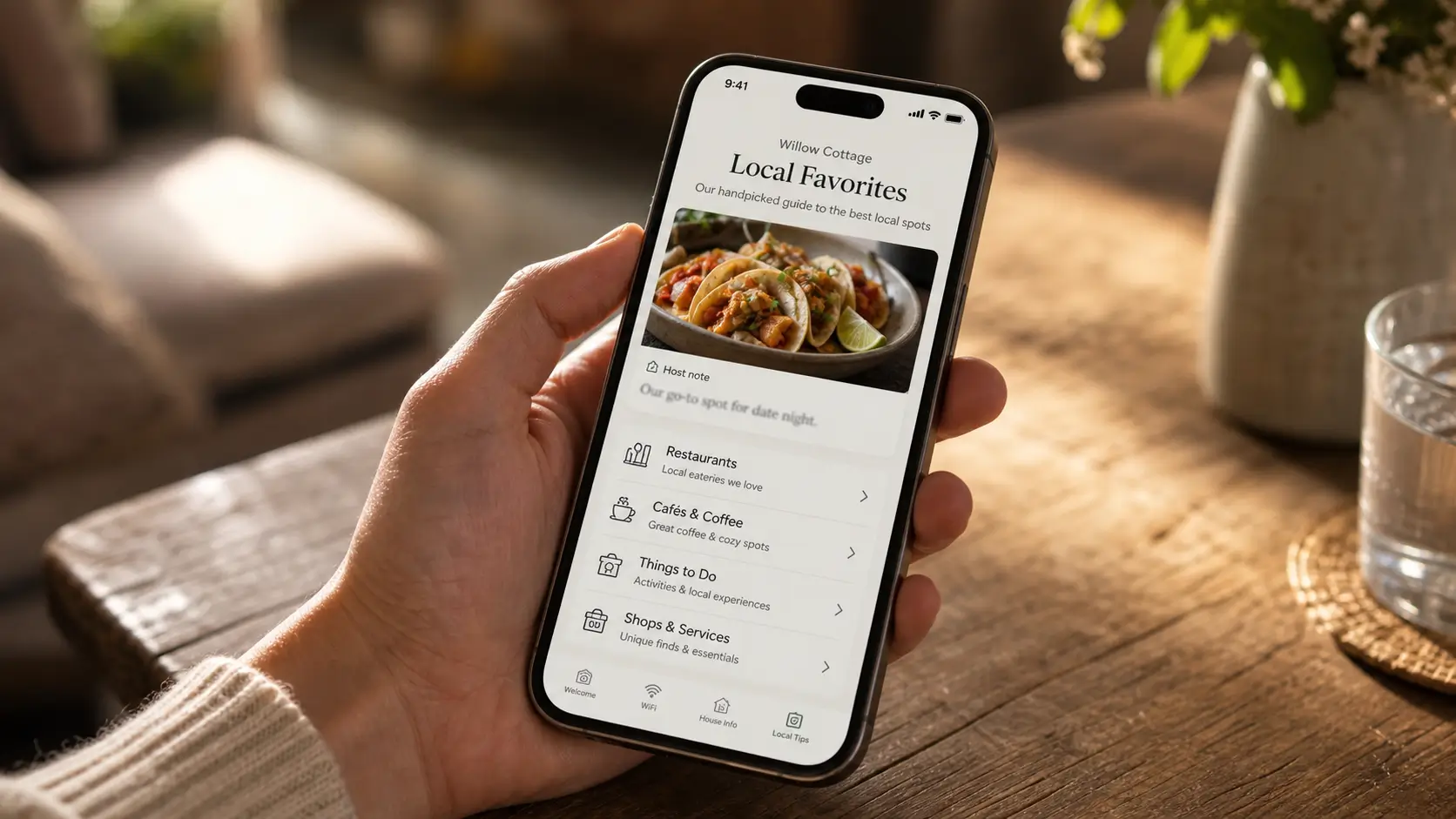
Go back to that Chef Cozumel review from our Airbnb guest. The guest didn't quote our arrival instructions. She quoted a recommendation. This is the section that earns five-star reviews, and the mistake almost everyone makes is listing too much.
Pick a tight shortlist. Two or three places to eat (one casual, one nicer, one for breakfast), one coffee shop you actually go to, one bar that's good but not loud, and one thing to do that isn't the first result on a search. Give each one a single sentence about why you'd send your sister there. A photo next to each does more than three sentences of description. Curation is the value. A list of twenty restaurants is a Google result, not a recommendation.
House rules, emergencies, and checkout
Keep the rules short and human. "No smoking inside, and please keep it quiet on the patio after 10pm, since we share a wall with neighbors" gets followed. A wall of "guests are required to" gets ignored. Put the rules in, but don't let them be the first thing a guest feels.
Keep emergency information to four lines: the local emergency number, the nearest hospital, your mobile, and where the water shutoff is. A long emergency section makes a place feel like things go wrong there. Then close with checkout as a four-line checklist: what time, what to do with the keys, whether to start the dishwasher, what to do with the towels (we say leave them, please don't try to help). A checklist gets done. A paragraph gets skimmed.
Printed, digital, or both?
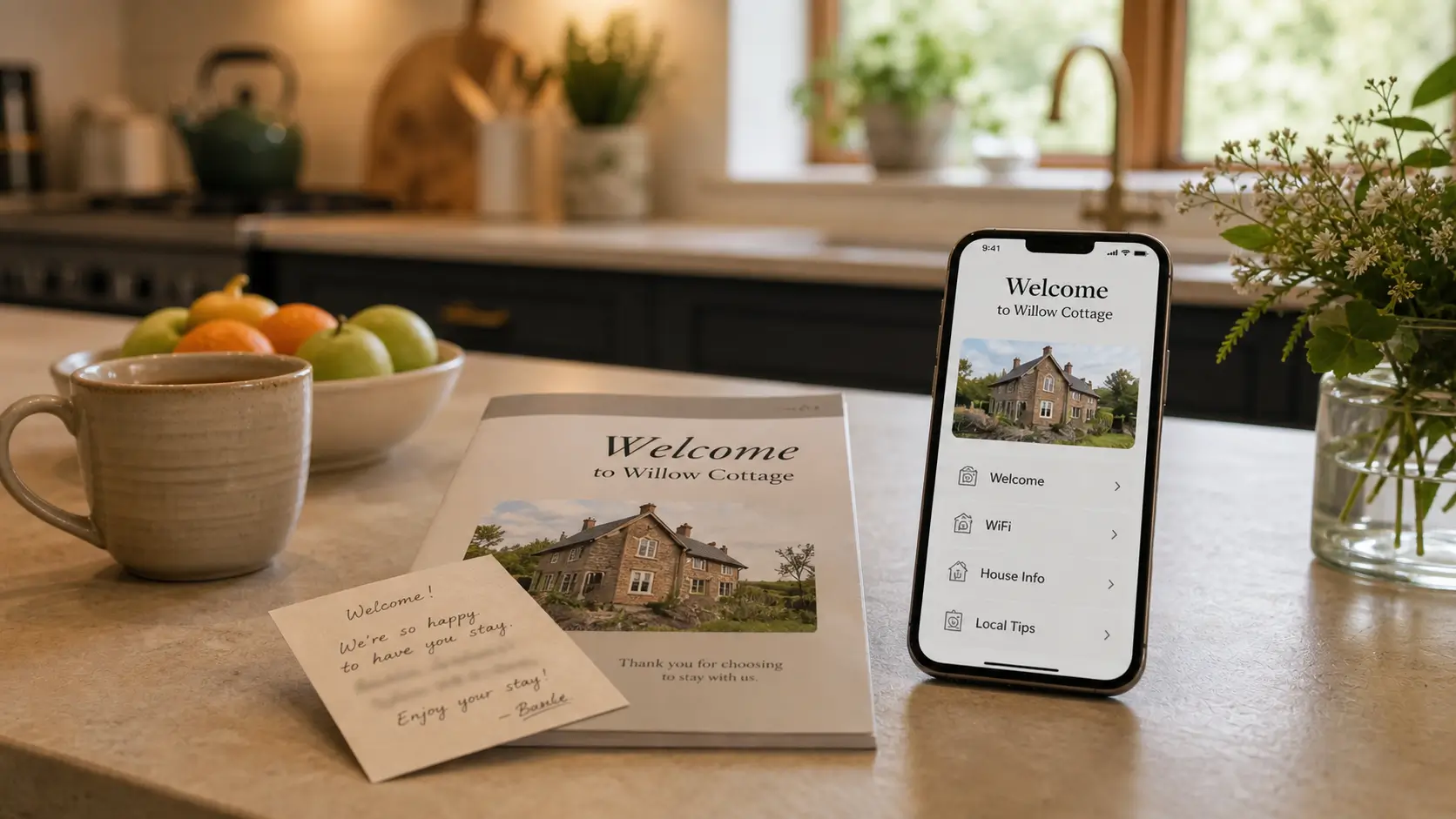
Here's where most advice gets preachy and tells you to throw out the binder. We don't think you have to choose. The setup we've landed on keeps the warm, personal part on paper and moves the part that changes online.
Format | Stays current | Works on a phone | Feels personal | Best for |
|---|---|---|---|---|
Printed welcome book | No | No | High | The warm welcome object on the counter |
PDF sent before arrival | Only if you resend it | Yes | Low | One property, slow rate of change |
Live digital welcome book | Yes, instantly | Yes | High, if you brand it right | Anyone who edits often or runs more than one place |
A printed welcome book and a handwritten note are lovely on day one. A handwritten welcome still beats a printed one every time. The trouble is the information that changes: the WiFi password, the door code, the restaurant that closed last spring. That ages badly on paper. We changed the WiFi at our DC house one year and didn't reprint the page for two months.
So keep the note and the cover, and put the living information at a link. A live digital version updates in one place, and every future guest sees the change. For the full case on the trade-off, we wrote up paper versus digital guest guides separately. One caveat: a digital welcome book loads in the browser, so it needs a connection to open. Have guests open the link while they're arriving and still have signal, and leave a small printed card by the door with the WiFi, the entry code, and your number as a backup.
If the writing is the part that stops you, that's normal. Most hosts have the content in their head and freeze at the blank page. A tool with an AI writing assistant tuned in hospitality can turn the rough notes you'd text a friend into a clean section while keeping your voice. You stay in charge of what it says.
One more thing if you ever plan to take direct bookings or collect guest emails. What you're allowed to put in front of a guest depends on the channel they booked through. Nowadays, a guest who came through Airbnb can't be nudged toward your own website the way a guest who booked direct can, and getting that wrong can flag your listing. SmoothStay's OTA Compliance Mode sorts this by booking source: it hides the direct-booking calls to action for guests who came through Airbnb and shows them to guests who booked with you directly, automatically, based on where the reservation came from rather than when the guest checks in.
FAQ
What's the difference between a welcome book, a guidebook, and a house manual?
They overlap, and people use the terms loosely. A welcome book leads with hospitality: the warm intro, the local picks, the feel of the place. A guidebook usually covers all of it. A house manual leads with operations: appliances, rules, what to do when something breaks. Most hosts end up treating all three as one document with different sections.
How long should an Airbnb welcome book be?
Long enough to answer the real questions, short enough that nobody scrolls past the restaurants. Six to eight short sections, two to four paragraphs each, plus the lists. If yours runs longer than that, you've started writing for yourself instead of the guest.
What should the welcome message actually say?
Two or three sentences in your own voice. Who you are, one reason you love the place, and one specific thing to try first. Skip "Dear valued guest" and anything that reads like a form letter. The more it sounds like a person, the better the stay starts.
Do guests actually read the welcome book?
Not front to back. They scan it like a menu and search for what they need. They tap the photo of the restaurant before they read the description, and they search "WiFi" the moment they walk in. Build it to be scanned: big headings, videos, photos, and a copyable WiFi block.
Should I make a printed welcome book or a digital one?
Both, if you can. Keep a slim printed welcome and a handwritten note as the object on the counter, and put the information that changes (WiFi, codes, picks) in a digital version that updates instantly. You get the personal touch and the always-current part without having to choose.
Is there a free welcome book template I can start from?
Yes. We share the welcome book we designed and used to print, free, and you can adapt it for paper or use it as the outline for a digital version. It's on our free welcome book template page.
If you'd rather not format all of this yourself, you can have a digital free welcome book running in under an hour. No card needed, and your handwritten note still gets to sit on the counter where it belongs.
Latest articles

How to Automate Check-In Instructions for Short-Term Rental Guests
Automate check-in instructions for short-term rental guests: the four-send sequence, what goes in a message versus a guidebook, and a copy-ready sample.

Vrbo Premier Host in 2026: Every Listing Now Stands on Its Own Record
Vrbo Premier Host requirements changed in 2026: per-listing scoring, tighter thresholds, quarterly checks. What each one means, and how it compares to Superhost.
Booking.com Guest Messaging Rules: What Hosts Can Send, When, and Why Links Get Removed
Booking.com guest messaging rules, verified at source: how long you can message a guest, why your links get removed, and what the partner terms say.
Vrbo's New Features for Fall 2026: What's Live, What's Gated, and What's US-Only
We sorted Vrbo's new features for fall 2026: what is live globally, what is gated behind eligibility, and what is US-only. Verified against Vrbo's own pages.