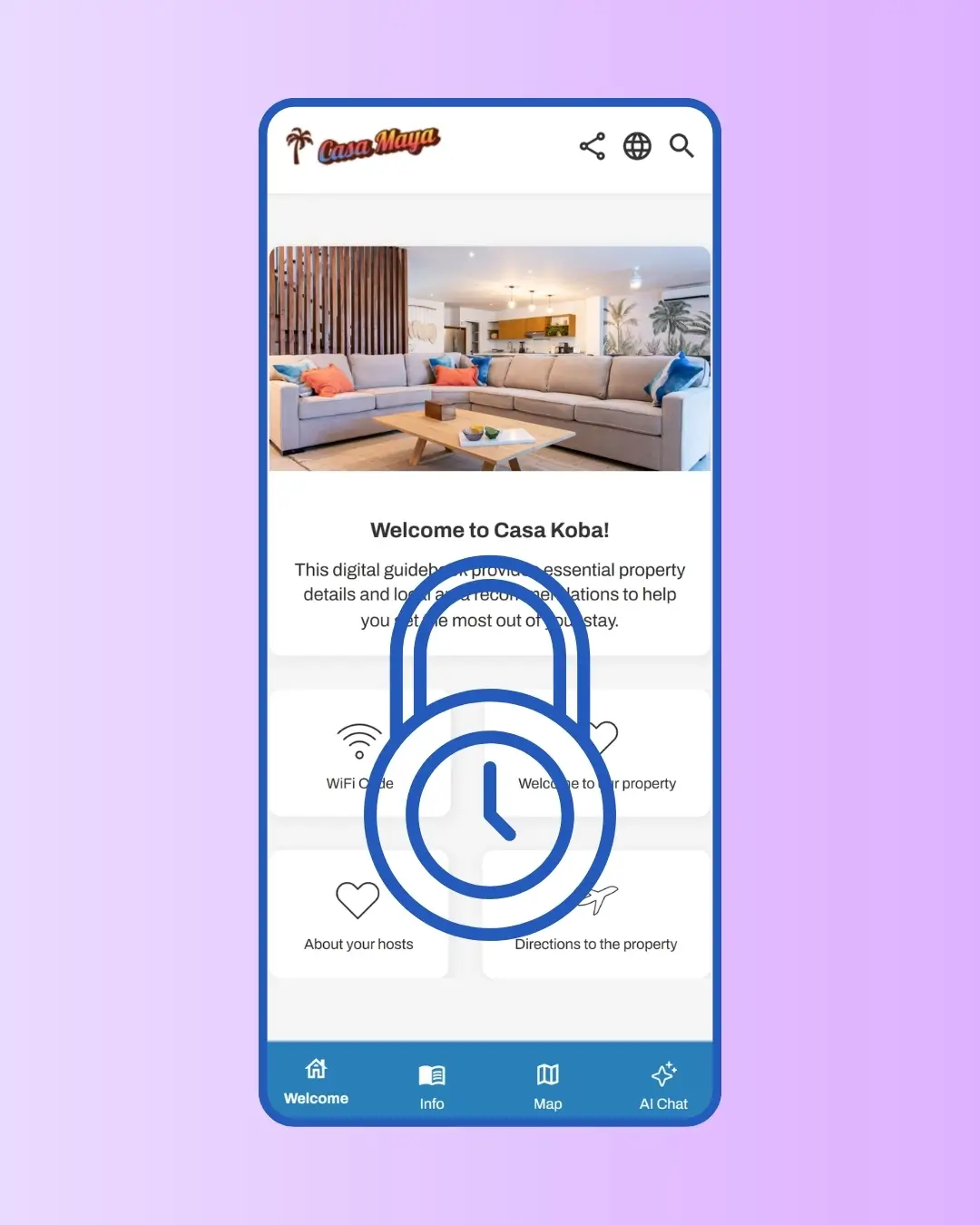
Airbnb, Vrbo, and Booking.com all restrict how hosts can communicate with guests booked through their platforms. SmoothStay gives you the tools to stay compliant: at the link level, the article level, and the widget level. Once you've configured your settings, the platform enforces them consistently, so a guest arriving from an Online Travel Agency (OTA) never sees the marketing content you've flagged as direct-booking-only.



Why this matters more than most hosts realize
Airbnb's Off-Platform Policy prohibits hosts from soliciting direct bookings, collecting guest contact information for marketing, or requesting reviews on external platforms. Vrbo and Booking.com have similar rules. Hosts who break these rules, often without realizing it, risk listing suspensions, account bans, or losing their Superhost status overnight.
The risk isn't theoretical. Every Reddit thread about Airbnb account suspensions includes hosts who shared a guidebook through Airbnb that contained a "subscribe for direct booking deals" link, an external review request, or a marketing opt-in checkbox. None of them set out to violate the rules, they just didn't realize an "optional" marketing collection was treated the same as a required one.
Many digital guidebook tools leave the entire compliance burden to you. SmoothStay was built to make compliance easier, by giving you the tools to set the rules once, and applying them consistently across every link and every guest.
Why It Matters
How it Works
1
Set your OTA sources once
Open Settings → Reservations → OTA Compliance Sources. All major platforms are enabled by default: Airbnb, Vrbo, Booking.com, Agoda, Hotels.com, Trip.com, and others. Direct booking is excluded by default. Adjust the list if your channel mix is different.
2
Mark sensitive articles as OTA-restricted
Inside any article's Visibility tab, look under Marketing settings. Use Hide from OTA guests for direct-booking promotions, email collection prompts, or external review requests. Use Add sponsored label for affiliate or commissioned content. Both options hide the article on OTA-restricted links.
3
Flag your shared links
When you share a general or public link through an OTA channel, set its OTA compliance to Restricted before sending. When a reservation link is generated from an OTA booking source you've configured, restrictions apply automatically. Either way, your flagged articles and widgets stay hidden on the channels where they shouldn't appear.
Pricing
We want all hosts to stay compliant - that's why OTA Compliance Mode is included on all plans.
How to Stay Compliant with OTA channels
When in doubt, mark it. SmoothStay's compliance only protects you for the articles, links, and widgets you've configured, there's no automatic content scanner looking for direct-booking language. If you're uncertain whether an article counts as direct-booking promotion, marketing collection, or external review request, mark it Hide from OTA guests. Direct-booking guests still see it. OTA guests don't. The cost of over-marking is zero, the cost of under-marking can be a suspended account.
Treat any link sent inside an OTA's messaging system as OTA-restricted. Even if a guest booked directly, a reply you send through Airbnb's messaging app is on Airbnb's platform, and any link in that message should be flagged Restricted before sending. The same goes for Vrbo and Booking.com inboxes. The safer pattern: send your direct-booking guests an email with the unrestricted link instead of replying inside the OTA app.
Audit your OTA compliance sources twice a year. New OTAs launch, channel mixes shift, and what was a direct-booking source last year might be a major OTA today. Five minutes in Settings → Reservations → OTA Compliance Sources keeps your compliance posture current.
Questions About OTA Compliance
Related features