You decide who sees what — and when.

You decide who sees what — and when.

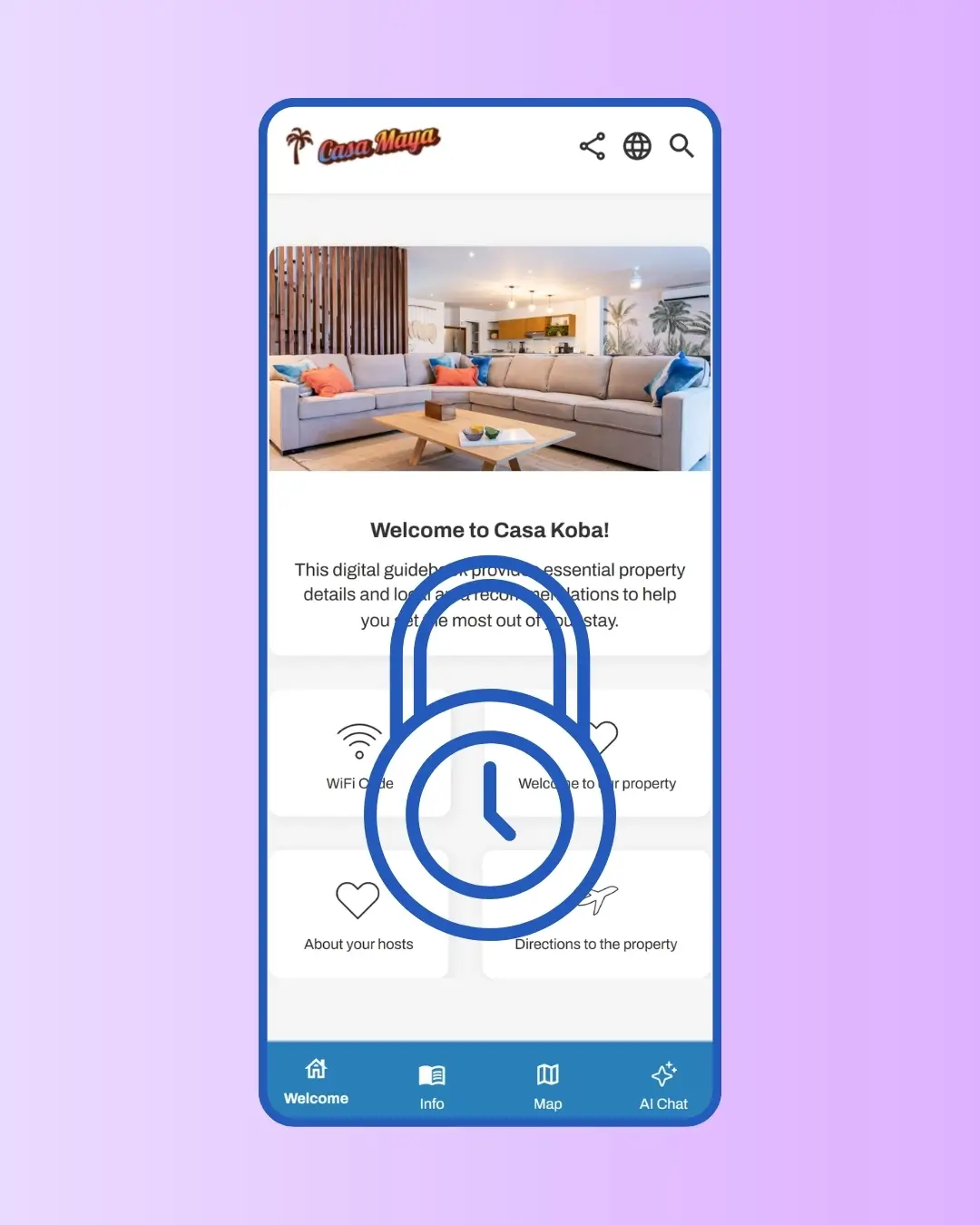
Your door code shouldn't be on the same page as your local recommendations. SmoothStay separates sensitive content from general info, restricts access to confirmed guests during their stay window, and protects every share link with a unique token. One platform. Four levels of privacy. All under your control.

Your door code shouldn't be on the same page as your local recommendations. SmoothStay separates sensitive content from general info, restricts access to confirmed guests during their stay window, and protects every share link with a unique token. One platform. Four levels of privacy. All under your control.

No credit card required

Cancel anytime

No credit card required

Cancel anytime

Avatar
Avatar
Avatar

Trusted by hosts in 18 countries

Avatar
Avatar
Avatar

Trusted by hosts in 18 countries

Guidebook privacy and access controls | SmoothStay

Why It Matters

Sensitive info, only when it's needed

Your front-door code and parking instructions don't need to be visible to everyone with a link to your guidebook. Mark them as Restrict to guests only, and they'll appear on reservation links during the guest's stay window — and stay hidden everywhere else. Past guests stop having access the day after they check out.

Sensitive info, only when it's needed

Your front-door code and parking instructions don't need to be visible to everyone with a link to your guidebook. Mark them as Restrict to guests only, and they'll appear on reservation links during the guest's stay window — and stay hidden everywhere else. Past guests stop having access the day after they check out.

Token-protected by default

Every general share link and reservation link includes a unique security token — a random string that acts like a key. Without the full link, no one can access your guidebook. Search engines don't index it. Your content stays private to the people you actually share it with. If a link gets compromised, you can regenerate the token and revoke access immediately.

Token-protected by default

Every general share link and reservation link includes a unique security token — a random string that acts like a key. Without the full link, no one can access your guidebook. Search engines don't index it. Your content stays private to the people you actually share it with. If a link gets compromised, you can regenerate the token and revoke access immediately.

Three link types, one platform

Some moments call for a quick share. Some moments call for guest-specific timing. Some moments call for fully open access. SmoothStay gives you all three — general share links for casual sharing, reservation links for confirmed guests, and public links for boutique hotels or open venues — and lets you mix them across your portfolio depending on each property's needs.

Three link types, one platform

Some moments call for a quick share. Some moments call for guest-specific timing. Some moments call for fully open access. SmoothStay gives you all three — general share links for casual sharing, reservation links for confirmed guests, and public links for boutique hotels or open venues — and lets you mix them across your portfolio depending on each property's needs.

How it Works

1

Choose your link type per share

When you share a guidebook, pick the link type that matches the situation. Reservation links for confirmed guests with time-bound access. General share links for casual sharing without a specific guest. Public links — only if you've enabled them — for fully open access.

2

Mark sensitive articles as restricted

Inside any article's Visibility tab, under Sharing and security, toggle on Restrict access. The article will appear on reservation links during the guest's stay window, always appear on general share links, and never appear on public links. Use this for door codes, directions, wifi credentials, and anything else that's not for the general public.

3

Set your default lead time

In Settings → Reservations, set how many hours or days before check-in restricted content should become visible. Adjust per reservation when needed — early check-ins, special arrangements, etc.

Pricing

Privacy & Access Controls are included on every paid plan

All Premium Features

$6.90

USD

Guides

1

Need 30+ guidebooks? Get in touch for volume discounts.

No credit card required

Unlimited articles.

Add guidebooks at any time.

AI guest chatbot.

AI content assistant.

Guest registration

Your branding.

Automatic translation.

Advanced analytics.

Custom tags.

Advanced QR generator.

Embed unlimited images & videos.

Data dictionary.

Time-based access for guests.

Privacy controls.

OTA compliance tools

Share deep links.

All Premium Features

$6.90

USD

Guides

1

Need 30+ guidebooks? Get in touch for volume discounts.

No credit card required

Unlimited articles.

Add guidebooks at any time.

AI guest chatbot.

AI content assistant.

Guest registration

Your branding.

Automatic translation.

Advanced analytics.

Custom tags.

Advanced QR generator.

Embed unlimited images & videos.

Data dictionary.

Time-based access for guests.

Privacy controls.

OTA compliance tools

Share deep links.

All Premium Features

$6.90

USD

Guides

1

Need 30+ guidebooks? Get in touch for volume discounts.

No credit card required

Unlimited articles.

Add guidebooks at any time.

AI guest chatbot.

AI content assistant.

Guest registration

Your branding.

Automatic translation.

Advanced analytics.

Custom tags.

Advanced QR generator.

Embed unlimited images & videos.

Data dictionary.

Time-based access for guests.

Privacy controls.

OTA compliance tools

Share deep links.

How to Best Set Up Privacy and Access Controls in Your Guidebook

  • Default to reservation links for every confirmed booking. They give you the most privacy and the most control — time-bound access, per-guest tracking, restricted content only visible during the stay. General share links are useful for prospects, cleaners, or co-hosts; reservation links are the right tool for actual guests.


  • Be deliberate about what counts as restricted. Front-door code, lock box combination, gate code, wifi password, parking spot number, full street address — anything that could enable physical access to your property. Local recommendations and house rules don't need restriction; sensitive operational details do.


  • Regenerate the security token if you suspect a link has been shared too widely. The general share link is permanent until you reset it, which means a link forwarded by a former cleaner or a screenshot circulated online stays valid forever otherwise. Token regeneration revokes the old link instantly — every guest going forward gets a new one.

FAQs About Privacy and Access Controls

Are privacy and access controls available on the free plan?

Do public links show restricted articles?

What happens to a guest's access after checkout?

What counts as a "restricted" article?

How does token security work?

Will my guidebook show up in Google search results?

What happens if I regenerate my security token?

What does the guidebook active/inactive toggle do?

What's the difference between general share, reservation, and public links?

FAQs About Privacy and Access Controls

Are privacy and access controls available on the free plan?

Will my guidebook show up in Google search results?

Do public links show restricted articles?

What happens if I regenerate my security token?

What happens to a guest's access after checkout?

What does the guidebook active/inactive toggle do?

What counts as a "restricted" article?

What's the difference between general share, reservation, and public links?

How does token security work?

Get Started for Free

Get Started for Free

Get Started for Free

No credit card. Cancel anytime. No apps to download.

No credit card. Cancel anytime. No apps to download.

Get started with SmoothStay
Logo SmoothStay

We’re here to smooth out your hosting journey—making guest experiences better and your work easier.

© 2023–2026 HelloBnB LLC. All rights reserved. SmoothStay™ is a registered DBA of HelloBnB LLC, a Wyoming limited liability company.

Mailing Address: 1007 N Orange St, 4th Floor, Suite 3246, Wilmington, DE 19801, United States.


SmoothStay is not affiliated with Airbnb, Inc, VRBO, or any other platform.

Logo SmoothStay

We’re here to smooth out your hosting journey—making guest experiences better and your work easier.

© 2023–2026 HelloBnB LLC. All rights reserved. SmoothStay™ is a registered DBA of HelloBnB LLC, a Wyoming limited liability company.

Mailing Address: 1007 N Orange St, 4th Floor, Suite 3246, Wilmington, DE 19801, United States.


SmoothStay is not affiliated with Airbnb, Inc, VRBO, or any other platform.

Logo SmoothStay

We’re here to smooth out your hosting journey—making guest experiences better and your work easier.

© 2023–2026 HelloBnB LLC. All rights reserved. SmoothStay™ is a registered DBA of HelloBnB LLC, a Wyoming limited liability company.

Mailing Address: 1007 N Orange St, 4th Floor, Suite 3246, Wilmington, DE 19801, United States.


SmoothStay is not affiliated with Airbnb, Inc, VRBO, or any other platform.