

Why It Matters
Built to start you off, not lock you in
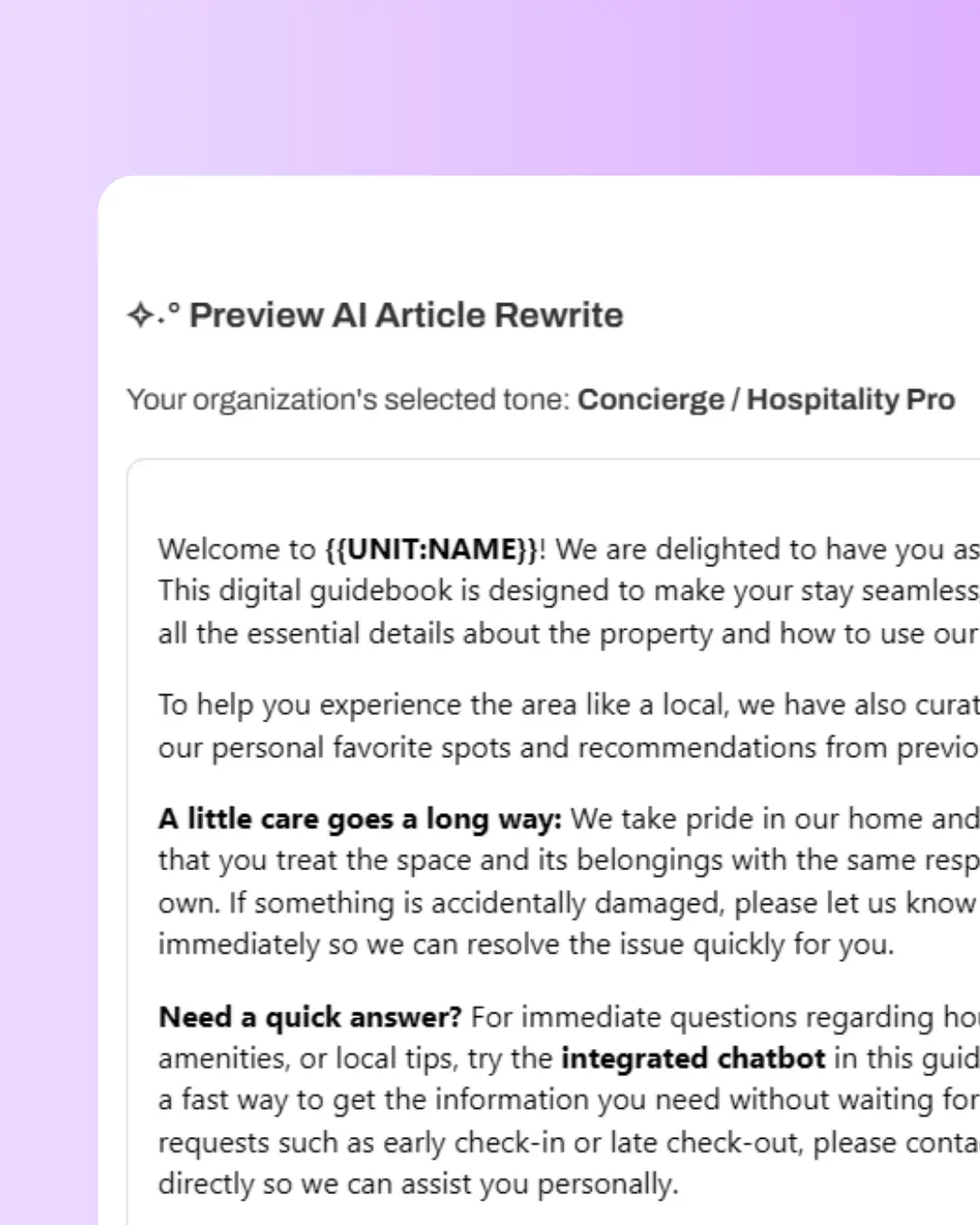
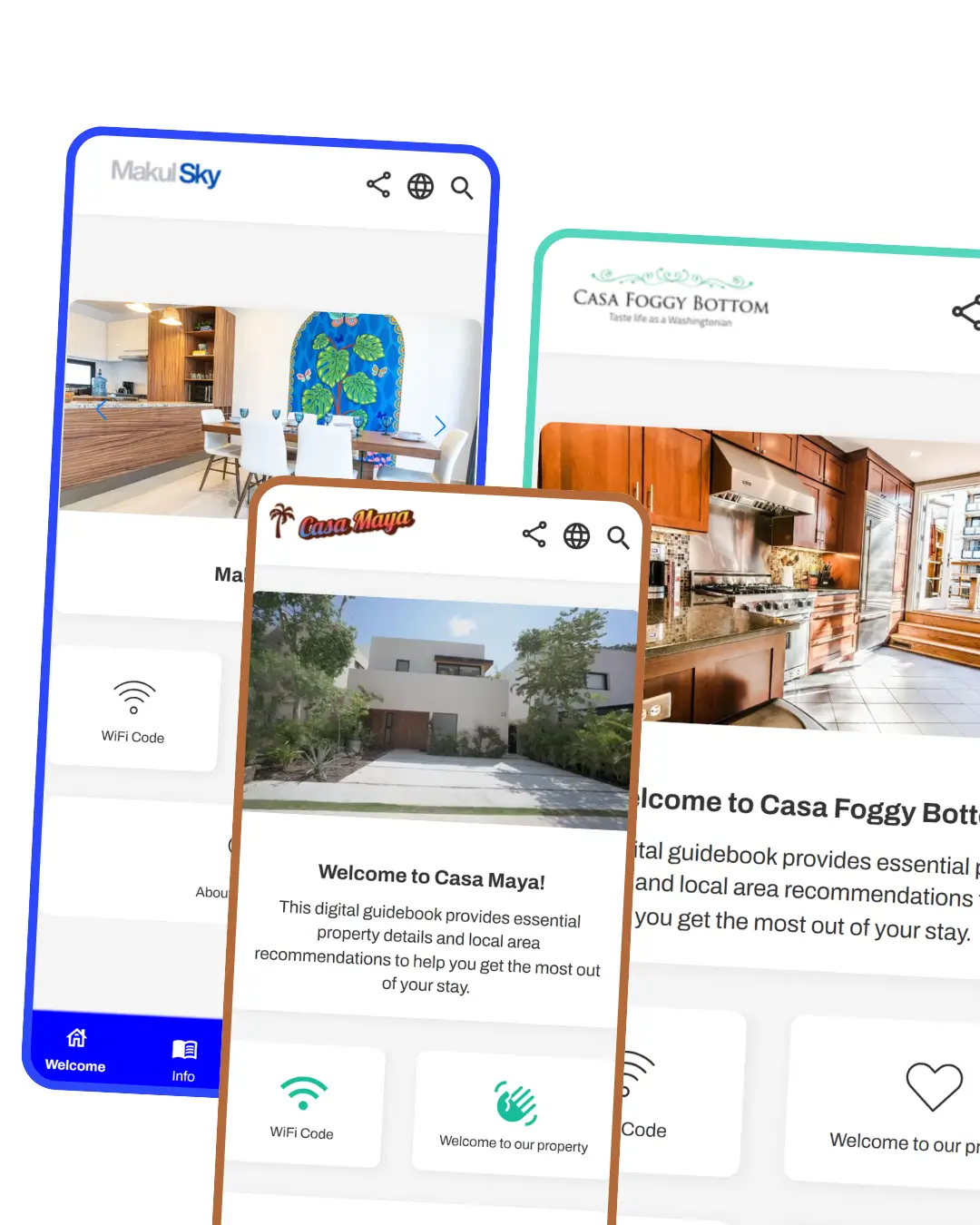
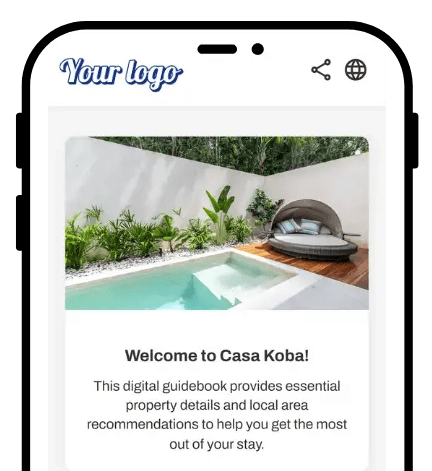
Some tools generate a guidebook and leave you with a rigid template you can't fully change. The Builder is the opposite. It does the heavy lifting of the first draft, pulling real data from your actual listing, then hands you full control.
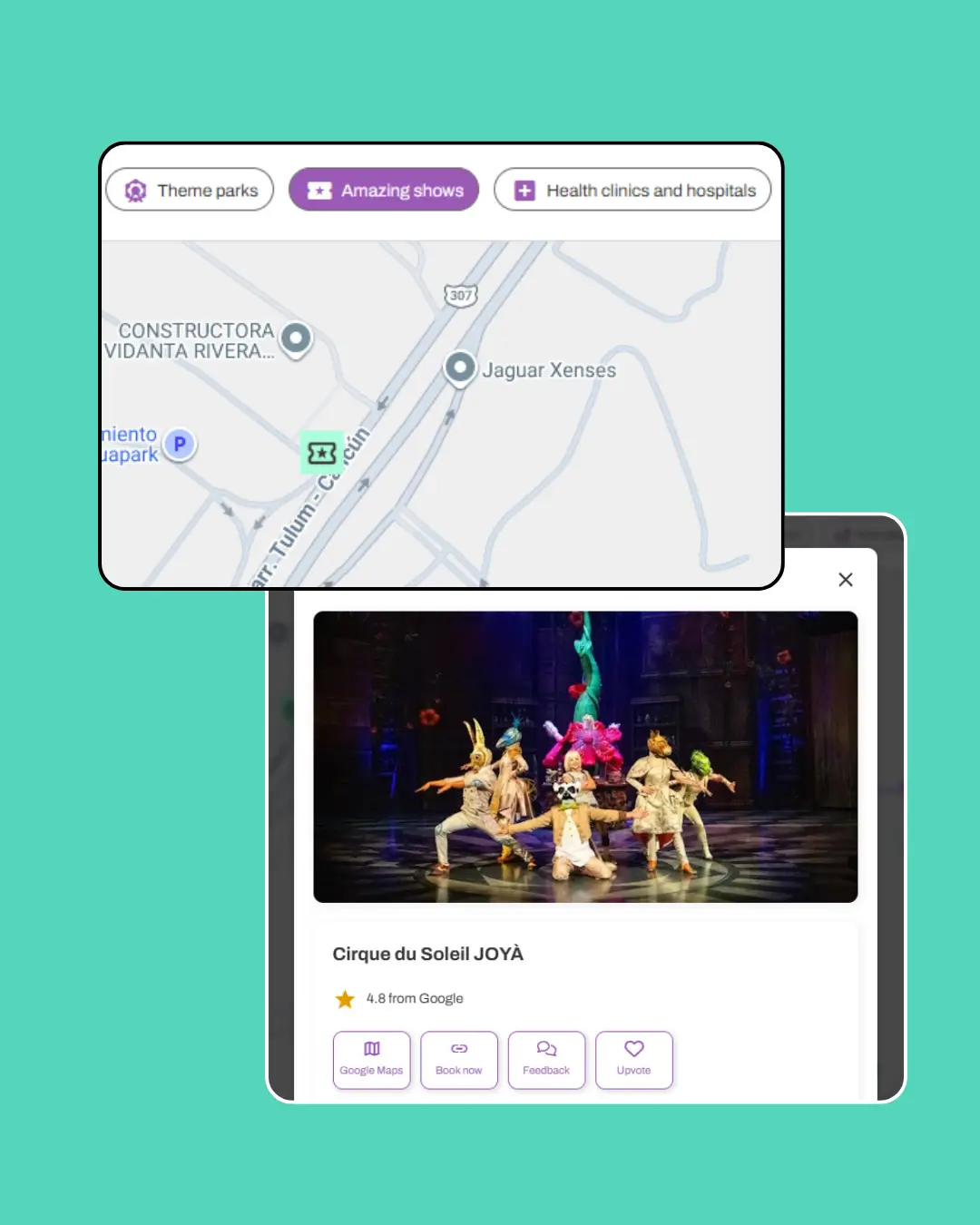
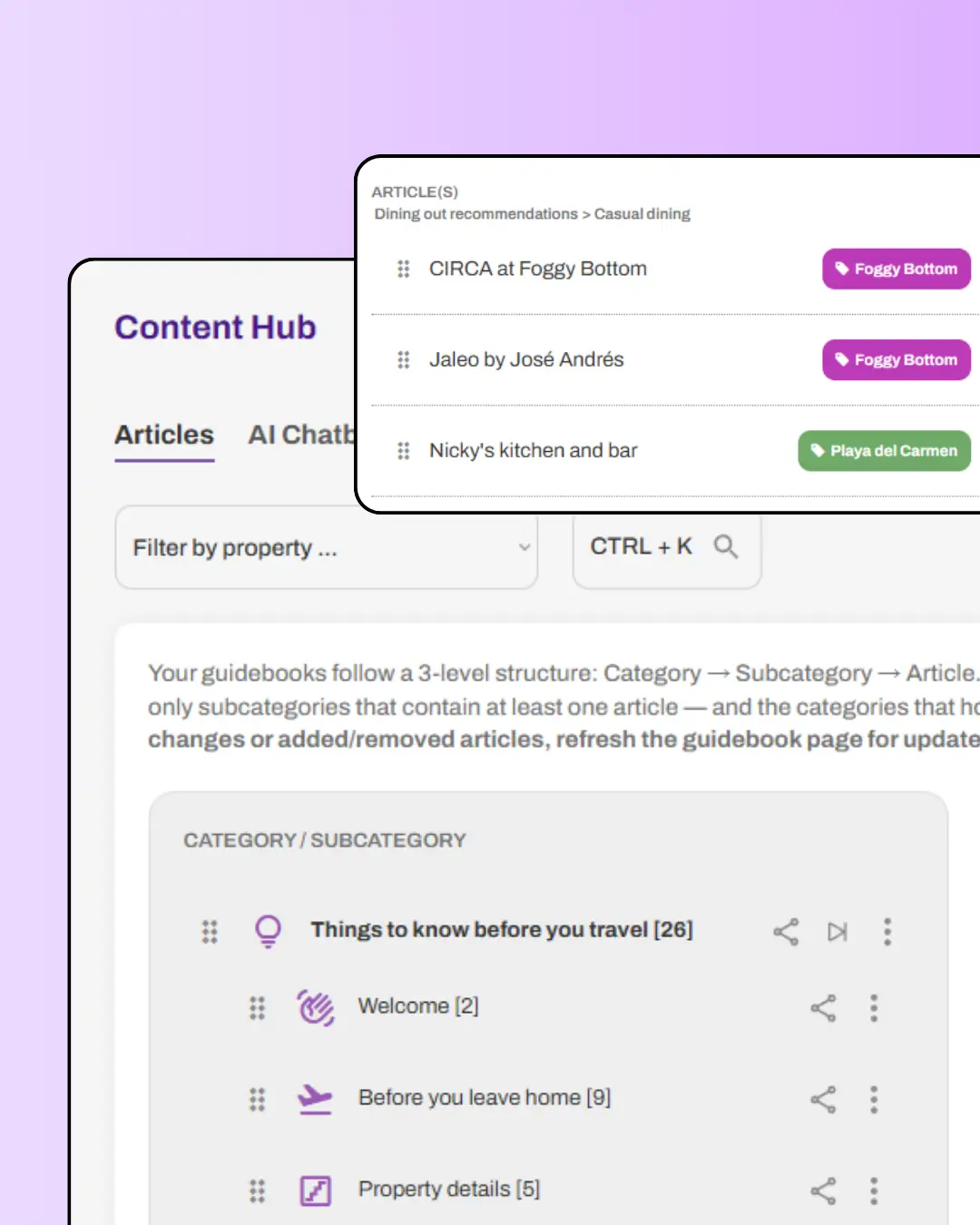
You rewrite the welcome note in your voice, swap the AI's restaurant picks for your real favorites, restrict an article to a single property, or start fresh on any section. The generated guidebook is a foundation, not a cage.
And because everything lives in your Content Hub, the work you put in compounds across every property you add later.
How it Works
1
Paste your listing URL or description
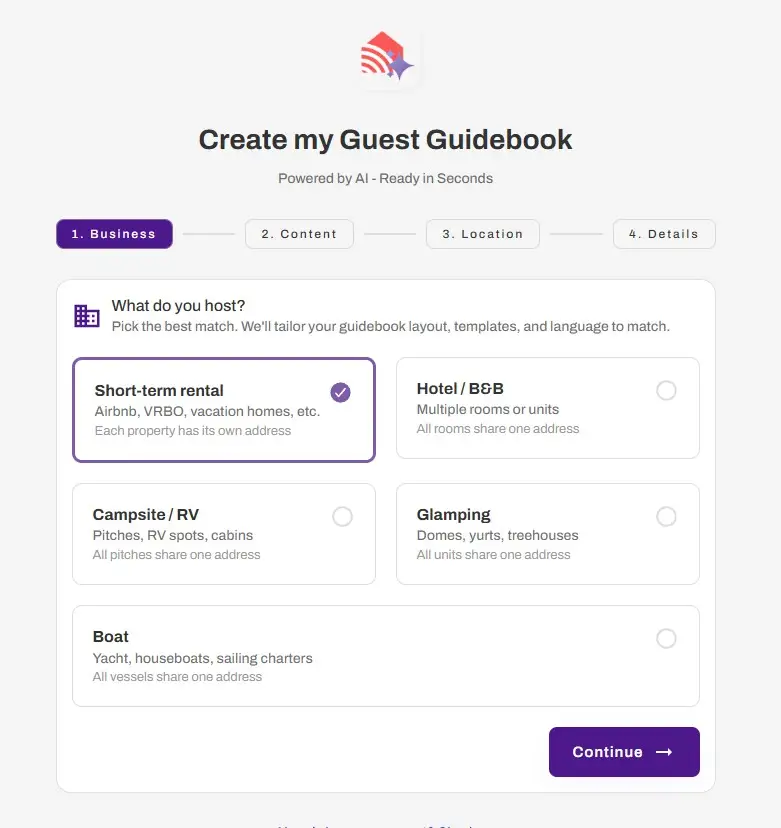
Start a new guidebook and drop in your Airbnb listing link. No URL handy? Paste your property description from anywhere instead.
2
Confirm the details
The Builder shows you what it pulled, property type, check-in and check-out times, amenities, and location. Fix anything that's off, then generate.
3
Edit and share
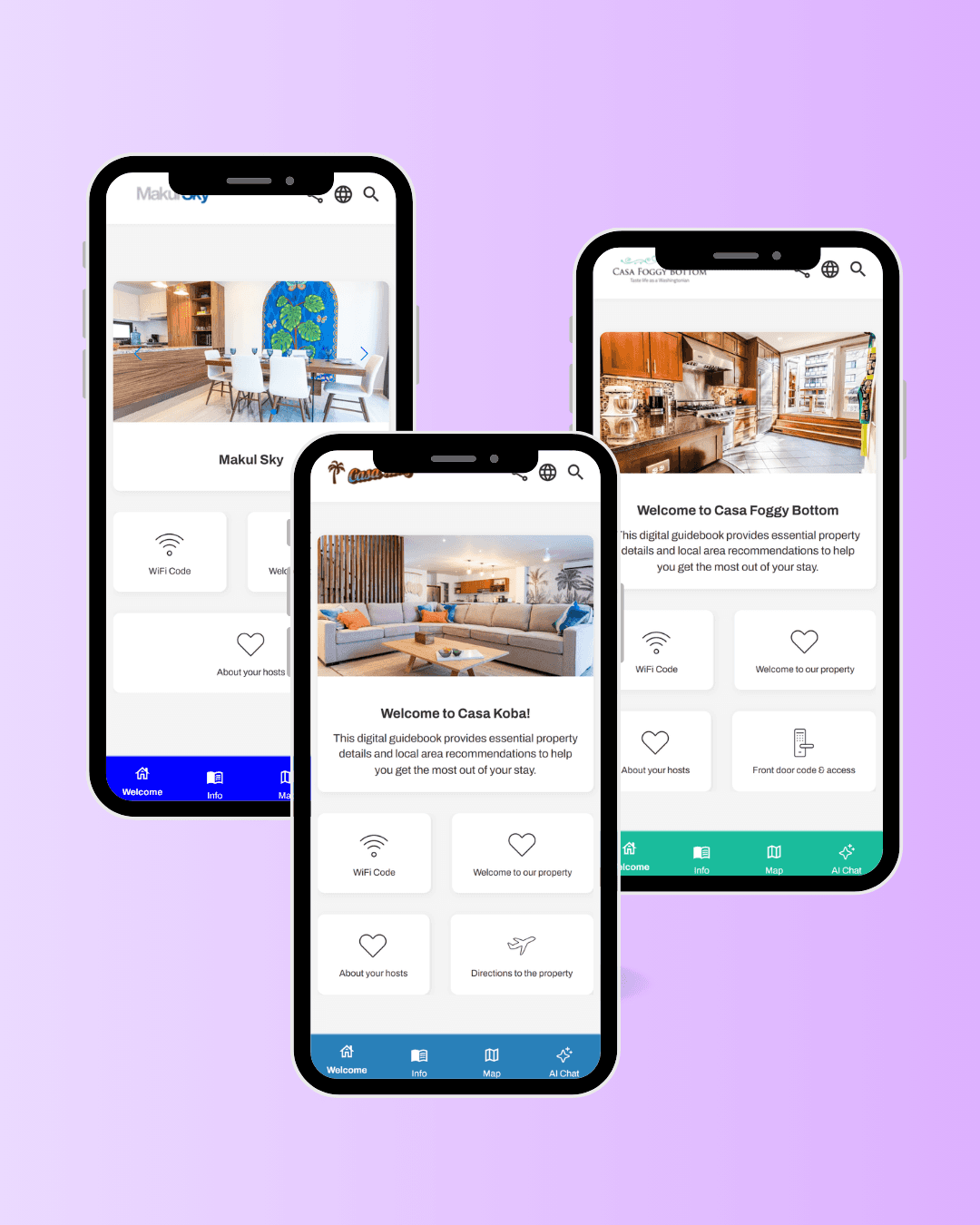
Your guidebook generates in minutes. Review it, add your personal touches, and share the link with your next guest. The AI Concierge is ready to answer questions the moment you go live.
Pricing
The AI Guidebook Builder is available when you create your first guidebook, including on the free Starter plan.
How to best use the AI builder to create your guidebook
Already have a Canva welcome book or a printed guidebook? Copy the full text and paste it straight into the Builder. It generates your guidebook from your own material, so nothing you've already written goes to waste.
After generating, open the AI Playground (Content → AI Chatbot) and test a few guest questions. If the Concierge misses something, the gap usually points to an article worth fleshing out.
The Builder pulls your listing's public amenities, so the more complete your Airbnb listing, the richer your starting guidebook. Worth a quick listing tidy-up before you import.
Related features