One link. Straight to the answer.

One link. Straight to the answer.

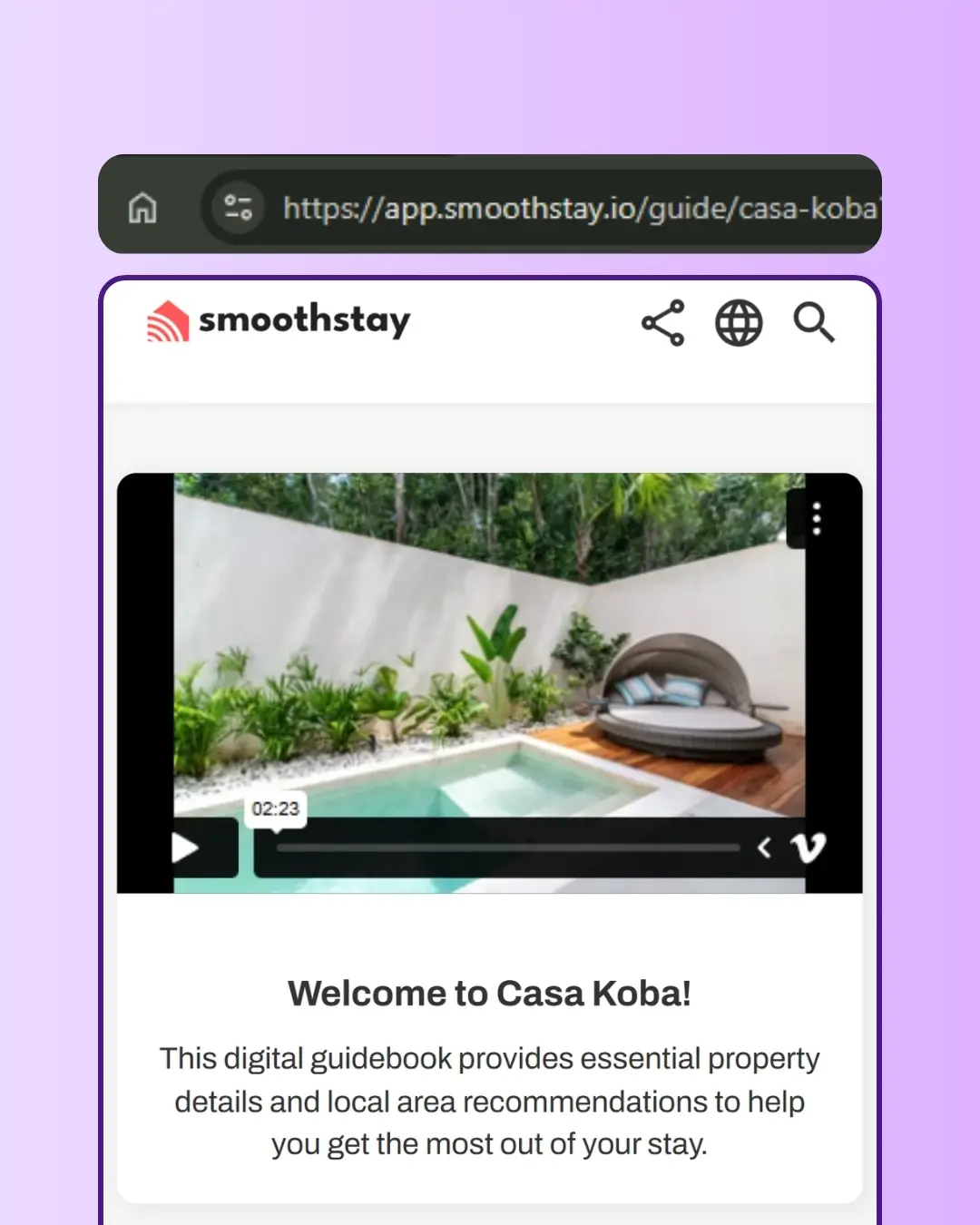
Guests message you at 11 pm asking for the wifi password. Instead of typing it out — or telling them where to find it in the guidebook — paste a deep link to that exact article. They tap once, they have their answer, and you're back to your evening.

Guests message you at 11 pm asking for the wifi password. Instead of typing it out — or telling them where to find it in the guidebook — paste a deep link to that exact article. They tap once, they have their answer, and you're back to your evening.

No credit card required

Cancel anytime

No credit card required

Cancel anytime

Avatar
Avatar
Avatar

Trusted by hosts in 18 countries

Avatar
Avatar
Avatar

Trusted by hosts in 18 countries

AI hospitality concierge by SmoothStay

Why It Matters

Answer fast. Once.

The same questions come up every stay — wifi, check-in, parking, the AC remote. Instead of typing the answer every time or telling guests "it's in the guidebook somewhere," send a deep link to the exact article. One tap, problem solved, conversation done.

Answer fast. Once.

The same questions come up every stay — wifi, check-in, parking, the AC remote. Instead of typing the answer every time or telling guests "it's in the guidebook somewhere," send a deep link to the exact article. One tap, problem solved, conversation done.

Embed the right link in the right place

Drop a deep link to your house rules in your booking confirmation email. A link to your check-in instructions in your day-before reminder. A link to your dining recommendations in your welcome message. Guests reach the part of the guidebook that matters at the moment it matters — instead of scrolling through everything to find it.

Embed the right link in the right place

Drop a deep link to your house rules in your booking confirmation email. A link to your check-in instructions in your day-before reminder. A link to your dining recommendations in your welcome message. Guests reach the part of the guidebook that matters at the moment it matters — instead of scrolling through everything to find it.

Works with every link type

Deep links work on top of whichever access type you already use — general share links, reservation links, or public links. The deep link inherits the security and timing of the underlying link, so a deep link to your door code on a reservation link still respects check-in/check-out timing automatically.

Works with every link type

Deep links work on top of whichever access type you already use — general share links, reservation links, or public links. The deep link inherits the security and timing of the underlying link, so a deep link to your door code on a reservation link still respects check-in/check-out timing automatically.

How it Works

1

Open the Content Hub

Go to the Content section of your dashboard and find the category, subcategory, or article you want to deep-link to.

2

Click the sharing icon

Every property, category, subcategory, and article has a sharing icon next to it. Click it to generate the deep link, then copy it to your clipboard.

3

Paste it where guests will see it

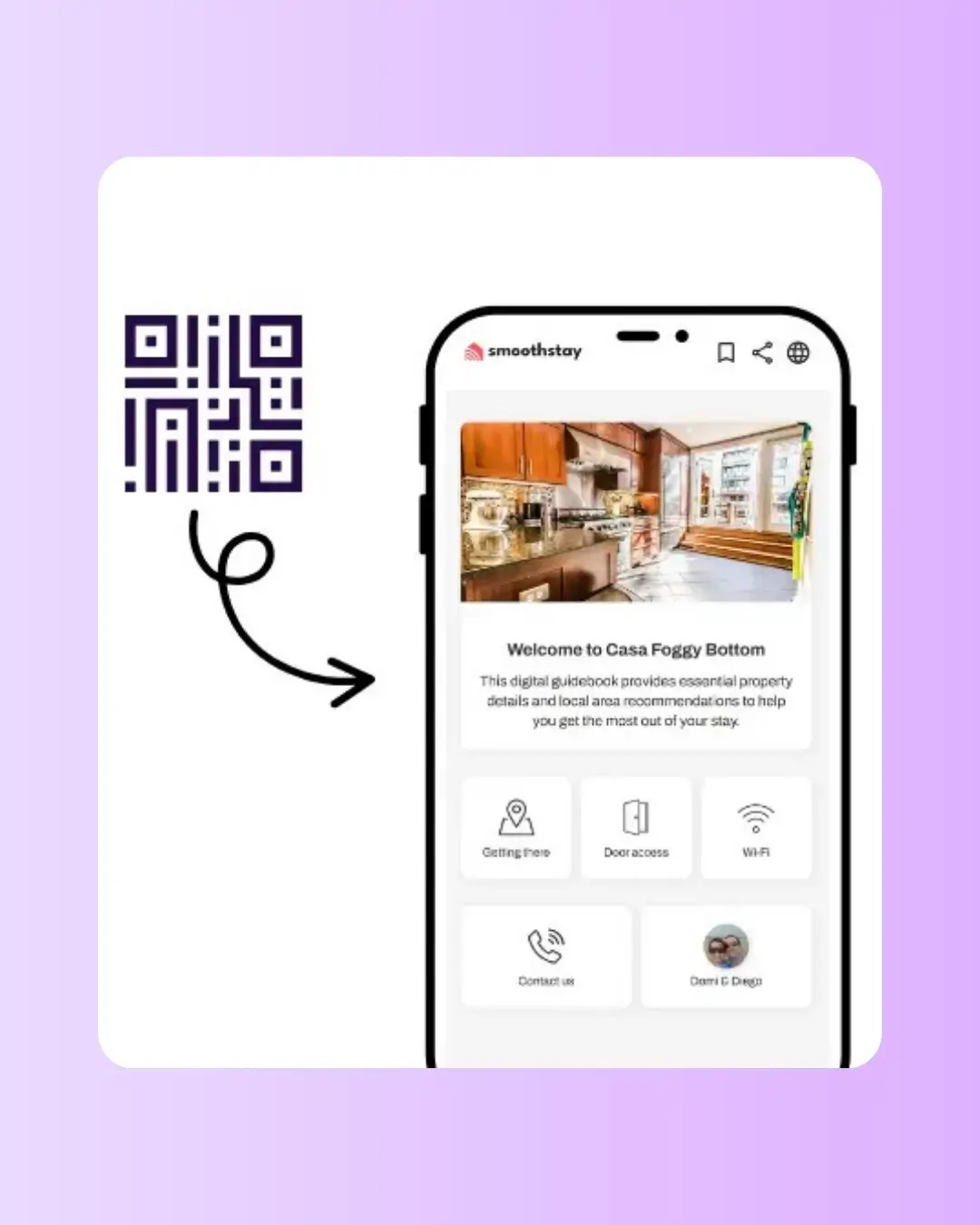
Drop the deep link into a text, an email, a welcome card, a QR code, or anywhere else you communicate with guests. They tap once and land exactly where you sent them.

Pricing

Deep links are included on every plan

All Premium Features

$6.90

USD

Guides

1

Need 30+ guidebooks? Get in touch for volume discounts.

No credit card required

Unlimited articles.

Add guidebooks at any time.

AI guest chatbot.

AI content assistant.

Guest registration

Your branding.

Automatic translation.

Advanced analytics.

Custom tags.

Advanced QR generator.

Embed unlimited images & videos.

Data dictionary.

Time-based access for guests.

Privacy controls.

OTA compliance tools

Share deep links.

All Premium Features

$6.90

USD

Guides

1

Need 30+ guidebooks? Get in touch for volume discounts.

No credit card required

Unlimited articles.

Add guidebooks at any time.

AI guest chatbot.

AI content assistant.

Guest registration

Your branding.

Automatic translation.

Advanced analytics.

Custom tags.

Advanced QR generator.

Embed unlimited images & videos.

Data dictionary.

Time-based access for guests.

Privacy controls.

OTA compliance tools

Share deep links.

All Premium Features

$6.90

USD

Guides

1

Need 30+ guidebooks? Get in touch for volume discounts.

No credit card required

Unlimited articles.

Add guidebooks at any time.

AI guest chatbot.

AI content assistant.

Guest registration

Your branding.

Automatic translation.

Advanced analytics.

Custom tags.

Advanced QR generator.

Embed unlimited images & videos.

Data dictionary.

Time-based access for guests.

Privacy controls.

OTA compliance tools

Share deep links.

How To Use Deep Links with Your Digital Guidebook

  1. Build a small library of your most-used deep links and keep them in a notes app. The wifi article, the check-in article, the parking article — the ones you send most often. When a guest texts at 10pm, you copy and send in 5 seconds instead of digging through the dashboard.


  2. Embed deep links in your scheduled messages. If you use Hospitable or any messaging tool that sends pre-arrival messages, paste the deep link to your check-in article in the day-before message and the deep link to your check-out article in the morning-of-checkout message. Guests get the right info at the right moment without needing to ask.


  3. Set your custom slug before you start sharing deep links. Changing the slug later breaks every deep link you've ever sent. The easiest moment to lock in your URL is right after creating a property — long before the first deep link goes out.

FAQs About Deep Links in Your Guidebook

Can I turn a deep link into a QR code?

Can I deep link to a restricted article?

Do deep links work on all link types?

What is a deep link?

Do deep links respect OTA compliance settings?

What happens if I change my slug or share link?

How do I create a deep link?

FAQs About Deep Links in Your Guidebook

Can I turn a deep link into a QR code?

Do deep links respect OTA compliance settings?

Can I deep link to a restricted article?

What happens if I change my slug or share link?

Do deep links work on all link types?

How do I create a deep link?

What is a deep link?

Get Started for Free

Get Started for Free

Get Started for Free

No credit card. Cancel anytime. No apps to download.

No credit card. Cancel anytime. No apps to download.

Get started with SmoothStay
Logo SmoothStay

We’re here to smooth out your hosting journey—making guest experiences better and your work easier.

© 2023–2026 HelloBnB LLC. All rights reserved. SmoothStay™ is a registered DBA of HelloBnB LLC, a Wyoming limited liability company.

Mailing Address: 1007 N Orange St, 4th Floor, Suite 3246, Wilmington, DE 19801, United States.


SmoothStay is not affiliated with Airbnb, Inc, VRBO, or any other platform.

Logo SmoothStay

We’re here to smooth out your hosting journey—making guest experiences better and your work easier.

© 2023–2026 HelloBnB LLC. All rights reserved. SmoothStay™ is a registered DBA of HelloBnB LLC, a Wyoming limited liability company.

Mailing Address: 1007 N Orange St, 4th Floor, Suite 3246, Wilmington, DE 19801, United States.


SmoothStay is not affiliated with Airbnb, Inc, VRBO, or any other platform.

Logo SmoothStay

We’re here to smooth out your hosting journey—making guest experiences better and your work easier.

© 2023–2026 HelloBnB LLC. All rights reserved. SmoothStay™ is a registered DBA of HelloBnB LLC, a Wyoming limited liability company.

Mailing Address: 1007 N Orange St, 4th Floor, Suite 3246, Wilmington, DE 19801, United States.


SmoothStay is not affiliated with Airbnb, Inc, VRBO, or any other platform.