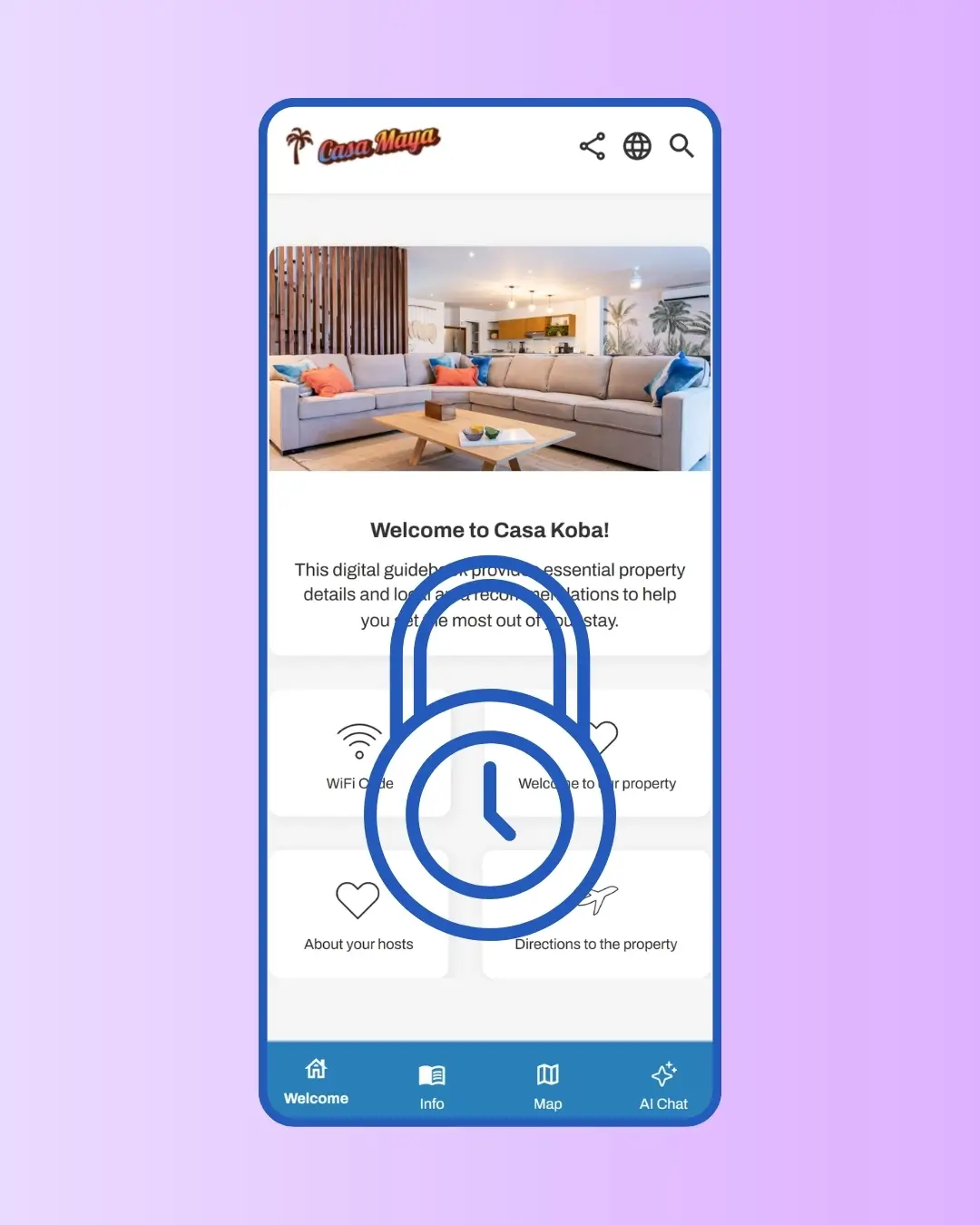
Opens before check-in. Closes after check-out.

Opens before check-in. Closes after check-out.

Door codes, parking instructions, gate codes — the things only your current guest should see. SmoothStay reveals them automatically when you've configured the lead time, and removes access at check-out without you doing anything. The same reservation link works the whole way through, but what's inside changes based on where the guest is in their stay.

Door codes, parking instructions, gate codes — the things only your current guest should see. SmoothStay reveals them automatically when you've configured the lead time, and removes access at check-out without you doing anything. The same reservation link works the whole way through, but what's inside changes based on where the guest is in their stay.

No credit card required

Cancel anytime

No credit card required

Cancel anytime

Avatar
Avatar
Avatar

Trusted by hosts in 18 countries

Avatar
Avatar
Avatar

Trusted by hosts in 18 countries

Time-based reservation in SmoothStay

Why It Matters

Sensitive content stays sensitive

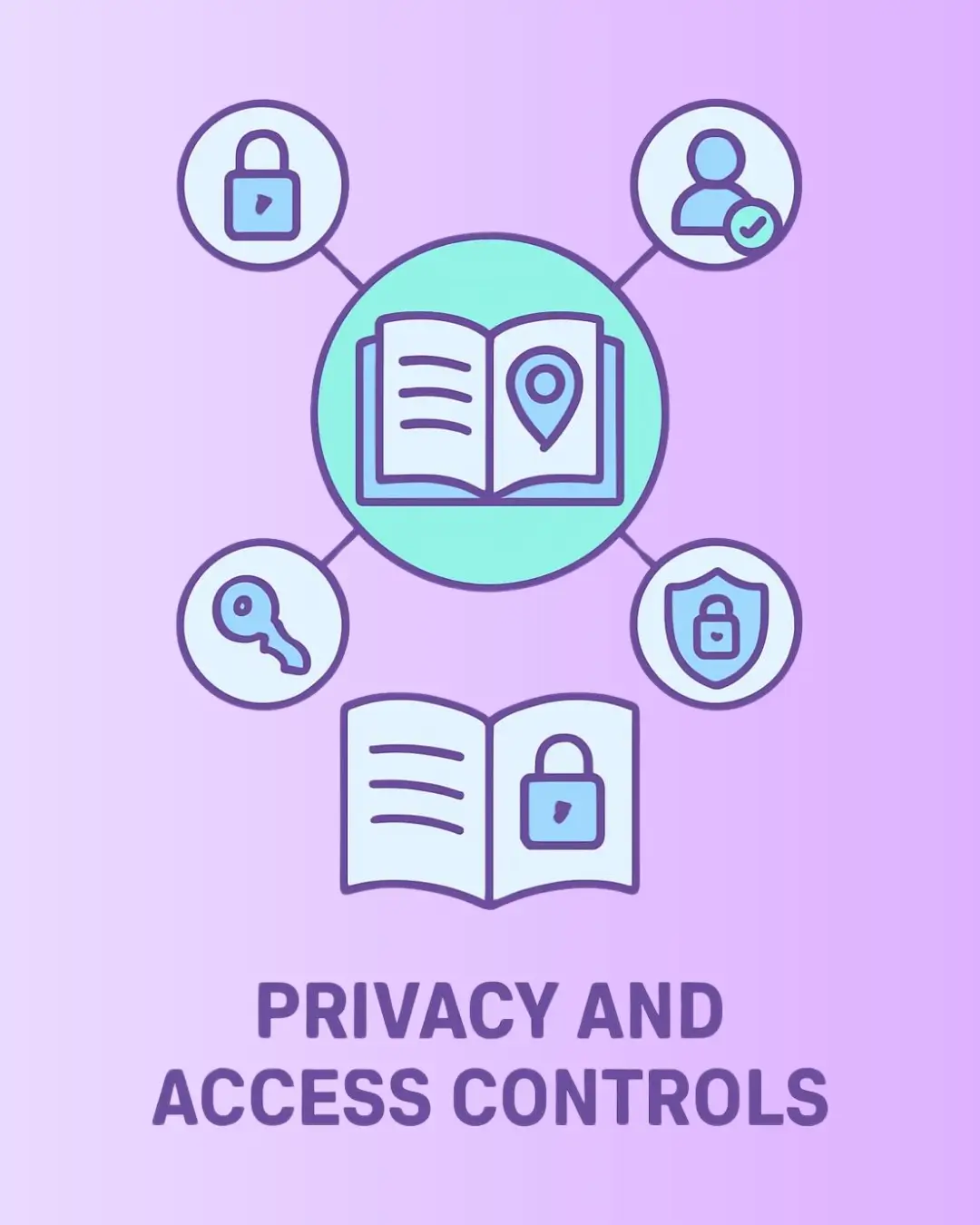
Your door code, your gate code, your alarm settings — all the things you don't want a guest holding onto a year after their stay. Mark them as Restrict to guests only and they appear during the stay window automatically. After check-out, they disappear from the same link the guest already has. No manual cleanup. No reset. Just access that ends when the stay does.

Sensitive content stays sensitive

Your door code, your gate code, your alarm settings — all the things you don't want a guest holding onto a year after their stay. Mark them as Restrict to guests only and they appear during the stay window automatically. After check-out, they disappear from the same link the guest already has. No manual cleanup. No reset. Just access that ends when the stay does.

One link, one workflow, every reservation

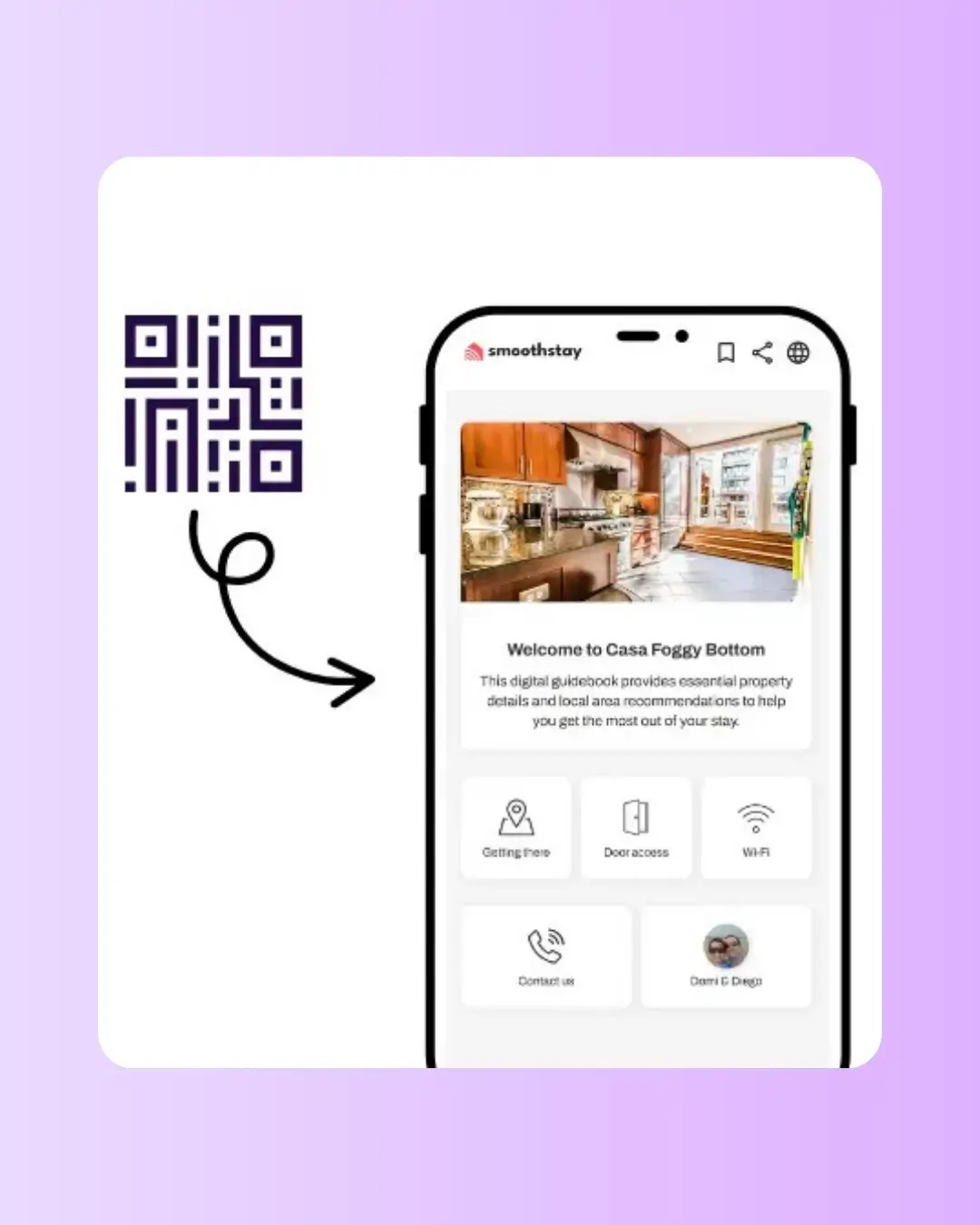
Send each guest one reservation link at booking and you're done. They can access general info immediately to plan their trip. Restricted info unlocks at your configured lead time before check-in. After check-out, they still have the link — local recommendations, house rules, things you're happy for them to remember — but the sensitive content is gone. No follow-up emails. No "send the door code at the right moment" reminders.

One link, one workflow, every reservation

Send each guest one reservation link at booking and you're done. They can access general info immediately to plan their trip. Restricted info unlocks at your configured lead time before check-in. After check-out, they still have the link — local recommendations, house rules, things you're happy for them to remember — but the sensitive content is gone. No follow-up emails. No "send the door code at the right moment" reminders.

Adjustable when life happens

SmoothStay defaults to a 14-day lead time — two weeks before check-in for guests to read your guidebook, plan their trip, and find everything they need. Need a guest to have access earlier? Override the lead time on that one reservation without changing your default. A late checkout extension? Update the check-out date and the access window adjusts automatically.

Adjustable when life happens

SmoothStay defaults to a 14-day lead time — two weeks before check-in for guests to read your guidebook, plan their trip, and find everything they need. Need a guest to have access earlier? Override the lead time on that one reservation without changing your default. A late checkout extension? Update the check-out date and the access window adjusts automatically.

How it Works

1

Set your default lead time once

Open Settings → Reservations and set the lead time that fits your operation. SmoothStay defaults to 14 days, which gives guests two weeks before check-in to read through restricted content like door codes, directions, and parking info. Adjust shorter or longer based on how far in advance your guests typically plan their trips.

2

Mark sensitive articles as restricted

Inside any article's Visibility tab, under Sharing and security, toggle on Restrict access. Door codes, directions, gate codes, anything you only want the current guest to see during their stay window. The setting applies across every reservation automatically.

3

Create reservations and share

Add a reservation. Set check-in and check-out times. Override the lead time for that specific reservation if needed. Send the reservation link to the guest. The system handles the timing from there — restricted content unlocks at your lead time, locks again at check-out.

Pricing

Time-based reservation access is part of the reservation link system, included on every paid plan.

All Premium Features

$6.90

USD

Guides

1

Need 30+ guidebooks? Get in touch for volume discounts.

No credit card required

Unlimited articles.

Add guidebooks at any time.

AI guest chatbot.

AI content assistant.

Guest registration

Your branding.

Automatic translation.

Advanced analytics.

Custom tags.

Advanced QR generator.

Embed unlimited images & videos.

Data dictionary.

Time-based access for guests.

Privacy controls.

OTA compliance tools

Share deep links.

All Premium Features

$6.90

USD

Guides

1

Need 30+ guidebooks? Get in touch for volume discounts.

No credit card required

Unlimited articles.

Add guidebooks at any time.

AI guest chatbot.

AI content assistant.

Guest registration

Your branding.

Automatic translation.

Advanced analytics.

Custom tags.

Advanced QR generator.

Embed unlimited images & videos.

Data dictionary.

Time-based access for guests.

Privacy controls.

OTA compliance tools

Share deep links.

All Premium Features

$6.90

USD

Guides

1

Need 30+ guidebooks? Get in touch for volume discounts.

No credit card required

Unlimited articles.

Add guidebooks at any time.

AI guest chatbot.

AI content assistant.

Guest registration

Your branding.

Automatic translation.

Advanced analytics.

Custom tags.

Advanced QR generator.

Embed unlimited images & videos.

Data dictionary.

Time-based access for guests.

Privacy controls.

OTA compliance tools

Share deep links.

How to Set Time-Based Reservations in Your Guidebook Like a Pro

  • A 14-day lead time is the right default for most operations. It gives guests two full weeks before arrival to read through the guidebook, plan their trip, and find the practical info they need — door code, directions, parking, wifi — without rushing the day of arrival. Shorter lead times (24–48 hours) work for last-minute or business-travel hosts where guests genuinely don't think about the stay until the day before. Longer lead times (a month or more) start to expose sensitive content earlier than necessary; 14 days is the sweet spot for most leisure stays.


  • Override the lead time per reservation rather than changing your default. If a single guest needs earlier access — they're flying in three days early to scout the area, they're a returning Superhost asking for early code access, whatever — adjust just that reservation. Your default stays sensible for everyone else.


  • Check the "Guidebook Last Seen On" column in your Reservations dashboard a day or two before check-in. Even with a 14-day lead time, some guests don't open the link until they need it. If a guest hasn't opened theirs yet, send a quick reminder. The lead time only matters if the guest actually opens the link before they need the info — and a 30-second nudge solves the most common arrival-day problem (guest at the door, can't find the code).
FAQs About Time-based Reservations

Can I use time-based access for guests who didn't book through my PMS?

What if a guest needs an early check-in or a late check-out?

What happens to restricted content after checkout?

What is "lead time"?

Does the reservation link still work after checkout?

Can I change the lead time for a single reservation without changing my default?

What counts as "restricted" content?

FAQs About Time-based Reservations

Can I use time-based access for guests who didn't book through my PMS?

Does the reservation link still work after checkout?

What if a guest needs an early check-in or a late check-out?

Can I change the lead time for a single reservation without changing my default?

What happens to restricted content after checkout?

What counts as "restricted" content?

What is "lead time"?

Get Started for Free

Get Started for Free

Get Started for Free

No credit card. Cancel anytime. No apps to download.

No credit card. Cancel anytime. No apps to download.

Get started with SmoothStay
Logo SmoothStay

We’re here to smooth out your hosting journey—making guest experiences better and your work easier.

© 2023–2026 HelloBnB LLC. All rights reserved. SmoothStay™ is a registered DBA of HelloBnB LLC, a Wyoming limited liability company.

Mailing Address: 1007 N Orange St, 4th Floor, Suite 3246, Wilmington, DE 19801, United States.


SmoothStay is not affiliated with Airbnb, Inc, VRBO, or any other platform.

Logo SmoothStay

We’re here to smooth out your hosting journey—making guest experiences better and your work easier.

© 2023–2026 HelloBnB LLC. All rights reserved. SmoothStay™ is a registered DBA of HelloBnB LLC, a Wyoming limited liability company.

Mailing Address: 1007 N Orange St, 4th Floor, Suite 3246, Wilmington, DE 19801, United States.


SmoothStay is not affiliated with Airbnb, Inc, VRBO, or any other platform.

Logo SmoothStay

We’re here to smooth out your hosting journey—making guest experiences better and your work easier.

© 2023–2026 HelloBnB LLC. All rights reserved. SmoothStay™ is a registered DBA of HelloBnB LLC, a Wyoming limited liability company.

Mailing Address: 1007 N Orange St, 4th Floor, Suite 3246, Wilmington, DE 19801, United States.


SmoothStay is not affiliated with Airbnb, Inc, VRBO, or any other platform.