Guests Not Using the Airbnb App to Check In: Why Your Instructions Never Landed

Published
Last updated
Airbnb holds your detailed check-in instructions until 48 hours before arrival, then leans on a notification the guest may have switched off. From the host's side, a guest who never saw the message and a guest who ignored it look the same. What you can actually control is delivery: a link that opens in any browser, sent more than once, and a printed card at the door for the guest who turns up with nothing.
You sent the arrival details. You sent them twice. The guest still calls at 11pm from somewhere on the block, asking which door is yours. The obvious conclusion is that they read nothing you wrote, and plenty of hosts stop there.
Before you land on that, check whether they were ever in a position to see it. Airbnb alerts guests by push, email and text, and each of those is a setting the guest controls. Whether anything actually reached them is not something you can see from your side of the thread.
Why don't guests see my Airbnb check-in instructions?
Airbnb holds your detailed check-in instructions until 48 hours before check-in, then surfaces them in the Trips tab, a reminder email, and the message thread. Whether the guest is alerted at all depends on notification settings they control, which are separate from whether they installed the app. In our experience a guest who was never alerted and a guest who ignored you are hard to tell apart from the host side.
What Airbnb actually shares, and when
Two different releases are happening, and hosts routinely mix them up.
Since March 2026, a confirmed reservation immediately gives the guest your contact number, the full listing address including unit number, and what Airbnb calls arrival guide details: your check-in method, your checkout instructions, and your house manual. Airbnb documents this in its help center article on booking confirmation. We covered what that change did to host control in our post on Airbnb's address-sharing rule.
The detailed check-in instructions are a separate field on a separate clock. Airbnb's host-side help article states it plainly: guests see your check-in method, but not the detailed instructions, until 48 hours before check-in.
What the guest gets | When |
|---|---|
Full address, including unit or apartment number | At booking confirmation |
Your contact number | At booking confirmation |
Check-in method, checkout instructions, house manual | At booking confirmation |
The detailed check-in instructions | About 48 hours before check-in |
That gap matters for a booking made three months out. The guest reads the confirmation in January, sees an address and a note saying "keypad," and files it away. The part telling them which keypad does not exist yet.
Names make it worse. Airbnb's arrival guide, the house manual, Airbnb's city guidebooks and a digital guidebook you run yourself are four different things. When a guest says they couldn't find "the guide," ask which one they mean.
In our experience, the notification matters more than the app
Nothing here is locked behind the app. Airbnb's own guest-side help article documents the desktop path: Trips, then the reservation, then Checking in, then How to get inside. A guest with a laptop and a password can reach everything you wrote.
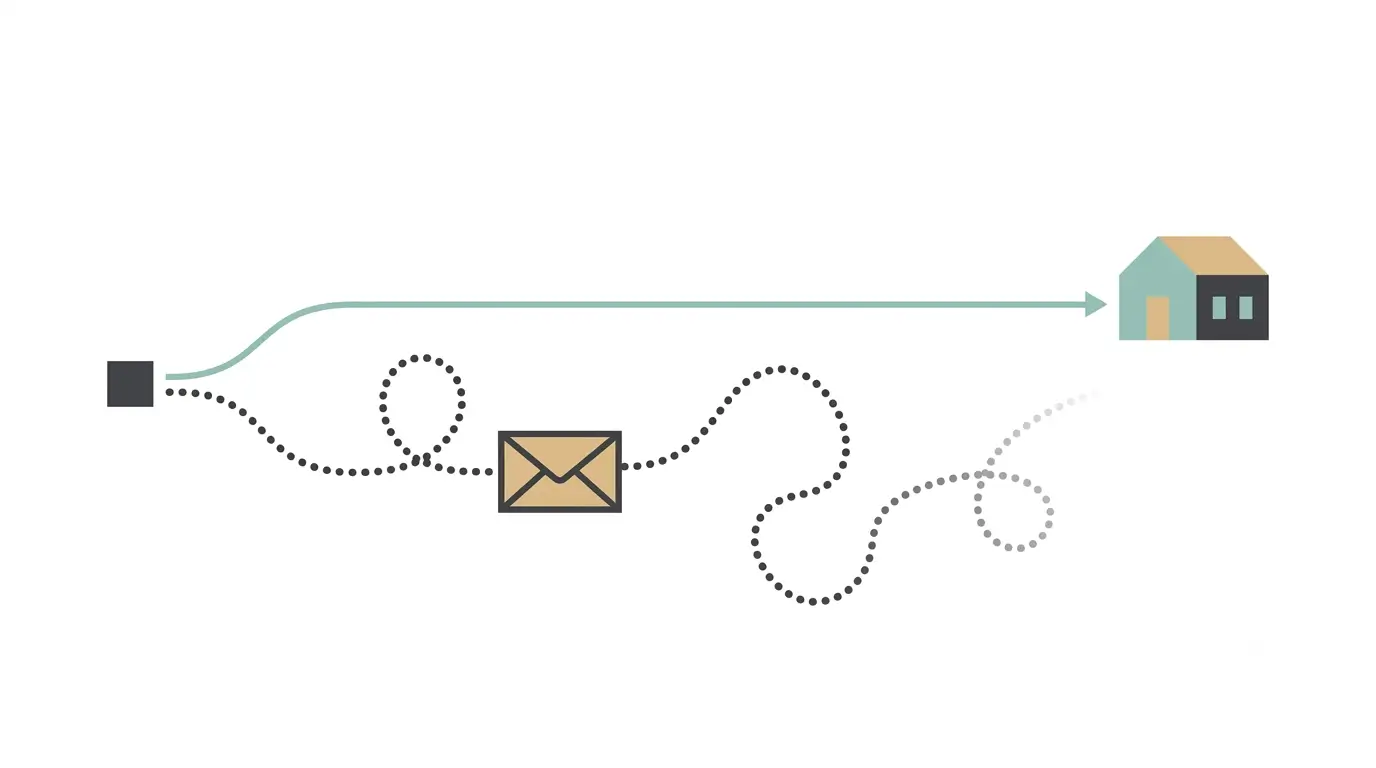
What Airbnb documents is the plumbing. Message notifications go out by email, SMS and push, and the guest switches those on or off in account settings. What Airbnb does not say anywhere is which link in that chain breaks most often, and we have not found data on it.
Our read, from our own arrivals, is that the notification matters more than the app. A guest with the app and notifications muted hears nothing. A guest with no app and email alerts on gets everything. "They don't have the app" is usually shorthand for "nothing pinged them," and the two send you looking in different places. Treat that as an operator's hypothesis rather than a documented finding.
Airbnb's help page also tells guests to check both their email and their messages, a fair admission that delivery is split. Email is a weak backstop anyway: it arrives from Airbnb rather than you, so it reads as platform housekeeping, and Gmail files a lot of it under Promotions.
Desktop bookers are more common than hosts assume: Phocuswright put mobile at 46% of UK online gross bookings in 2024, one of Europe's most mobile-forward markets, and expected it to pass desktop only during 2026. That's all travel rather than short-term rentals, and "mobile" includes mobile browsers.
Check who actually booked
Rule this out first: the person who booked may not be the person arriving. A spouse books on the laptop, an adult child books for a parent, and the traveller at your door has no account and no messages.
Airbnb lets the booker add other guests to the reservation, which gives them the instructions and your messages. Asking who is actually arriving costs one message and explains a lot of silent threads.
The 11pm arrival where nothing works
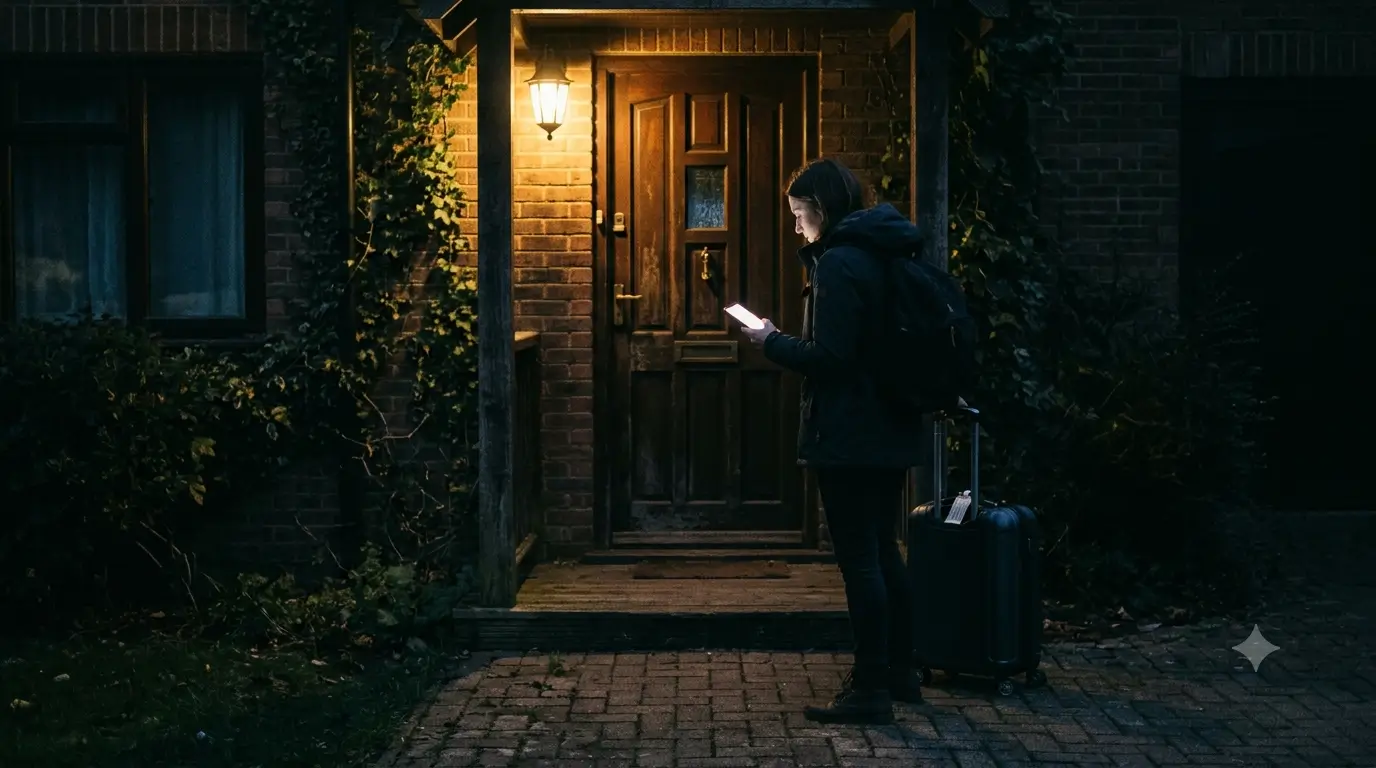
The failure mode that generates the angry review stacks four things: nothing pinged them, a confirmation email skimmed months ago, an after-dark arrival somewhere unfamiliar, and a phone with no local data.
A guest arriving late at our Foggy Bottom row house in Washington, DC circled the block looking for street parking because they had never opened the message explaining the alley entrance, and called from two streets over.
Another guest landed in Cancún without an eSIM, couldn't load anything until they reached our property's wifi, and had nothing on paper to work from.
Worth being straight about a limit: most digital guidebooks need a connection to load, like any web page, and do not work offline. What they can do is load early. Send the link while the guest still has wifi, and it's already open in a tab when they land.
"They didn't read it" and "they never got it" are hard to tell apart
Airbnb shows you that a message was sent. It doesn't tell you whether anyone was alerted or whether it was opened, and hosts fill that silence with the least generous explanation available.
Sometimes it's right. Plenty of guests genuinely don't read. But if you've settled on guest laziness, you'll never fix a delivery problem you could solve.
What you can control: the sequence
The order is what stops the arrival-hour calls, more than the wording.
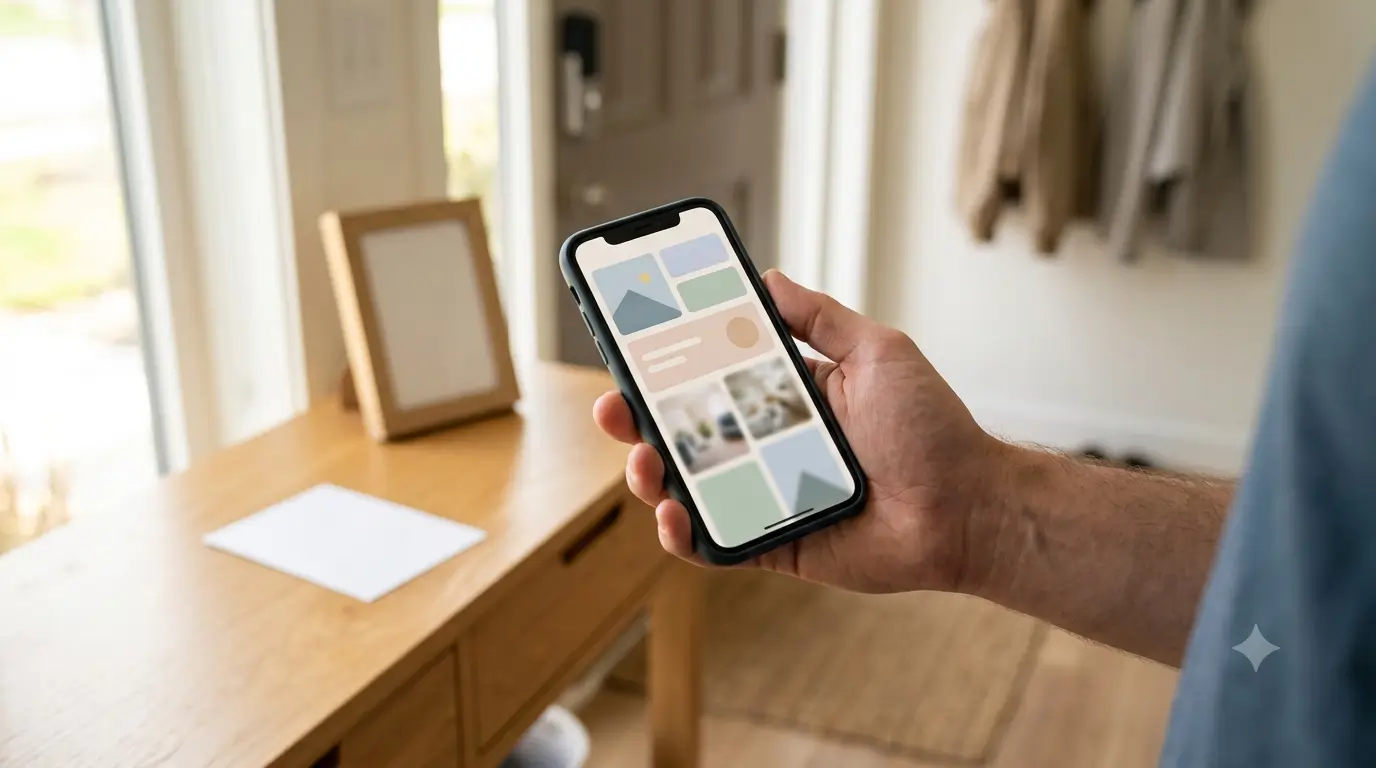
Put the arrival information where it opens in any browser. No app, no login, no account. A SmoothStay guidebook link works this way by design, and it behaves the same whether the booking came from Airbnb, Vrbo, or your own site.
Send it as a link in the Airbnb thread, not as a file. A guidebook link that serves the stay is fine there; what Airbnb's policy bans is a link pulling the guest toward booking or contacting you off-platform. A link also travels to a phone better than a PDF does.
Send it more than once, at the moments that make sense. At booking, again around 14 days before check-in, and on the morning of arrival with a deep link to your property’s directions. Most hosts automate this from their PMS. Keep the
count of messages as low as is effective, though: guests are vocal about hosts who send a dozen automated notes for a two-night stay.
Link to the specific answer, not the front page. A guest who needs parking shouldn't have to navigate a menu at the curb. Deep links drop them straight into the parking instructions or the wifi article.
Put a physical fallback at the door. A QR code in the entry gives a guest who arrives with nothing a path back to the information. Pair it with a small printed card carrying the two things that never change: how to get in, and your number. A QR pointing at a web page needs a connection; the card doesn't.
Confirm receipt instead of assuming it. "Let me know if you have any questions" gets no reply and tells you nothing. "Are you coming in through the alley or the front?" forces an answer, and the answer tells you they opened the message.
If the check-in method itself is the problem rather than the delivery, our post on Airbnb self check-in covers the mechanics.
The limits, and one thing hosts get wrong
You cannot make anyone install an app or switch their notifications on, and Airbnb decides when the detailed instructions release. Those are not host-side settings.
You also can't route around it before arrival. On an Airbnb-sourced reservation, soliciting a guest's personal email or phone to send arrival details off-platform breaches Airbnb's terms. A link inside the Airbnb thread is fine. Moving the guest to WhatsApp before they arrive is not.
One thing hosts repeat that isn't right: that Airbnb no longer lets you phone a guest. Airbnb shares the guest's number once the reservation is confirmed and publishes instructions for contacting guests by phone. The last four digits shown on the reservation are a separate feature meant for building door codes, and temporary masked numbers are a limited rollout in the US and Canada. Check the reservation before deciding you have no way to reach anyone.
This is also the quieter argument for a channel you own. On a direct booking the timing isn't decided for you. That's a reason to build direct demand over time, not to move existing Airbnb guests anywhere. Keep Airbnb bookings on Airbnb.
FAQ
Do guests need the Airbnb app to see check-in instructions?
No. Airbnb documents a desktop path: Trips, select the reservation, Checking in, then How to get inside. The app isn't required to reach the information. What matters is whether the guest has any notification switched on to tell them it arrived.
When do Airbnb guests actually receive check-in instructions?
The detailed check-in instructions release about 48 hours before check-in, in local time. The address, your contact number, the check-in method, the checkout instructions, and the house manual are all available as soon as the reservation is confirmed.
Can I call an Airbnb guest who isn't answering messages?
Usually yes. Airbnb shares the guest's phone number with the host after the reservation is confirmed and publishes instructions for calling them. Some users in the US and Canada now get temporary masked numbers instead, and those expire shortly after checkout.
My guest says they never got my message. Are they lying?
Usually not. Airbnb shows you that a message was sent, not that anyone was alerted. Between the 48-hour release, muted notifications, and bookings made by someone who isn't travelling, there are several ordinary ways for a message to be delivered and never seen.
Does a QR code at the door work if the guest has no signal?
It depends what the code carries. A QR pointing at a guidebook, or any web page, needs a connection to load that page. A QR can also carry plain text or wifi credentials, which don't. Assume your guidebook code needs a connection, which is why the card beside it should also carry the entry basics and your phone number in plain text.
Get the arrival information somewhere guests can actually open it
Most arrival-hour calls we've fielded came down to delivery, not attention. If you'd rather not rebuild that chain by hand, you can have a SmoothStay guidebook running on the free plan in an afternoon, with a link that opens in any browser and a QR code for the entry.
Latest articles

How to Automate Check-In Instructions for Short-Term Rental Guests
Automate check-in instructions for short-term rental guests: the four-send sequence, what goes in a message versus a guidebook, and a copy-ready sample.

Vrbo Premier Host in 2026: Every Listing Now Stands on Its Own Record
Vrbo Premier Host requirements changed in 2026: per-listing scoring, tighter thresholds, quarterly checks. What each one means, and how it compares to Superhost.
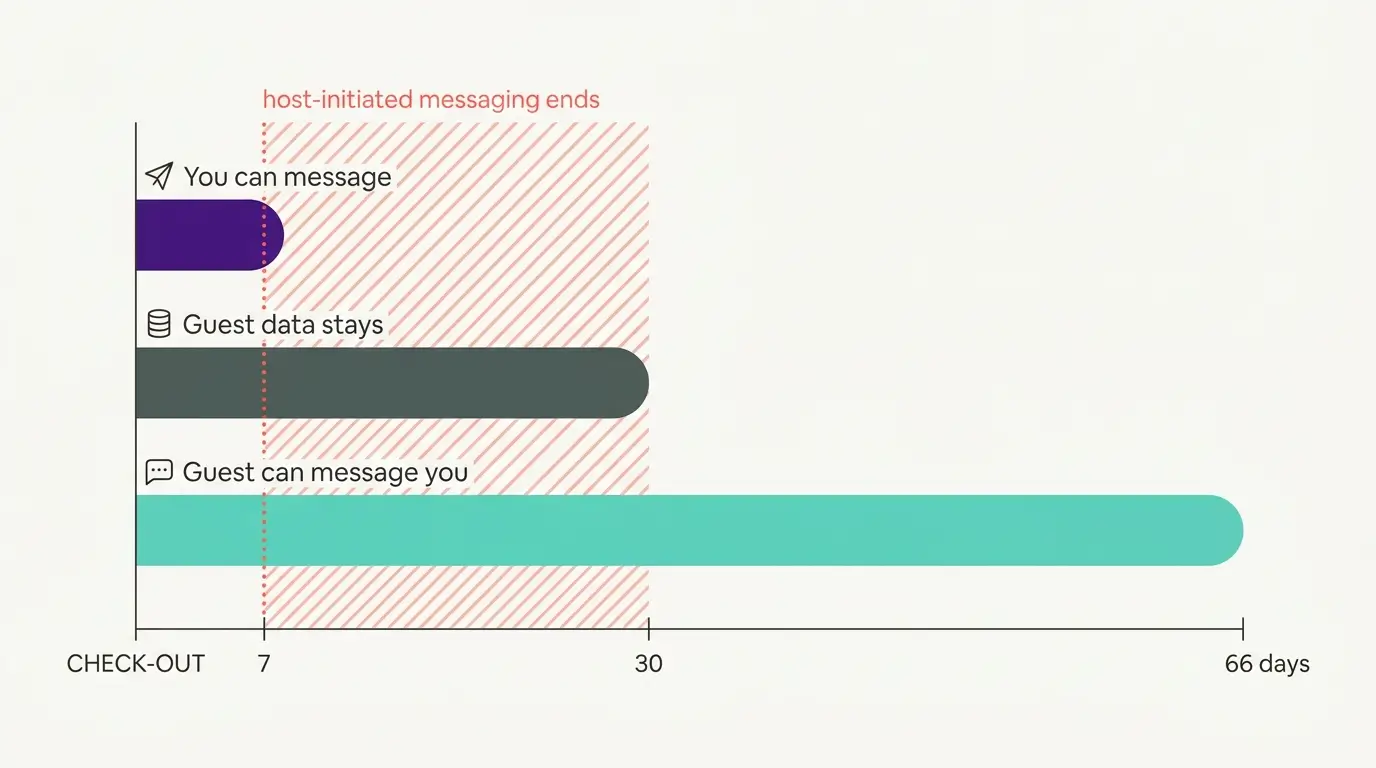
Booking.com Guest Messaging Rules: What Hosts Can Send, When, and Why Links Get Removed
Booking.com guest messaging rules, verified at source: how long you can message a guest, why your links get removed, and what the partner terms say.
Vrbo's New Features for Fall 2026: What's Live, What's Gated, and What's US-Only
We sorted Vrbo's new features for fall 2026: what is live globally, what is gated behind eligibility, and what is US-only. Verified against Vrbo's own pages.