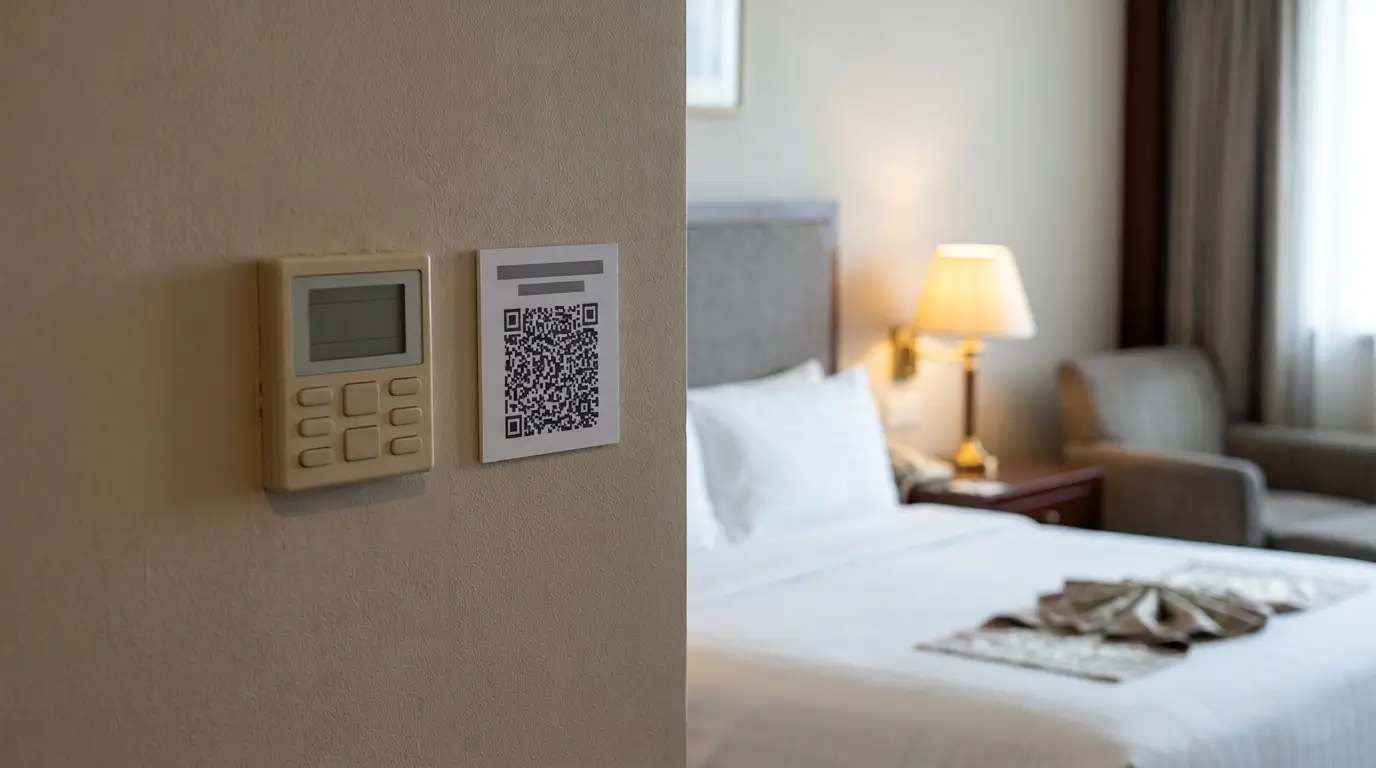
A QR code in a guest room is worth exactly the page it opens. Point it at something you can edit, not a file you export once and forget. One code on the nightstand covers the usual questions, and a small code beside the thermostat covers the one it doesn't. Print black on white, big enough for the distance guests stand back, and leave the legally posted notices alone until your fire marshal says otherwise.
A QR code in a guest room does one job. It gets somebody from standing-in-the-room confusion to the answer without calling the desk, and that works the same at eight rooms or eighty.
What changes in a hotel is the arithmetic. You print the same card dozens of times, so a bad destination costs you the whole print run. And the back of a guest room door often already carries a notice that has to be there on paper.
What should a QR code in a hotel room link to?
Point it at a page you can edit, not a file you have to reprint. One code on the desk or the nightstand covers the usual questions if it opens a hotel guest directory you can update: wifi, breakfast, checkout, the heating, how to reach somebody once the desk is closed. A code stuck to a specific object should skip the front page and open that one article.
That second half is the part we think matters most. A guest at one of our Mexico properties asked whether the filtered water was safe to drink. The article explaining it already existed and was accurate, and the question kept coming anyway; our read is that messaging the host was simply faster. A small code taped next to the filter ended it. The same trick fixed a stranger problem somewhere else in the portfolio, where a wall switch and a separate remote controlled the same outdoor fans with nothing to show they were connected. The code by the switch opened an article with a photograph of the remote in it, and the photograph was the part that mattered.
We run rentals and not a hotel, so treat that as a method and build your own list from it. What transfers is the trigger: when the same question reaches the desk twice, put a code where the guest was standing the second time.
Before you take anything off the wall, check this example of what California and New York City require
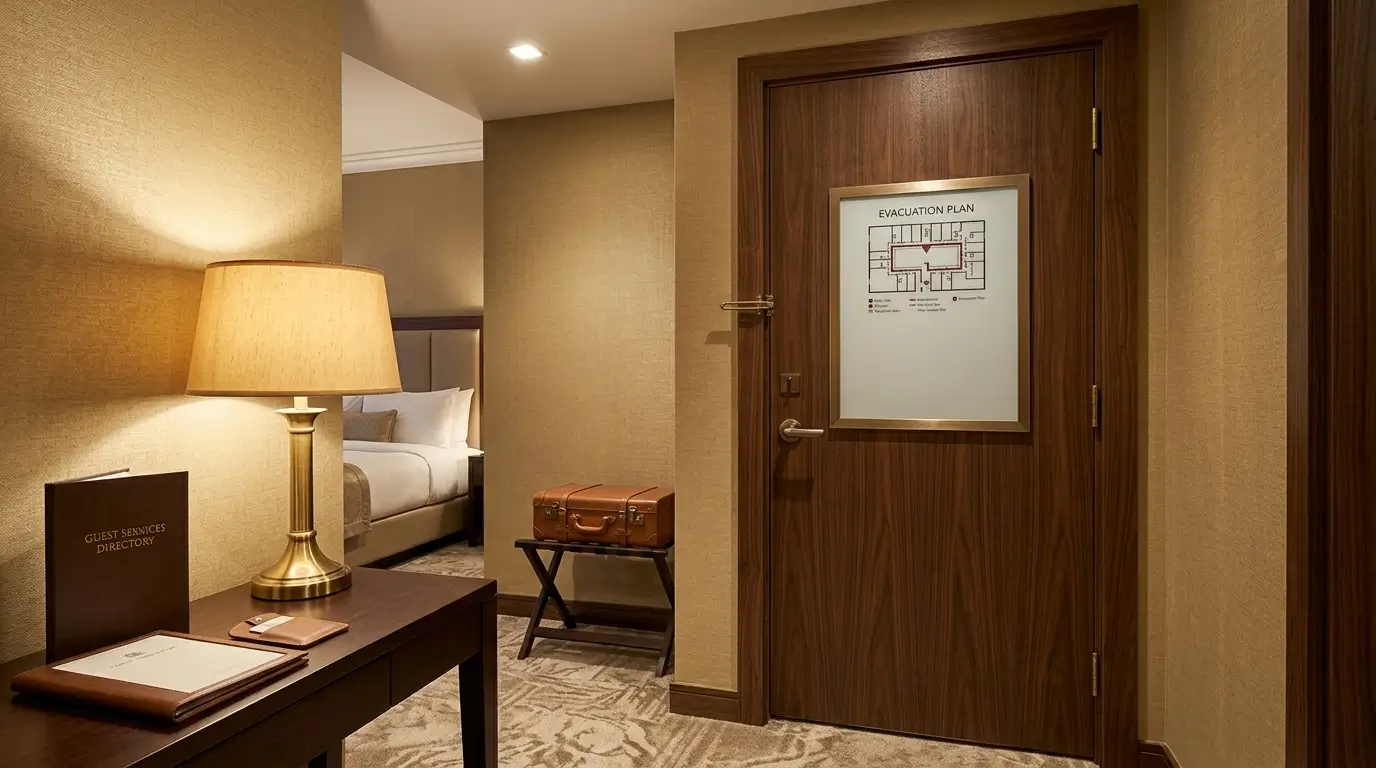
California's rules for hotels, motels and lodging houses say every guestroom "shall have clearly visible emergency procedures information printed on a floor plan representative of the floor level and posted on the interior of each entrance door or immediately adjacent to such door" (19 CCR § 3.09). New York City's Fire Code requires a notice at or beside the main entrance door of guest rooms, showing the route to each exit stairwell and what to do in a fire (§ 405.5).
California does allow another route, and the wording is the interesting part. An owner or operator may, in lieu of posting the information in each guestroom, provide it "through the use of leaflets, brochures, pamphlets, videotapes, or any other method as approved by the authority having jurisdiction." So a digital destination is not ruled out, though it stands in place of the posted notice, and the approval is not the operator's to give. The same section requires that visually impaired persons "shall receive instructions of a type they will understand."
We aren't lawyers and this varies by city and state, so ask your fire marshal before a code replaces anything posted. Our reading is that the safe default is additive: leave the required notice where it is and let the code carry what the law hasn't pinned to the wall.
Where we'd put the codes, in the room and around the building
Where it goes | What it opens | The question it answers |
|---|---|---|
Desk or nightstand card | The room's guest directory | "What time is breakfast, and when do I have to be out?" |
Beside the thermostat or AC unit | That one article, with a photo of the actual control | "How do I make this warmer?" |
Inside the entrance door, beside the required notice | Checkout steps and where to leave the key | "Do I have to come down to the desk?" |
Breakfast room or bar | Hours, and how to ask about dietary needs | "Is this included in my rate?" |
Front entrance, outside | Arrival and after-hours entry | "The desk is closed and I'm standing outside" |
Pool, gym or terrace | Hours, rules, towels | "Can I still get in at ten?" |
The code outside the front door belongs to arrival more than to the room, so we've written that one up separately in hotel check-in instructions that still work after the desk closes.
Across our own properties we cap the set at roughly four to six codes on any one guest's route, because past that they start reading as decoration. Label each with what it opens, in plain words. Nielsen Norman Group's point is that a code carries no visible information about where it leads, so nothing about a bare square invites a scan.
One code, forty rooms
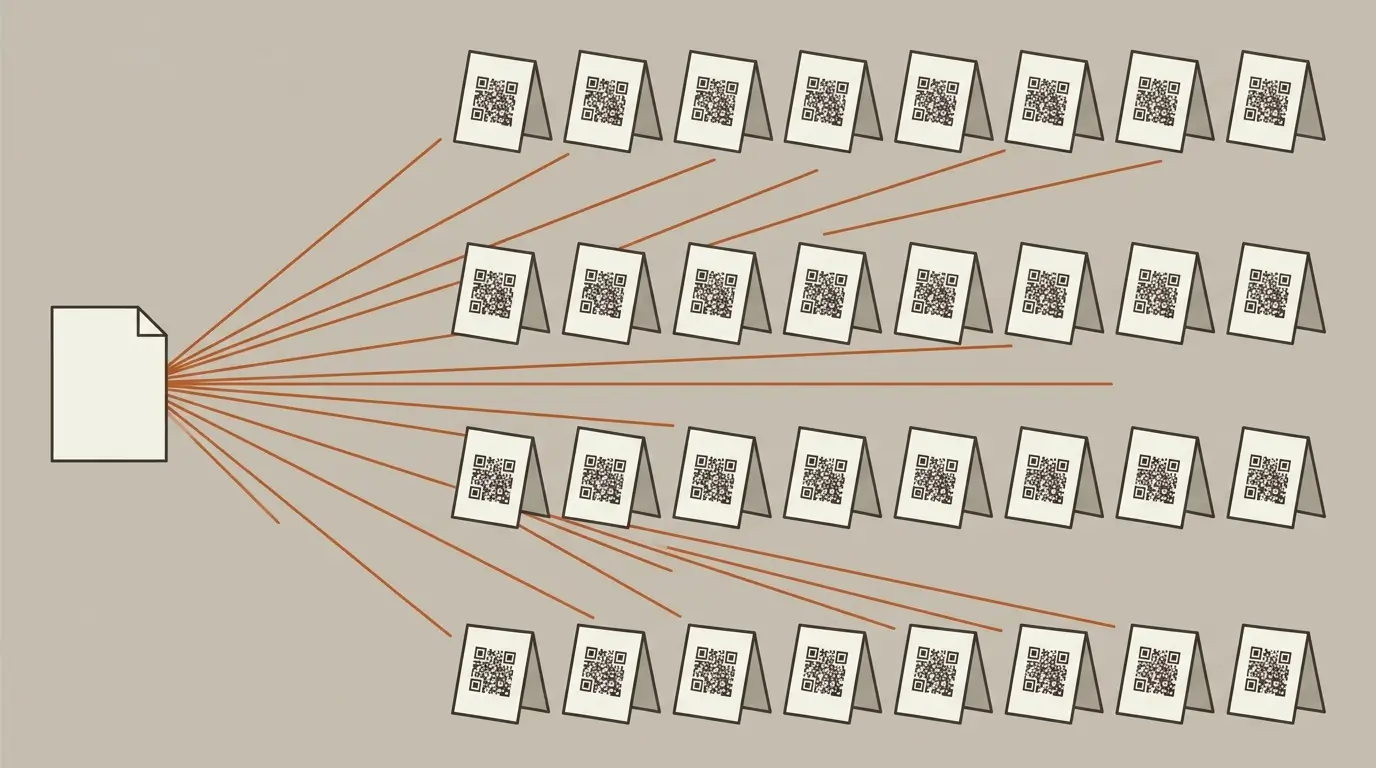
In a hotel the same code goes into every room, so getting the destination wrong is expensive in a way it never is at a single rental with one printed sign.
We have run the stale version of this ourselves. At our Washington DC row house a code opened a PDF we kept in Google Docs, and the part of it that went out of date was how to work the gas oven. The code scanned perfectly the whole time. What surfaced it was guests asking the question the file was supposed to answer. We moved that content into a digital guidebook so we could edit the page instead of exporting the file again.
Print codes that point at a permanent link. A link tied to one reservation stops working once that guest checks out, while the card stays on the desk for years. Lock your guidebook's web address before the print run, too: if your platform lets you customise that address, changing it afterwards breaks every code already hanging on a wall.
The static-versus-dynamic distinction underneath this is the same one we set out for rentals, so we won't repeat the table. It's in our QR code setup guide for rental properties, with the step-by-step of generating and testing one.
The print details that decide whether it scans
Denso Wave, which invented the format, asks for a clear margin four modules wide on every side of the symbol, so a code crowded to the edge of a card may not scan. On size, Nielsen Norman Group's QR-code guidelines put the minimum at 2 cm square, with a rule of thumb of an extra centimetre on the length and width for every 10 cm of viewing distance. A nightstand card and a code read from across a lobby are different print jobs, so print a sample and scan it from where a guest will actually stand.
Colour is where hotel branding tends to lose. GS1 UK says high contrast is the whole game, dark on light, with black on white the best combination, and warns against red or orange as the dark element because most retail scanners read with a red light. A phone camera is a different reader, so take that particular warning as scanner advice; dark-on-light and GS1's "don't invert the code" hold either way. Nielsen Norman also assumes a reader needs at least fifteen seconds, and concludes that a short printed URL often beats a code outright. We'd take that, in a hotel, as an argument for putting codes where a guest can stand still.
The guests who won't scan
Some won't, and designing as though everyone will is how a hotel ends up with somebody at the desk asking for the wifi password anyway. The gap is narrower than the stereotype, though. Pew Research's January 2026 analysis, based on a survey of 5,022 US adults conducted 5 February to 18 June 2025, found 78% of people aged 65 and over own a smartphone. Habit is what separates them: 14% of that group said they are online almost constantly, against 63% of 18-to-29-year-olds.
The clearest public statement of what to do about it is the US government's accessibility guidance for federal agencies, which tells them to "provide a text alternative or link adjacent to the QR code," because a code can be hard to find, hard to aim a phone at, or hard to interpret (Section508.gov). The same page notes Section 508 standards "do not apply to print mediums," so none of it binds a B&B, and the principle still costs nothing to borrow. Print the wifi name and password under the code, and keep the desk number where somebody can read it without a phone.
Before you commit to a print run
Scan the printed sample on both an iPhone and an Android, not just the phone already in your pocket.
Check the signal in the room, the corridor and the basement gym, because the page has to load where the code is.
Label every code with what it opens.
Print the essentials in plain text under the code, starting with the wifi name and password.
Leave the fire-safety notices where they are until your fire marshal tells you otherwise.
Confirm the destination address is one you will not change later.
How SmoothStay fits
Every link in a SmoothStay account can become a QR code, including a deep link to one article, which is what makes the thermostat-and-breakfast-room approach above practical. Codes inherit the access rules of the link underneath them, so a restricted link stays restricted once it's a code, and QR generation is included on every plan, including the free one. If you already run a PMS, this sits on top of it: the PMS keeps the booking, the guidebook carries what a guest reads in the room. One caveat decides where codes make sense at all. A guidebook needs a live connection to open, so any spot in your building without signal wants its essentials printed beside the code.
FAQ
Can a QR code replace the printed fire safety notice in a hotel room?
Probably not. In many places fire-safety information still has to be posted physically. California requires emergency procedures printed on a floor plan and posted at each guestroom entrance door, and permits other formats only with the approval of the authority having jurisdiction. New York City requires a posted notice at the guest room door too. Ask your fire marshal, and in the meantime put the code beside the notice.
Do QR codes in hotel rooms work before the guest is on the wifi?
Only with mobile data, or if you have given them another way onto the network. This catches the wifi code specifically, since a guest scanning it is by definition not connected yet. The usual fixes are a separate wifi-join code carrying the network name and password directly, or the password printed in readable text under the code.
Should every room have its own QR code, or one for the whole hotel?
One code per room type is usually the right unit. Rooms sharing a floor plan, the same AC control and the same walk to breakfast can share a destination. Split only where the answer genuinely differs, such as a suite with a kitchenette or an accessible room with different bathroom fittings.
Do QR codes cost anything to use?
No. Denso Wave, which created the format, says no application is necessary and no licensing contract is required, there is no fee, and the specification has been publicly available since it was approved as a JIS standard in 2004. Printing one on a nightstand card costs you the card.
If you'd rather not build the pages behind the codes
A code is only worth the page it opens, and that page is the actual work. If you'd rather not format all of it yourself, you can have a digital guidebook for your rooms running with its codes generated for you. Start with one room before you commit a print run to it.
Latest articles

How to Automate Check-In Instructions for Short-Term Rental Guests
Automate check-in instructions for short-term rental guests: the four-send sequence, what goes in a message versus a guidebook, and a copy-ready sample.

Vrbo Premier Host in 2026: Every Listing Now Stands on Its Own Record
Vrbo Premier Host requirements changed in 2026: per-listing scoring, tighter thresholds, quarterly checks. What each one means, and how it compares to Superhost.
Booking.com Guest Messaging Rules: What Hosts Can Send, When, and Why Links Get Removed
Booking.com guest messaging rules, verified at source: how long you can message a guest, why your links get removed, and what the partner terms say.
Vrbo's New Features for Fall 2026: What's Live, What's Gated, and What's US-Only
We sorted Vrbo's new features for fall 2026: what is live globally, what is gated behind eligibility, and what is US-only. Verified against Vrbo's own pages.