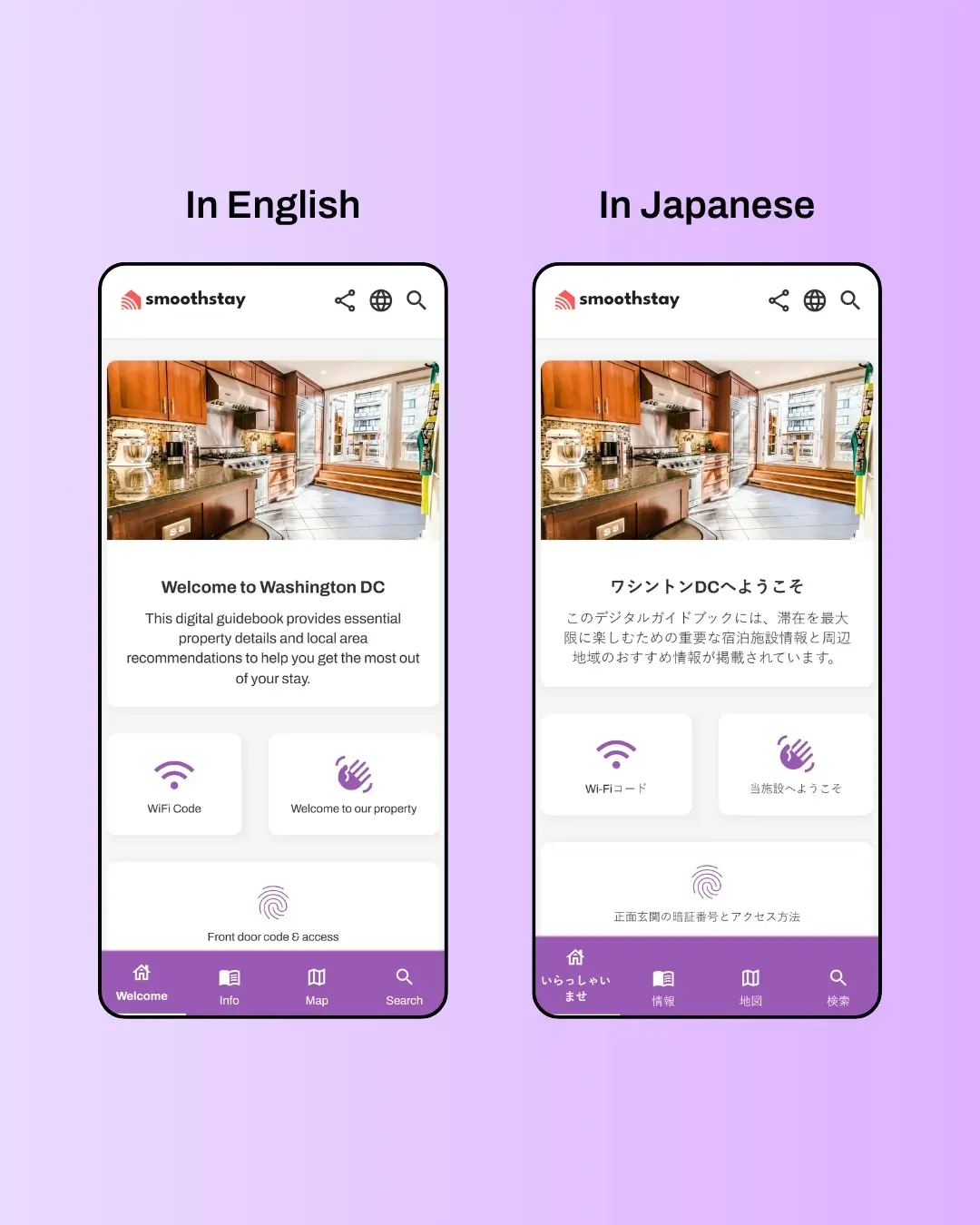
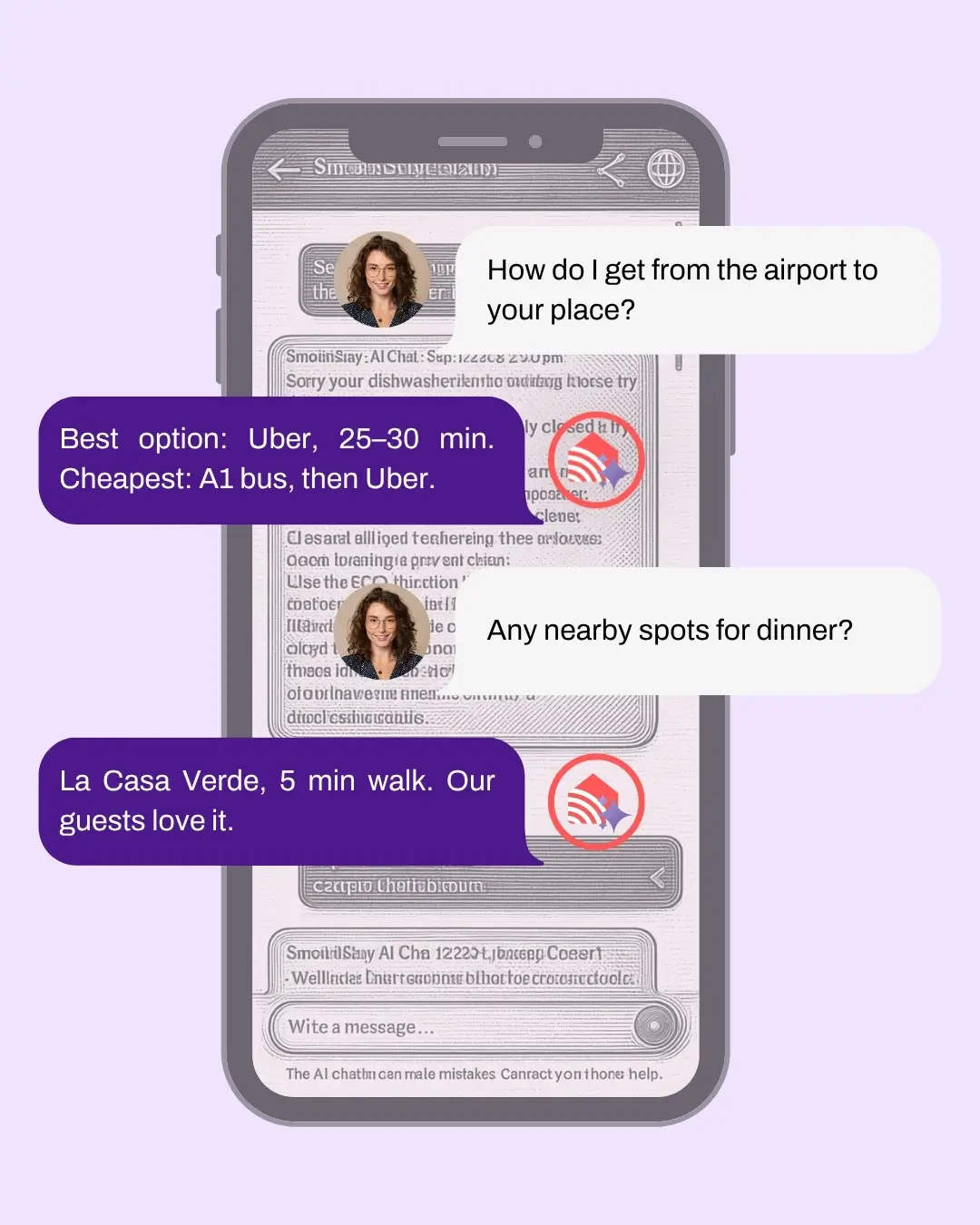
Guests get instant, conversational answers to "what's the wifi password," "how does the dishwasher work," "where's the closest pharmacy": pulled directly from your guidebook content, in the tone you've set, in the language they're reading. You stop answering the same questions every stay. They stop scrolling to find them.


Why It Matters
A concierge that learns from real guest interactions, not just your content.
Many AI chatbots in this category give you the basic shape (guest types a question, AI generates an answer) and stop there. SmoothStay's AI Concierge does more, because the architecture is built for hosts who actually want to improve over time.
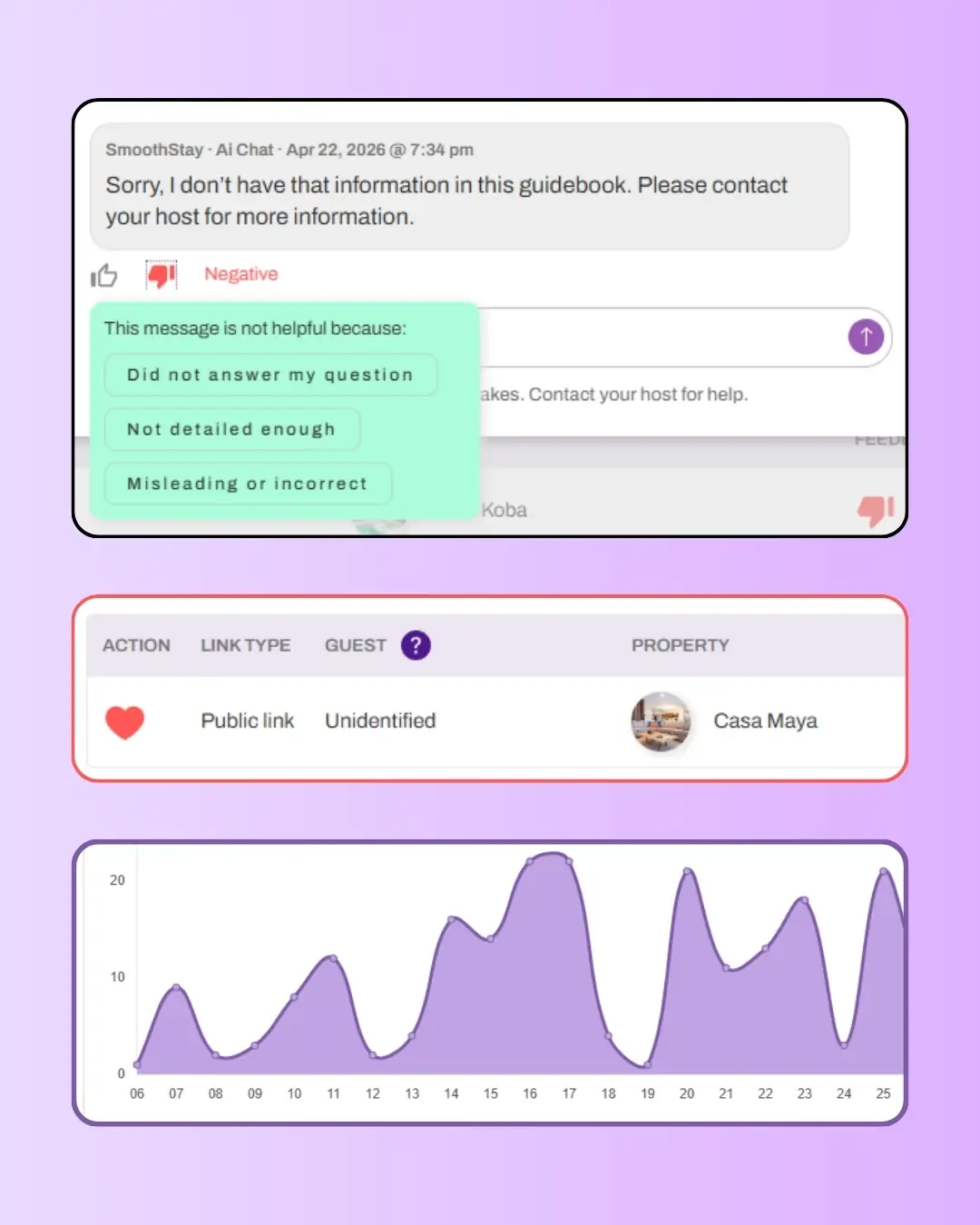
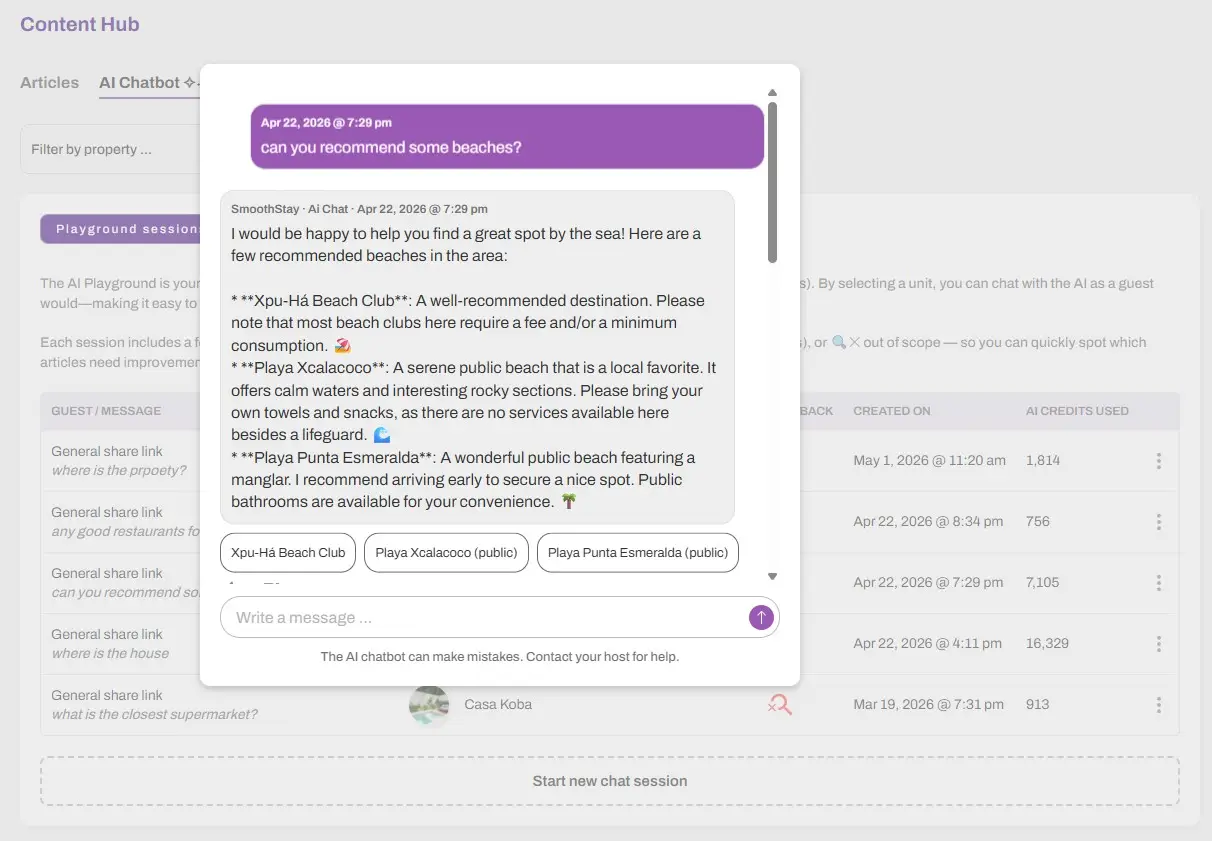
Every guest interaction is logged in your dashboard. Every answer can be rated by the guest with structured feedback, three specific reasons for a thumbs down, plus an out-of-scope flag for questions the guidebook doesn't cover. You see exactly which questions are being asked, which articles are missing or weak, and where guests get stuck. The signal is clear; the next move is yours.
For hosts who want to be alerted in real time, an email notification fires whenever the Concierge encounters a question it can't answer. You catch the gap before the next guest hits it.
The result is a system that compounds: your guidebook gets better the more guests use it, the Concierge gets more accurate as you fill the gaps, and over time the questions you used to answer manually stop reaching you at all.
How it Works
1
Set your tone once
Open Settings → AI and pick the tone that fits your brand: Friendly & Casual for a beach property, Luxury & Formal for a boutique villa, or any of the other three presets. The Concierge uses the same tone across every property in your account.
2
Test in the AI Playground
Before enabling for guests, open Content → AI Chatbot → AI Playground. Pick a property, type sample questions a real guest would ask, and review the answers. If something's missing or unclear, update the underlying article and test again. Five minutes of testing prevents fifty awkward guest interactions.
3
Enable per property and watch the feedback
Inside any property's Content tab, toggle on Enable AI Chatbot for guests. Guests can now ask questions in natural language. Check the Content Hub → AI Chatbot section regularly to review feedback, spot out-of-scope questions, and keep your content accurate.
Pricing
The AI Concierge is included on every paid plan.
How to Best Enable the AI Concierge for Your Guidebooks
Test in the AI Playground before every property goes live. The Concierge is only as good as the articles it's drawing from, and most guidebooks have at least one article that's vague, incomplete, or contradictory until you stress-test it. Twenty minutes per property in the Playground catches the obvious problems before guests find them.
Turn on out-of-scope email alerts. They're the single most useful signal for improving your guidebook. Every alert is a guest who asked something your content didn't cover, which means the next guest will probably ask too. Catch the gap once, fix the article, never see that question again.
Use dynamic data placeholders generously in articles the Concierge will reference. Wifi password, door code, host phone, check-in time, every detail you wrap in {{ }} stays accurate per property automatically. Articles without placeholders force the Concierge to fall back on whatever was hardcoded, which gets stale fast in multi-property accounts.