

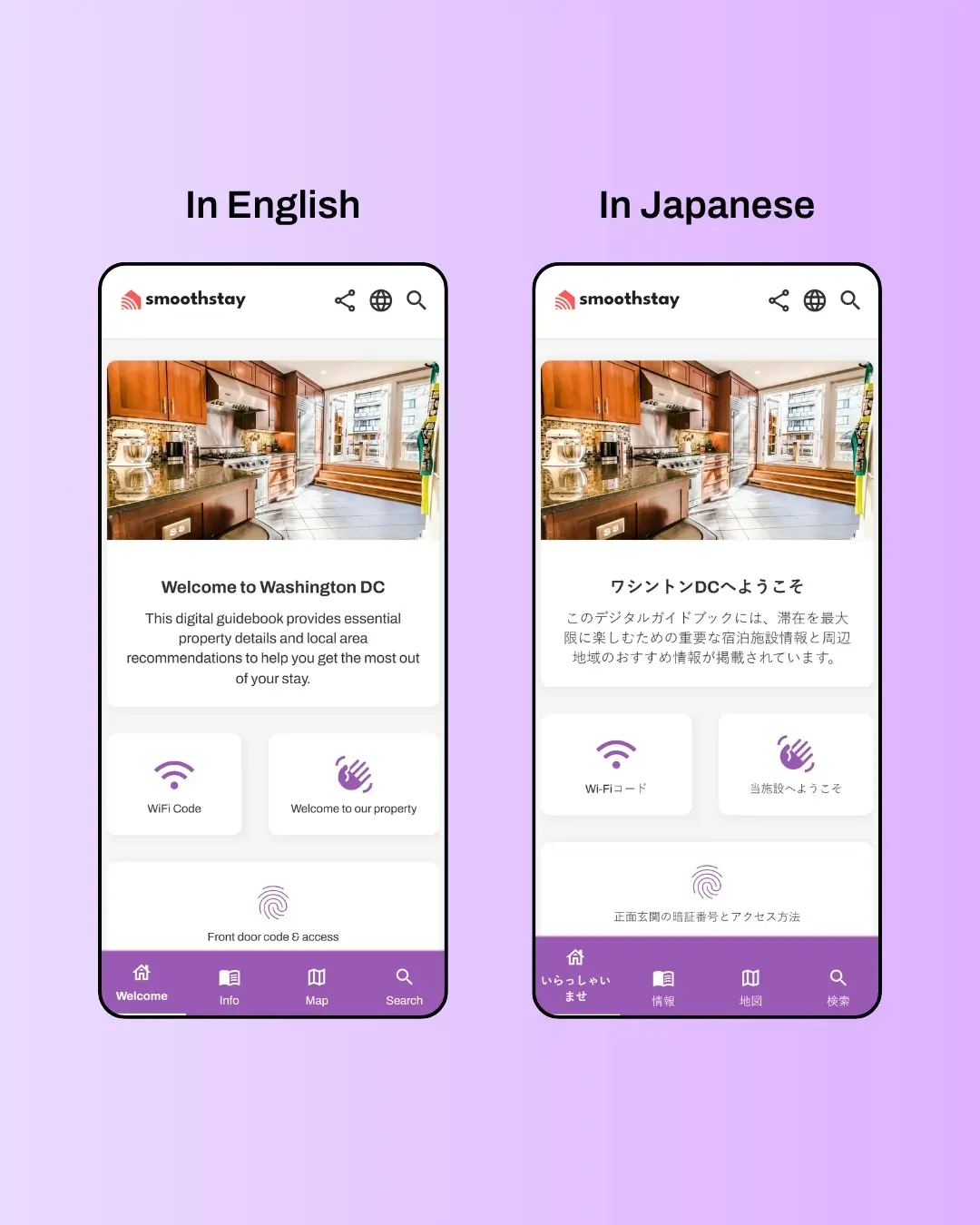
Why It Matters
How it Works
1
Set your brand default
Open Settings → Brand → Default language for guidebooks and pick the language you write in. This applies to every new guidebook you create from here on — existing guidebooks keep their current language unless you override.
2
Override per property if needed
Inside any property's settings, go to Content → Language. Set a different language for that specific guidebook. Useful when one property serves a different audience than the rest.
3
Guests do the rest
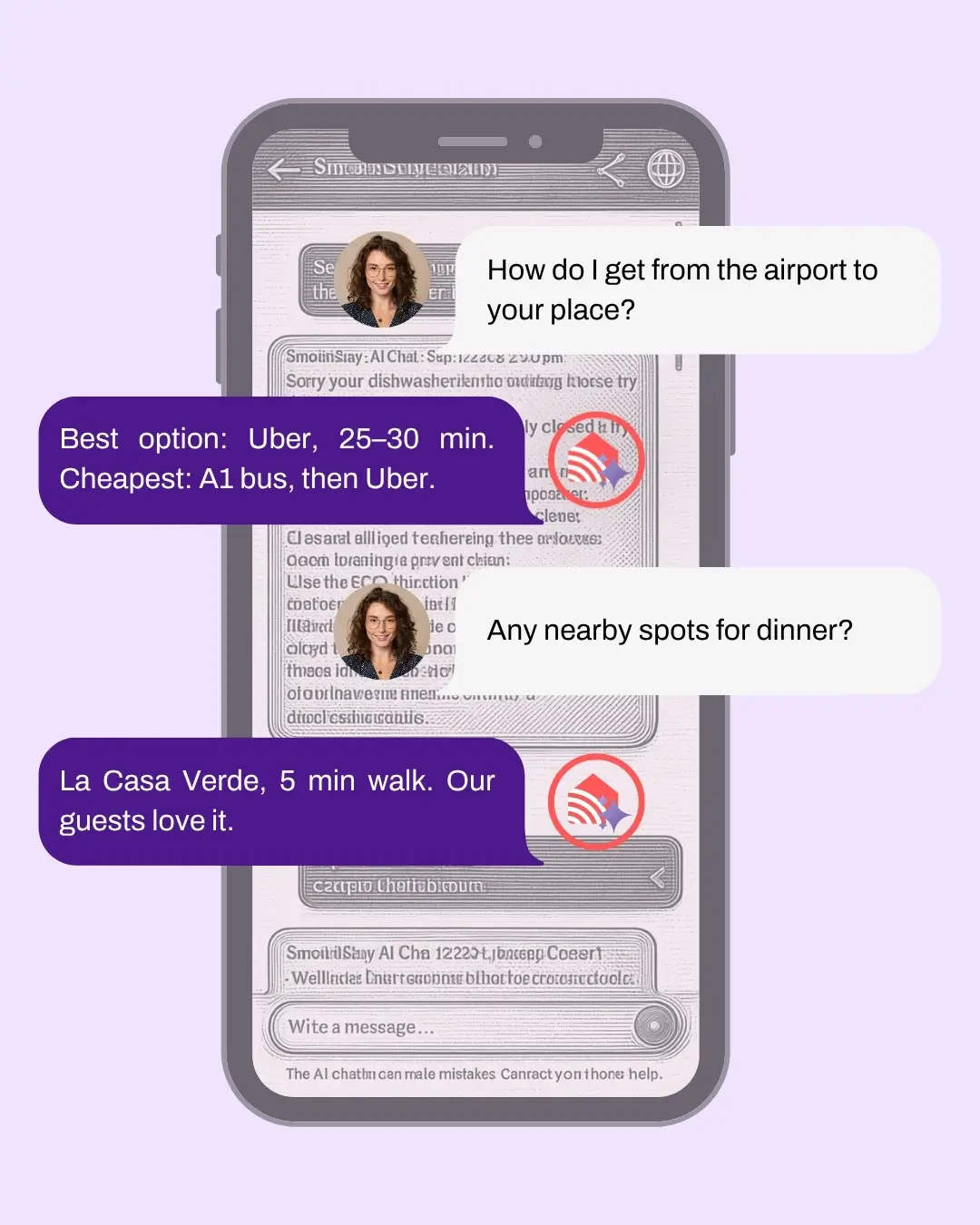
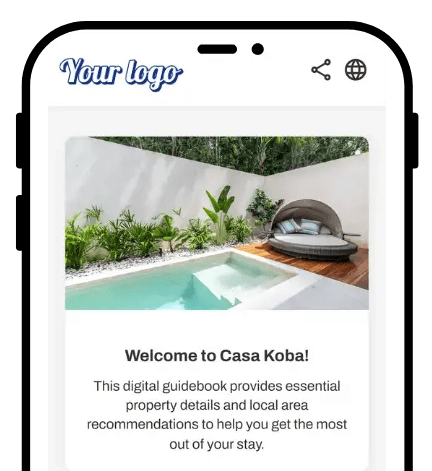
When a guest opens the guidebook, they see the language picker in the header. They pick their language — Spanish, French, Japanese, anything — and every visible element translates instantly. They keep reading; you keep writing in your language.
Pricing
Multi-language translation is included on every plan, including the free plan. All 100+ languages, no per-language pricing, no caps on translation volume.
How to Set Up Mulit-language Auto Translation on Your Digital Guidebook
Write in clear, simple sentences. Machine translation handles short, direct sentences well — and gets confused by idioms, slang, or overly poetic phrasing. "The wifi password is sunshine2026" translates cleanly into every language. "Just smash that wifi code real quick" might land in Polish as something unintentionally hilarious. Keep it plain when accuracy matters most — wifi, door codes, emergency contacts, house rules.
Add search keywords in your guests' typical languages. The search bar inside the guidebook looks at the article's stored content — which is in the language you wrote it in. If a Spanish guest types "contraseña" but your wifi article is written in English, the search may miss it. Add keywords like contraseña, mot de passe, senha, パスワード to that article's keyword field, and search finds it regardless of the guest's language. Same trick boosts AI Concierge accuracy across languages.