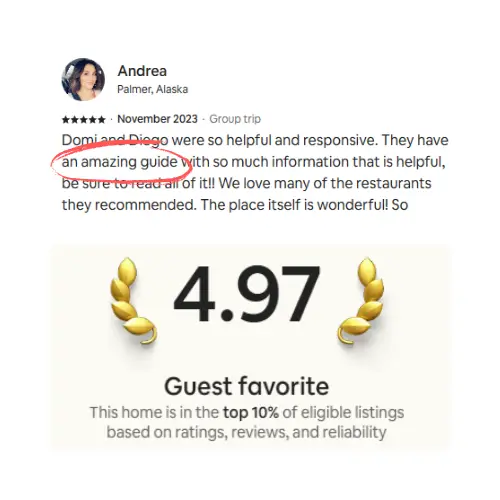
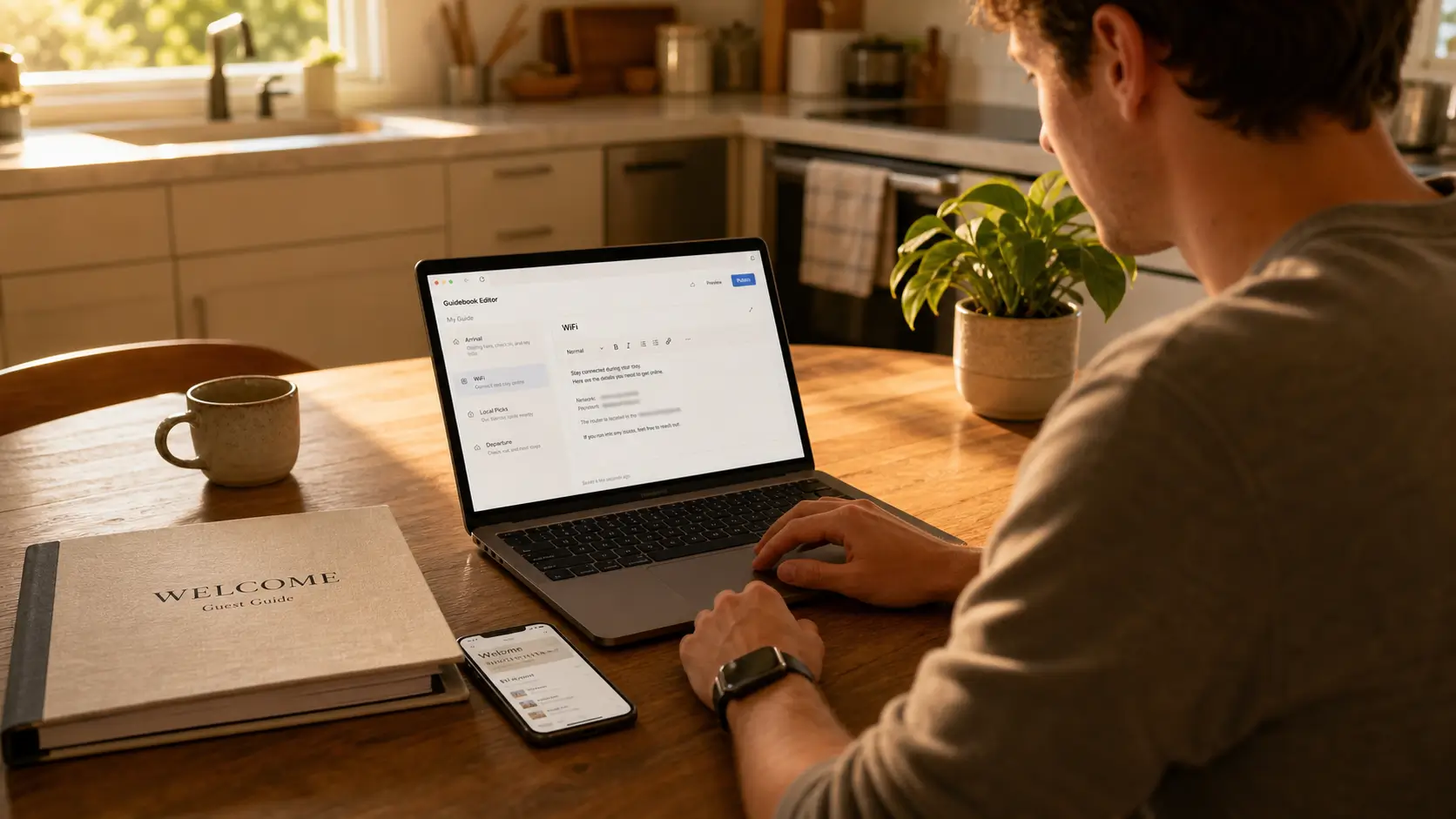
The post outlines six key criteria—visual design, ease of update, mobile experience, multi‑property scaling, OTA compliance, and ownership of guest contact lists—to evaluate digital guidebook tools for Airbnb hosts. It compares TouchStay, Hostfully, Hospitable Knowledge Hub, and SmoothStay, highlighting SmoothStay’s strengths in visual appeal, compliance, flat pricing, and unlimited contacts.
Some years ago, we sat down at our kitchen table in Foggy Bottom and tried every digital guidebook tool we could find. We had two properties going at the time, our DC row house and a place we were just opening in Playa del Carmen. The printed binder we had in Mexico had lost two pages by the second cleaning. Paper had run its course after some months. We just had to figure out what to replace it with.
We tested a handful of tools over a couple of weeks. Some looked like SaaS dashboards from 2013. Some were ok but locked everything we wrote behind a PMS we didn't use. None of them quite fit. That weekend is most of the reason SmoothStay exists, and it's why this post is the post we wish we could've read at the time.
If you're shopping for a digital guidebook for Airbnb right now, here's the short version of what we learned.
What should you actually look for in a digital guidebook for Airbnb?
Six criteria do the heavy lifting: visual design, ease of update, mobile experience, multi-property scaling, OTA compliance, and whether you own your guest contact list. Every tool on the market is good or bad at each of these in its own way. Pick the two or three that matter most to your operation, weigh the tools against those, and the choice gets simple.
The rest of this post walks each criterion in order, then compares the tools that show up most often when hosts ask us what to try.
1. Visual design (the part guests actually see)
Most hosts underestimate this. The guidebook isn't a document. It's a screen your guest opens at the front door with one bar of signal and a tired arm holding two bags. If that screen looks like a wall of text, the guest scrolls once and gives up.
The tools worth picking treat the home screen as a product surface. Icons that fit your home. A category for arrival that's visible before the guest scrolls. Room for a photo of the thermostat at the top of the climate page. Background colors that match your home's actual look or your brand, not a generic SaaS blue.
If the demo guidebook on a tool's website doesn't look like something you'd send to a friend, your guests will read it the same way. Skip it.
2. Ease of update (the part you have to live with)
You will update your guidebook more than you think. Trash day changes. The coffee shop closes. A new cleaner needs the spare-key location updated. The tool you pick has to make those updates feel like sending a text, not editing a spreadsheet.
What to test in a free trial:
Can you edit a page from your phone, in bed, in under thirty seconds?
When you change something, does every guest's link update instantly, or do you have to resend a PDF?
Does the editor have an AI writing assistant trained in hospitality for when you've got the right idea but not the right sentence?
Tools that get this right keep you in the editor. Tools that get this wrong push you into multi-step menus you'll only learn by repetition. After three guests, you stop updating. After ten, the guidebook lies to your guests.
3. Mobile experience (the format your guests actually use)
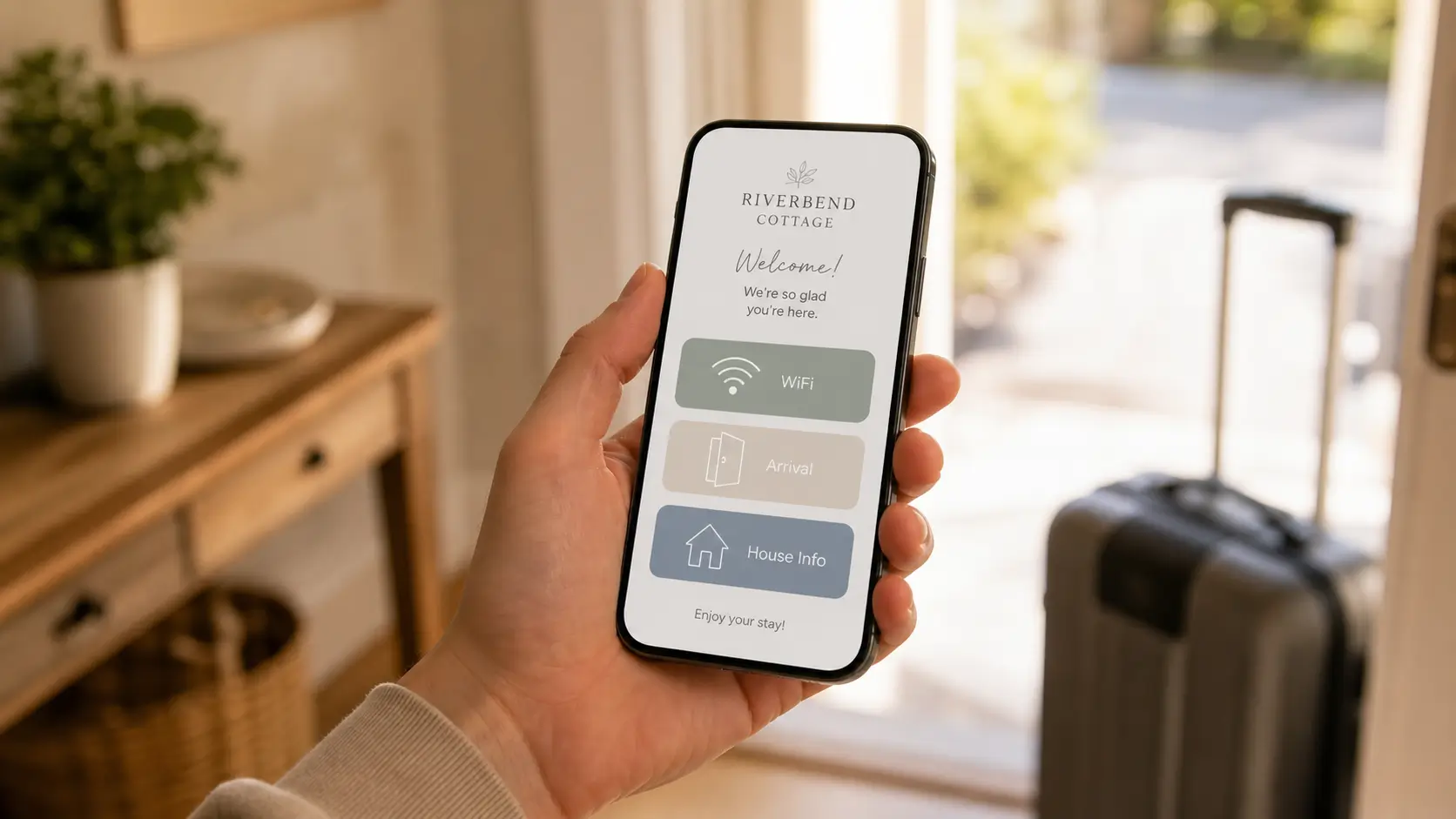
Most hosts test their guidebook on a laptop. Most guests open it on a phone, holding a coffee, while another guest is asking about the WiFi. The two experiences are not the same.
A few things to check, on your actual phone:
The guidebook loads in under three seconds on cellular signal
The WiFi password has a one-tap copy button
A QR code on a small card opens the guidebook directly, no app prompts
The categories are usable with one thumb
A guest texted us asking for the WiFi twice in one stay, even though it was in the guidebook, because the password lived four scrolls down on the old tool's mobile view. Friction like that adds up. The tool's mobile experience is the only experience that actually exists for your guests.
4. Multi-property scaling (the part that matters at two units, never mind ten)
Add a second property and the tool's pricing model becomes a structural decision. Some tools price per property and scale linearly. Add a third, you pay for a third. Add a tenth, you pay for ten. Others put unit ceilings on lower plans and push you onto an operator tier when you'd rather not.
The other half of scaling is content reuse. If you have two properties in the same neighborhood, you have one set of local recommendations and two sets of house quirks. The right tool lets you share what's shared and keep what's specific, without copy-pasting between two dashboards. The wrong tool has you maintaining a guidebook twice and forgetting to update one half.
We run two of our own properties and co-host two more in the Riviera Maya. The content-drift problem is real. A coffee shop closes, and the guidebook for one property gets updated while the other lags for three months because nobody opened it. A tool that handles multi-property well removes that drift entirely.
If you run more than one place, look at the pricing page of every tool you're considering and read it carefully. The same simple per-unit price whether you run one Airbnb or fifty is rarer than you'd think.
5. OTA compliance (the part that protects your listing)
Airbnb and Booking have rules about how you can market your direct-booking channel to guests who booked through them. If a guest came in via Airbnb, your guidebook isn't supposed to nudge them toward your own website, your direct email list, or any other path that pulls the next booking off the OTA. For guests who booked direct, those same nudges are fine, and you'd want to use them. Most digital guidebook tools ship with a single guidebook link that shows the same content to everyone, which is a delisting risk waiting to happen.
The tools worth picking handle this at the platform level, channel by channel. They hide direct-booking calls to action, contact-capture forms, and any other marketing the OTA doesn't allow when the guest came in through that OTA, and they surface the same content for guests who booked directly or arrived through a channel that permits it. Our OTA Compliance Mode does this at three levels (link, article, and widget) so the rules apply automatically per guest, not by hand. If your tool doesn't have something equivalent, you're either spending energy on this yourself or you're not handling it at all.
6. Owning your guest contact list (the part that compounds)
Every guest you host is a future direct booking, a future referral, or a future review. If your guidebook tool doesn't let you collect guest contact information in a way that's compliant and consent-based, you're handing that future to the OTA.
The good tools include a guest registration step that captures names, emails, and any local-jurisdiction info you need, with explicit consent. Done well, it adds two minutes to the guest's arrival flow and gives you a contact list you actually own. Done badly, it feels like a popup and gets skipped.
This is also where building on top of a PMS rather than inside one matters. PMS-native guidebooks tend to treat contact data as the PMS's data. A standalone guidebook tool treats it as yours.
The honest comparison
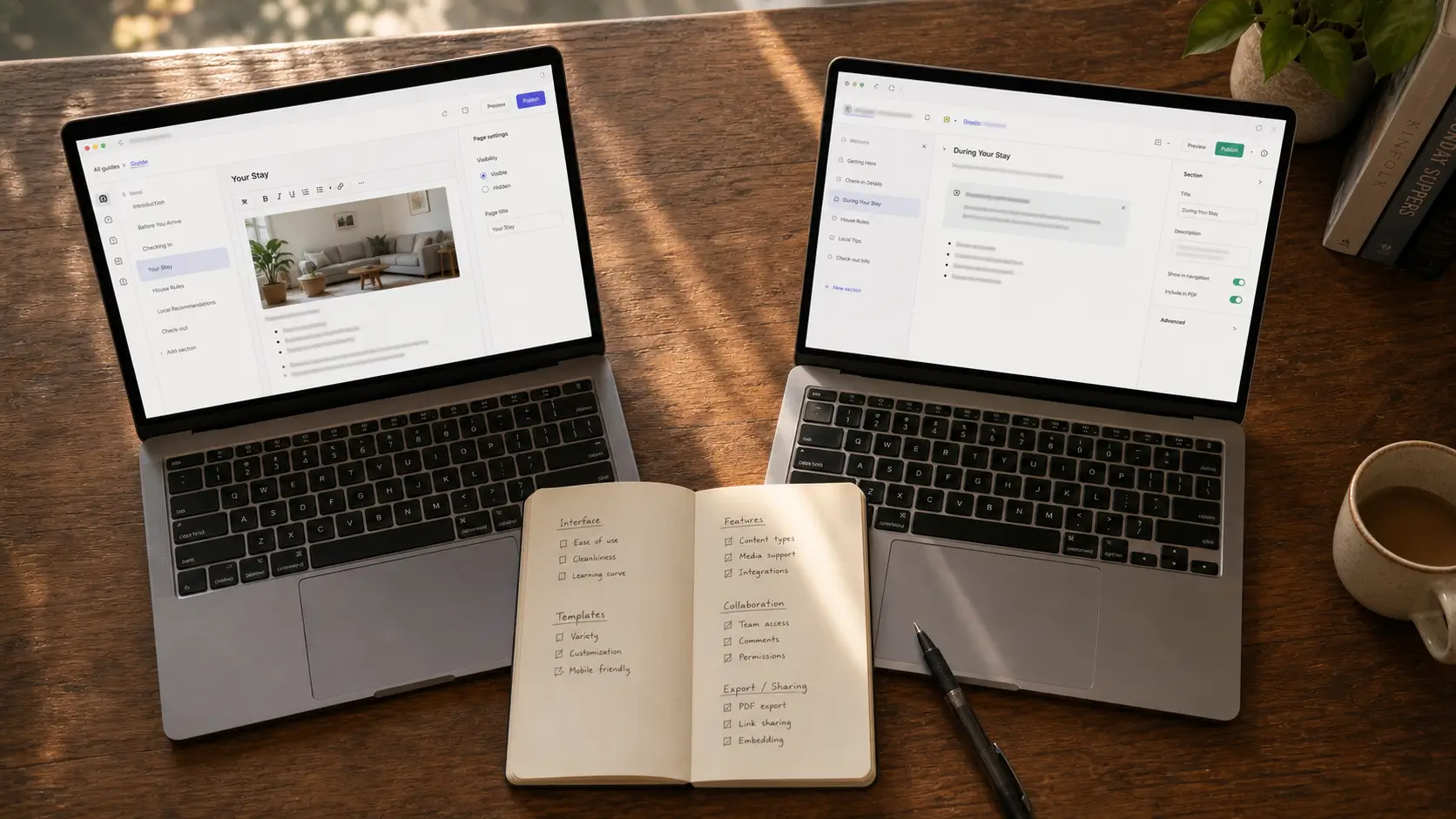
Four tools come up most often when hosts ask us what to try.
Tool | Strengths | Where it falls short |
|---|---|---|
TouchStay | Long-running reputation, mature product, solid editor | Per-property pricing scales fast; the visual layer hasn't moved much in years |
Hostfully | Comes bundled with the Hostfully PMS, no extra subscription if you already use the PMS | Built around the reservation, not the guest; the editor is opinionated in ways that limit visual flexibility |
Hospitable Knowledge Hub | Tight integration with Hospitable PMS messaging; good if you already use Hospitable | Designed primarily to feed Hospitable's AI; guest-facing polish isn't the priority |
SmoothStay | Visual-first guest experience, OTA compliance built in, one per-unit price at every scale, unlimited contacts on every plan, free tier with no card | Newer product; some advanced integrations are still on the roadmap |
We use Hospitable on our own properties and love it. The Knowledge Hub serves a specific job inside Hospitable's AI flow, and it does it well and helps you answer questions in your inbox. It's just not designed as a visual guest experience platform, and shouldn't be evaluated as one.
Our longer head-to-heads cover the trade-offs in more detail: SmoothStay vs TouchStay and SmoothStay vs Hostfully. Both are written honestly, including the things competitors do well.
Where SmoothStay fits
We built SmoothStay because we needed it. Two of the founders (the two of us) actively run properties in Washington DC and the Riviera Maya. The product reflects that. The OTA compliance work was the answer to a real fear of getting our Airbnb listing flagged. The same simple price at any unit count was the answer to watching tools punish us for adding a third property. Unlimited contacts on every plan was the answer to a competitor charging extra to keep our own guest list.
If you've been bouncing between trials and not finding one that fits, the free tier is the easiest path to try ours without committing. No card.
FAQ
What is a digital guidebook for Airbnb?
A digital guidebook for Airbnb is a mobile-first version of the printed binder hosts used to leave on the kitchen counter. Guests open it from a link in their confirmation email or by scanning a QR code at the property. Everything inside (arrival, WiFi, house quirks, local picks, departure) updates instantly, and there's no app to install.
Is the Airbnb-native guidebook enough?
For some hosts, yes. For most, no. Airbnb's built-in guidebook is mostly a list of recommendations. It doesn't handle arrival logistics well, doesn't carry photos or videos of how the appliances work, and doesn't let you use it with other channels like VRBO so it’s tied to Airbnb. A dedicated digital guidebook covers what Airbnb's never tried to and is platform-agnostic.
How much does a digital guidebook cost?
Pricing models split into per-property monthly fees, bundled-with-PMS subscriptions, and platforms with a free tier. A single property usually runs less than a takeaway dinner per month. The structural question is what happens when you add a second or fifth property. Some tools stay flat per unit. Others scale faster than your revenue does. Read the pricing page before you commit.
Do guests actually use digital guidebooks?
More than they ever used the binder. A guidebook on a phone gets opened before they arrive, at the front door, in the car, and at dinner. A binder on the kitchen counter gets opened by maybe one guest in three. The format suits how guests already use their phone.
What's the difference between a digital guidebook and a guest app?
Almost none, except guests don't install apps. The tools that ask guests to download something lose half their audience at the first install prompt. A digital guidebook lives at a web link and opens in any phone's browser. Easier for the guest, easier for you.
Can I switch tools later if I outgrow my first pick?
Yes, and most hosts do. Pick one with a free tier and no contract so the cost of switching is just an evening of re-importing your content. The tools that lock you into annual commitments are the ones to avoid early.
If you'd rather not test five different tools to find the one that fits, you can have a free SmoothStay guidebook running in under an hour. No card, no commitment.
Latest articles

How to Automate Check-In Instructions for Short-Term Rental Guests
Automate check-in instructions for short-term rental guests: the four-send sequence, what goes in a message versus a guidebook, and a copy-ready sample.

Vrbo Premier Host in 2026: Every Listing Now Stands on Its Own Record
Vrbo Premier Host requirements changed in 2026: per-listing scoring, tighter thresholds, quarterly checks. What each one means, and how it compares to Superhost.
Booking.com Guest Messaging Rules: What Hosts Can Send, When, and Why Links Get Removed
Booking.com guest messaging rules, verified at source: how long you can message a guest, why your links get removed, and what the partner terms say.

Vrbo's New Features for Fall 2026: What's Live, What's Gated, and What's US-Only
We sorted Vrbo's new features for fall 2026: what is live globally, what is gated behind eligibility, and what is US-only. Verified against Vrbo's own pages.