
An Airbnb binder is a printed guide that should cover five key sections: arrival and access, house operations, local recommendations, departure, and a welcome page with emergency info. This gives guests a helpful, welcoming experience. While binders add a personal touch, they age quickly, so hosts are encouraged to supplement or replace them with a digital guidebook that stays up‑to‑date and is easily accessible.
We kept a navy three-ring binder on the coffee table of our Foggy Bottom row house for the first couple of years we rented it out. Inside, a printed welcome letter, the WiFi page, the trash day schedule, a hand-drawn floor map of the house, and a shortlist of restaurants we'd send a friend to. Guests complimented it. We were proud of it. By the second summer, half the pages needed updates, two were missing, and the WiFi page had a coffee ring across the password.
If you're looking up "airbnb binder," you've probably built one of these too, or you're about to. It's one of the more thoughtful things a host can put on a counter. It's also a format with a shelf life. The honest guide covers both sides: what belongs in the binder you're building, and what to do about the one slowly going stale on your coffee table.
What is an Airbnb binder, and what should it include?
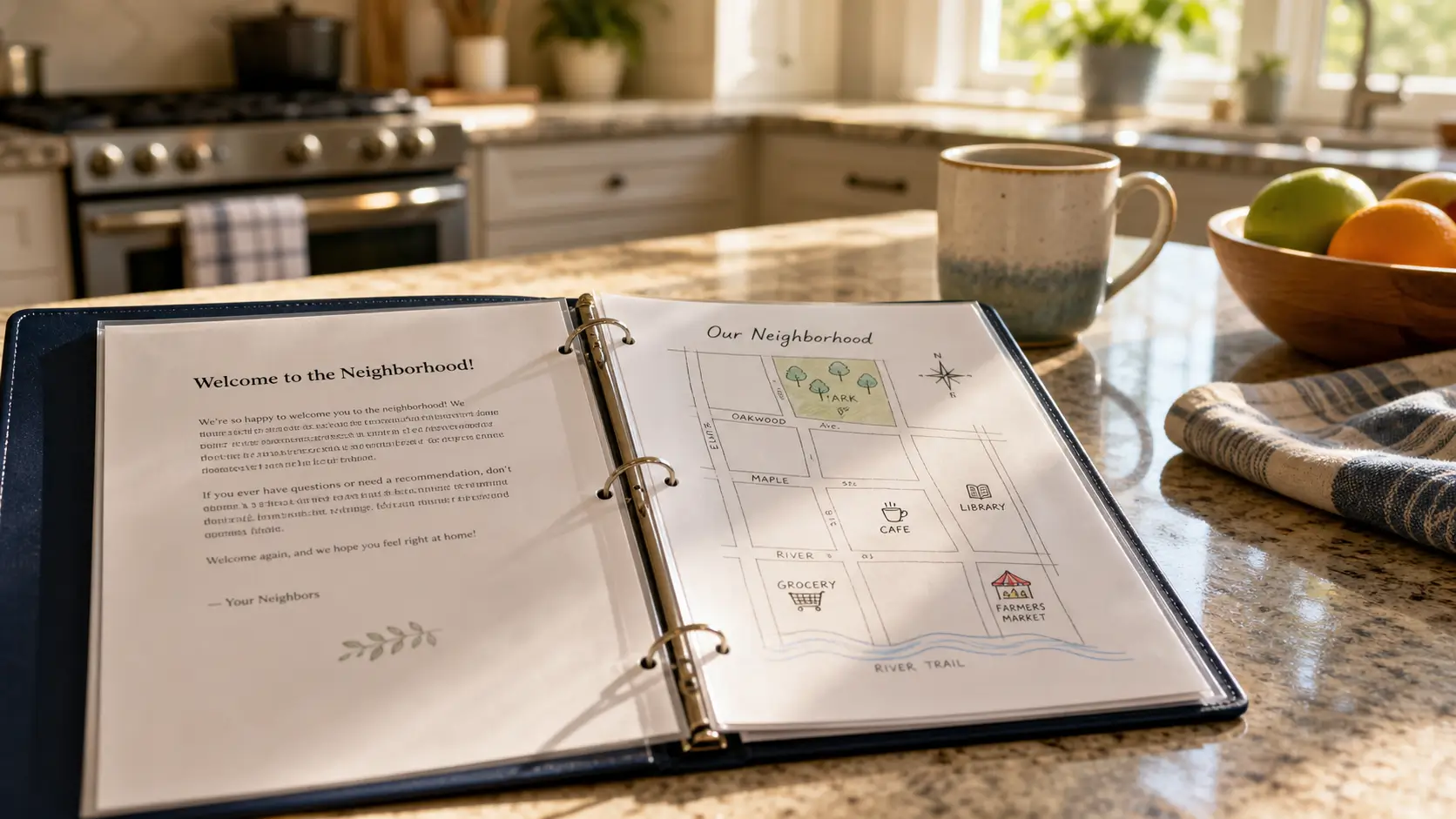
An Airbnb binder is a printed reference guests use during their stay. It usually lives on the kitchen counter or coffee table, in a small three-ring binder or a presentation folder. A complete binder covers five things: arrival and access, house operations and quirks, local recommendations, departure, and a short welcome page that sets the tone. A good binder feels like a host walking the guest through the house. A bad one reads like a printed lease.
Keep your binder to those five sections, resist the sixth on company history, and it'll do its job.
The five sections every Airbnb binder needs
We've kept binders, watched friends keep them, and written nine versions of our own across five properties. The structure below is what holds up.
1. Arrival and access
The first page a guest opens after a flight. Keep it boring and correct.
Exact address, including unit or floor
Door code or lockbox location in plain language ("front door, keypad to the right, enter 1234 then press the lock symbol")
Parking, with what not to do ("the spot directly in front is a fire lane")
WiFi network and password in a large copyable block, with a photo of the router as backup
The thermostat: where it is, how to wake it up
Photos do most of the work here. Words fill in the gaps.
2. House operations and quirks
The part guests come back to throughout the stay. Every house has quirks. Yours might be the shower handle that turns the opposite way, the dishwasher that needs the door slammed twice, the AC remote with three buttons that look like they do nothing. At our Playa del Carmen house, the AC remote has a dehumidify button nobody finds without a photo and a sentence pointing at it.
Cover the appliances, the bathroom oddities, heating and cooling, the trash and recycling routine, and the things a guest would only learn by accident. Use a photo for anything mechanical.
3. Local recommendations
The section that earns five-star reviews when it's tight. Three to five restaurants: two for breakfast or lunch, two for dinner, one walkable. One bar that's actually good. One coffee shop. One thing to do that isn't on the first page of TripAdvisor.
Each pick gets a sentence about why you'd send your sister there. Curation is the value. A list of twenty restaurants is a Google result. Your shortlist is why guests stayed with you instead of the listing two streets over.
4. Departure
Short and clear. Checkout time, what to do with the keys, whether to start the dishwasher, whether to take the trash out, what to do with towels. Four or five lines, not a paragraph.
5. Welcome page and emergency info
A short welcome letter at the front, signed by you. The local emergency number, the nearest hospital, and your mobile for the things only a host can fix. Keep the emergency section to four lines: long emergency sections feel alarming and signal "things go wrong here."
That's the binder. A handwritten note beats a printed one. Skip the legalese. If yours runs longer than five sections, ask which extra pages a tired guest will actually read at 11pm on arrival night.
The problems with a printed binder
A printed binder ages fast. We changed the WiFi password at our DC house in year two because a friend reset the router and never told us. We didn't open the binder for three months. Guests must have been getting the right password from us by text and shrugging. The binder said the old one for an entire summer.
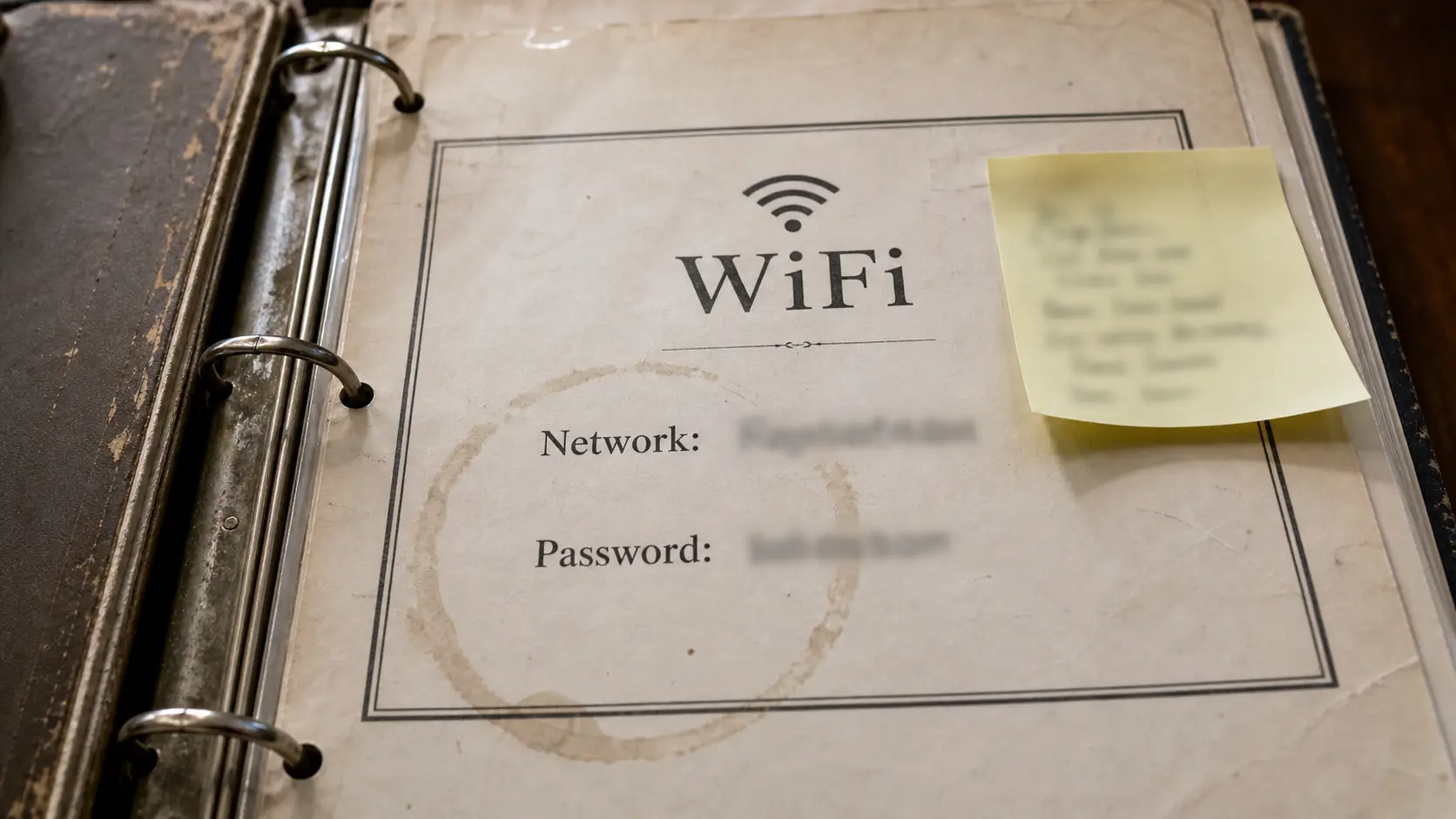
Coffee happens. Pages get folded. Reprinting one page means firing up the printer and slotting it back into the rings. Most hosts do it once, then stop.
Guests don't always open the binder. They look it over once on arrival, then reach for their phones. The information they need at 7pm on day three sits eight feet away from the couch they're on. They text you instead.
If you have more than one property, you have more than one binder. Every change has to be made everywhere.
Binder vs. digital guidebook: a quick comparison
We used all three formats before settling. Here is what holds up.
Format | Always current | Works on the guest's phone | Cost over time | Best for |
|---|---|---|---|---|
Printed binder | No | No | Reprints every time something changes | Hosts who want a charming welcome object on the counter |
PDF emailed before arrival | Only if you remember to resend | Yes | Free, but you re-send manually | One property, slow rate of change |
Live digital guidebook with QR access | Yes, instantly | Yes | Small monthly fee, free tier often available | Multi-property hosts, or anyone who edits often |
For a deeper read on the trade-off, our writeup on paper vs. digital guest guides walks through it with receipts.
What a digital guidebook does differently
A digital guidebook is the same content with two changes: it lives at a link, and it updates in one place. The link goes on the booking confirmation, in a check-in message, and on a small card by the front door with a QR code. You change the WiFi password once and every guest who arrives after sees the new one. Version drift doesn't exist.
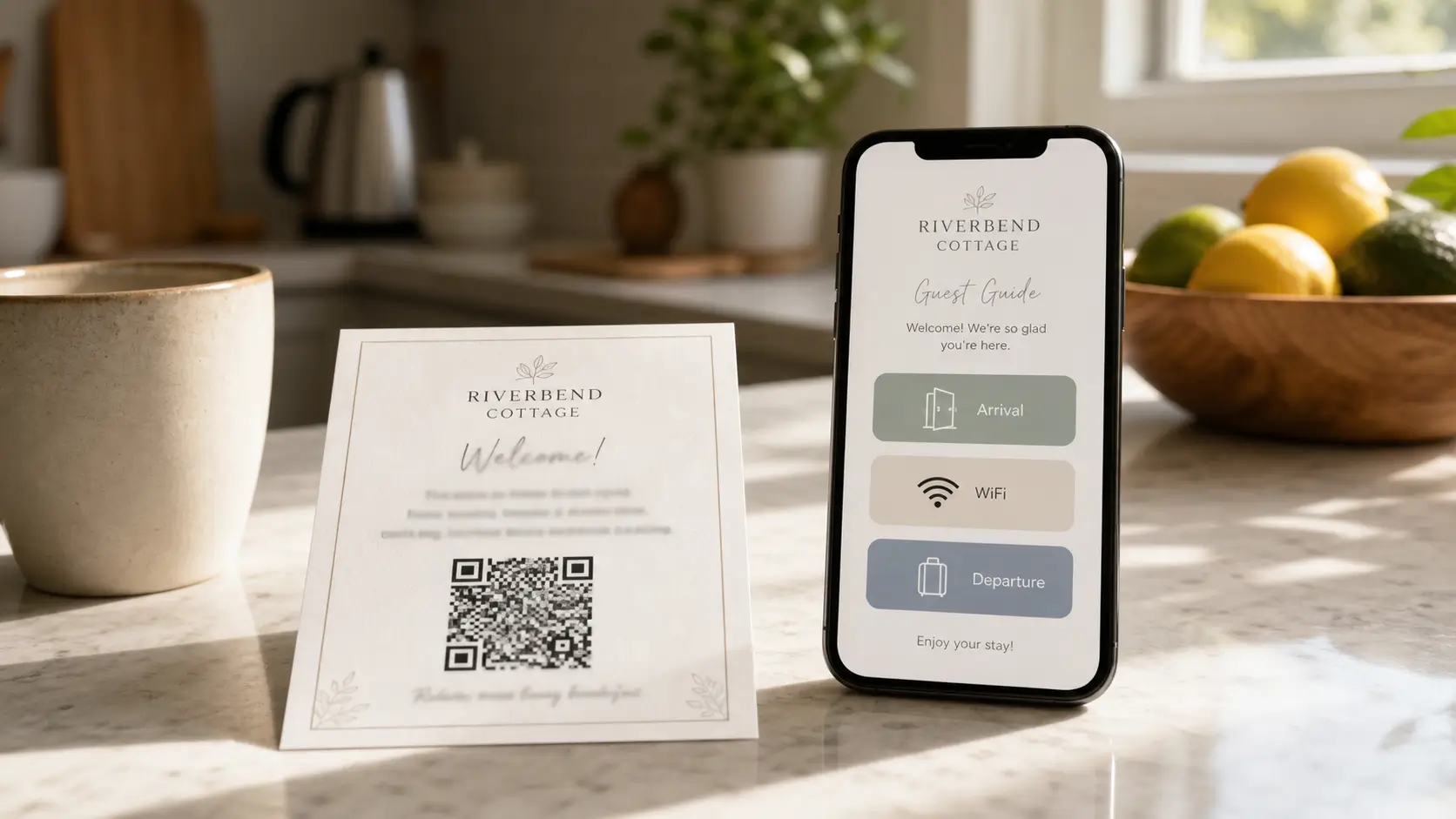
The other thing the digital format does that paper can't: it's visual. Big icons, full-screen photos, a search bar that lets a guest type "WiFi" and jump to the right page. Guests scan a guidebook the way they scan a menu, and digital is built for scanning.
What to do if you already have a binder
You don't have to throw it away. Most hosts we know who switched kept the binder for the first hour of a stay, as a welcome object. The trick is making it slimmer, and moving the information that ages (WiFi, codes, restaurant picks, trash day) into a digital guidebook that lives at a QR-coded link on the inside cover. The binder becomes a permanent welcome letter, and a pointer to where the live information sits.
Our overview of how to build an Airbnb guidebook your guests actually use covers the section-by-section structure for the digital version.
Where SmoothStay fits, if you're switching
We didn't set out to build a guidebook tool. We were two hosts in DC and the Riviera Maya who got tired of printing pages on a Sunday afternoon, and our story has the longer version.
The short pitch: the platform handles OTA compliance for you at three levels (link, article, widget), which keeps your guest contact collection clean across Airbnb, Booking.com, and the rest. You pay a simple price per unit whether you run one property or fifty. There's a free tier with no card needed if you want to try putting your binder content into a digital format before deciding anything else.
FAQ
Is an Airbnb binder still a good idea in 2026?
As a welcome object on day one, yes. As the only place your operational information lives, less so. The binder works on arrival. By the third evening, guests are reaching for their phones. The hosts we know who kept their binders also kept a digital copy of the live information.
What size binder should I use?
A small one. A half-inch three-ring binder or a thin presentation folder is enough for the five sections above. The instinct to fill a one-inch binder is the same instinct that produces guidebooks no one finishes.
Should I laminate the pages?
For pages that don't change, yes (welcome letter, neighborhood map, front cover). For pages that change (WiFi, codes, restaurant picks), no. Laminated pages with stale information look authoritative, which makes them worse than printed ones.
How often should I update the binder?
Whenever something changes, and once a month otherwise. Open the binder and read it like a first-time guest. You'll find one thing to fix every time.
What's the difference between an Airbnb binder, a welcome book, and a house manual?
Overlapping terms used loosely. A welcome book leans into hospitality (warm intro, local picks). A house manual leans into operations (appliances, rules, troubleshooting). A binder is the physical format that can hold either or both. We treat them as one document in three sections.
Can I download a free Airbnb binder template?
We share the welcome book content we designed in Canva and used to print, free. It mirrors the five sections above. You can grab it from our Airbnb welcome book template page and print it straight into a binder, or use the structure as a starting point for the digital version.
If you'd rather not format any of it yourself, you can have the digital version of your binder running in under an hour. Free tier, no card, and your binder gets to stay on the counter as the welcome object it was always meant to be.
Latest articles

How to Automate Check-In Instructions for Short-Term Rental Guests
Automate check-in instructions for short-term rental guests: the four-send sequence, what goes in a message versus a guidebook, and a copy-ready sample.

Vrbo Premier Host in 2026: Every Listing Now Stands on Its Own Record
Vrbo Premier Host requirements changed in 2026: per-listing scoring, tighter thresholds, quarterly checks. What each one means, and how it compares to Superhost.
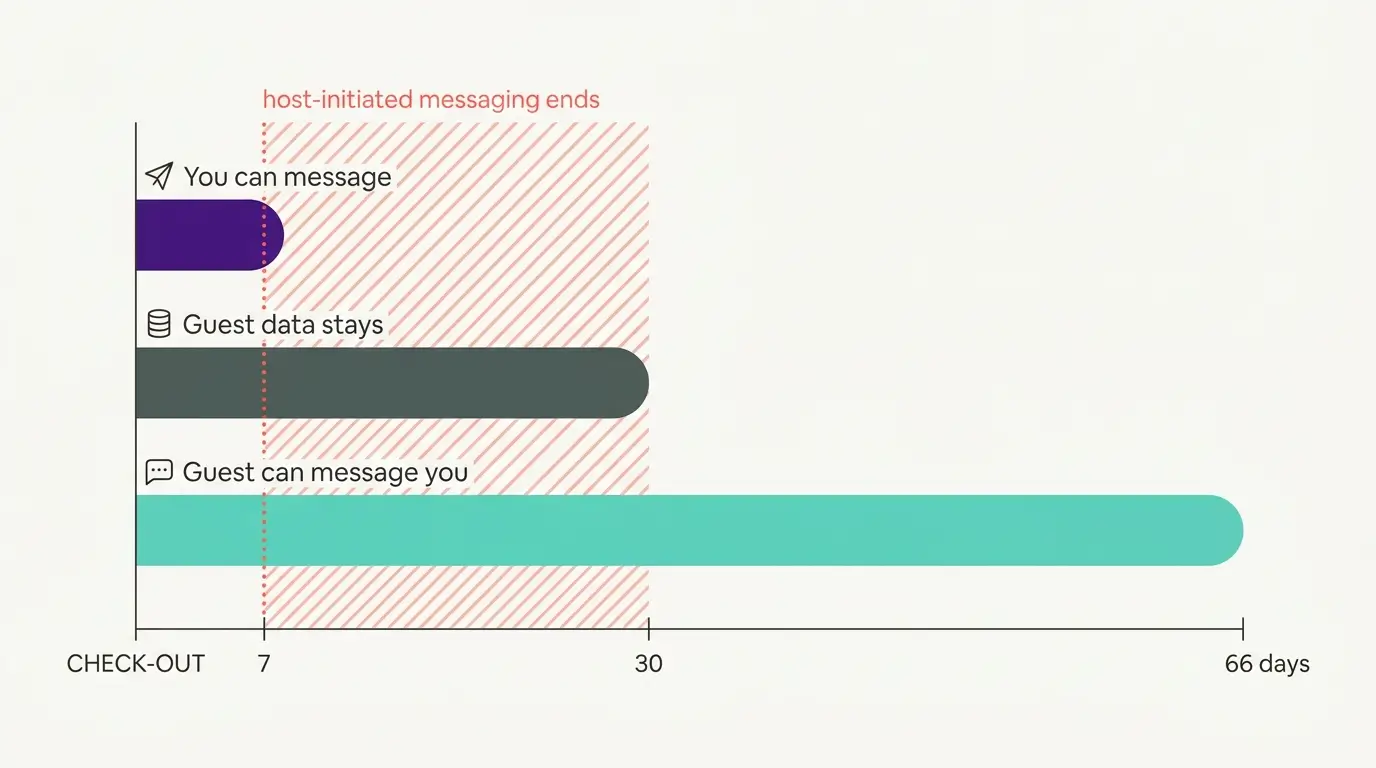
Booking.com Guest Messaging Rules: What Hosts Can Send, When, and Why Links Get Removed
Booking.com guest messaging rules, verified at source: how long you can message a guest, why your links get removed, and what the partner terms say.
Vrbo's New Features for Fall 2026: What's Live, What's Gated, and What's US-Only
We sorted Vrbo's new features for fall 2026: what is live globally, what is gated behind eligibility, and what is US-only. Verified against Vrbo's own pages.