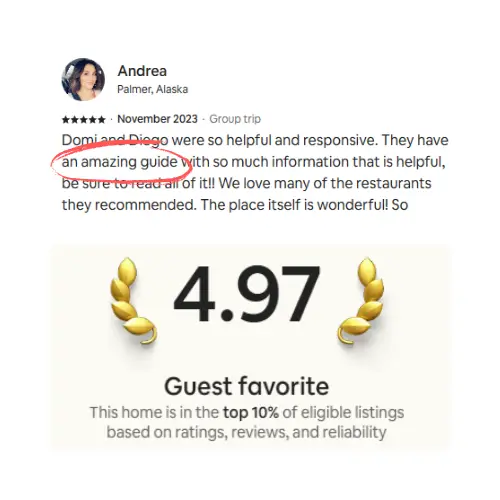
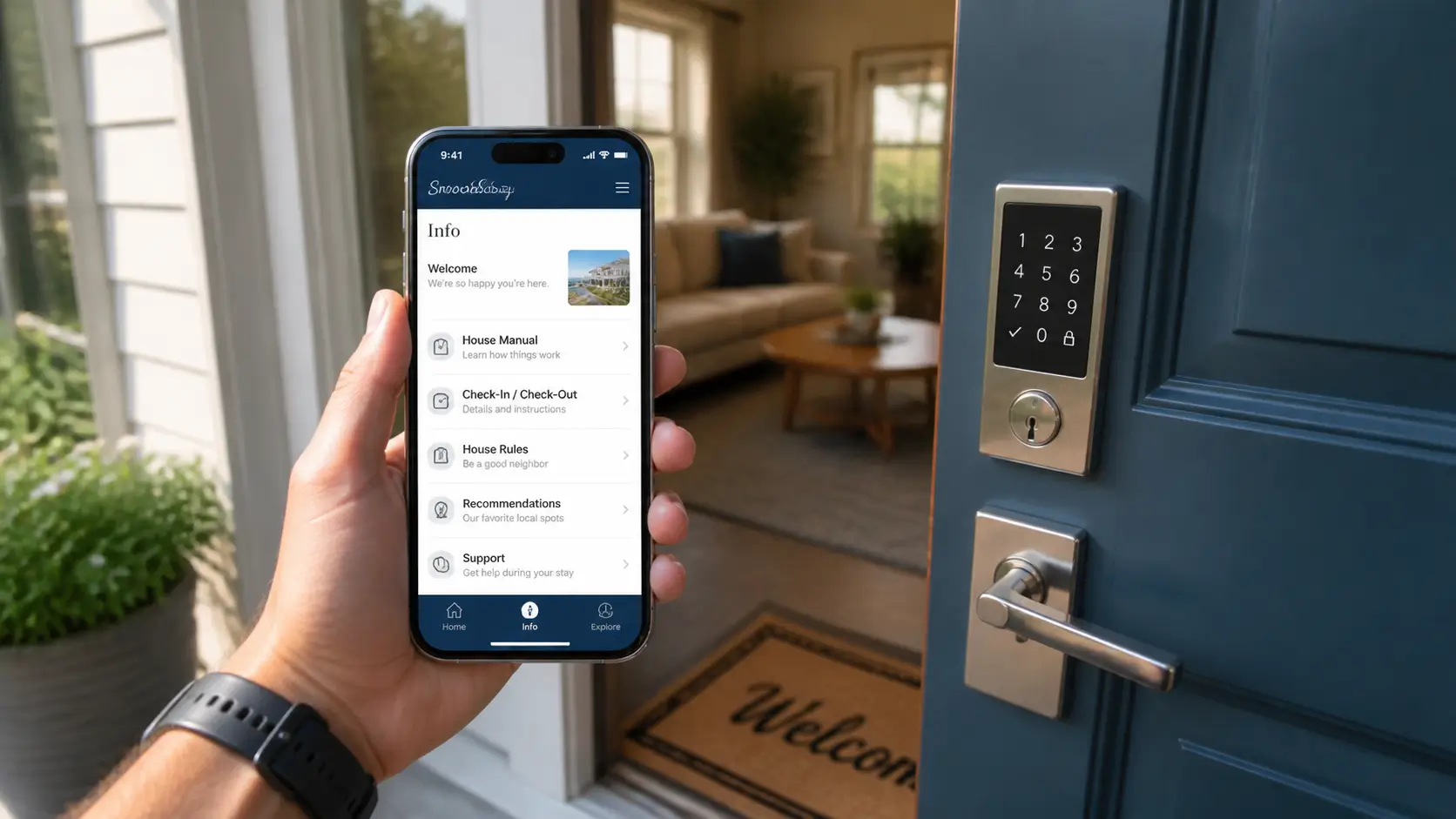
A field guide to vacation rental automation from Dominique and Diego: four layers (access hardware, guest information, pricing, messaging/operations), the order to adopt them, and the tools they run themselves. SmoothStay is positioned as the live guest-experience layer (guidebook, AI chatbot, QR codes, translation, analytics) on top of any PMS; roadmap features are kept out of the post.
We run five properties between Washington, DC and Mexico's Riviera Maya, and neither of us is on call around the clock. That isn't because software runs everything. It's because we automated a short list of repetitive jobs in the right order and left the parts guests actually remember to humans.
A lot of automation advice reads like it was written by someone who has never waited on a cleaner to confirm a turnover. This is the field version: what to automate first, what we run ourselves, and what can wait.
What can you automate in a vacation rental?
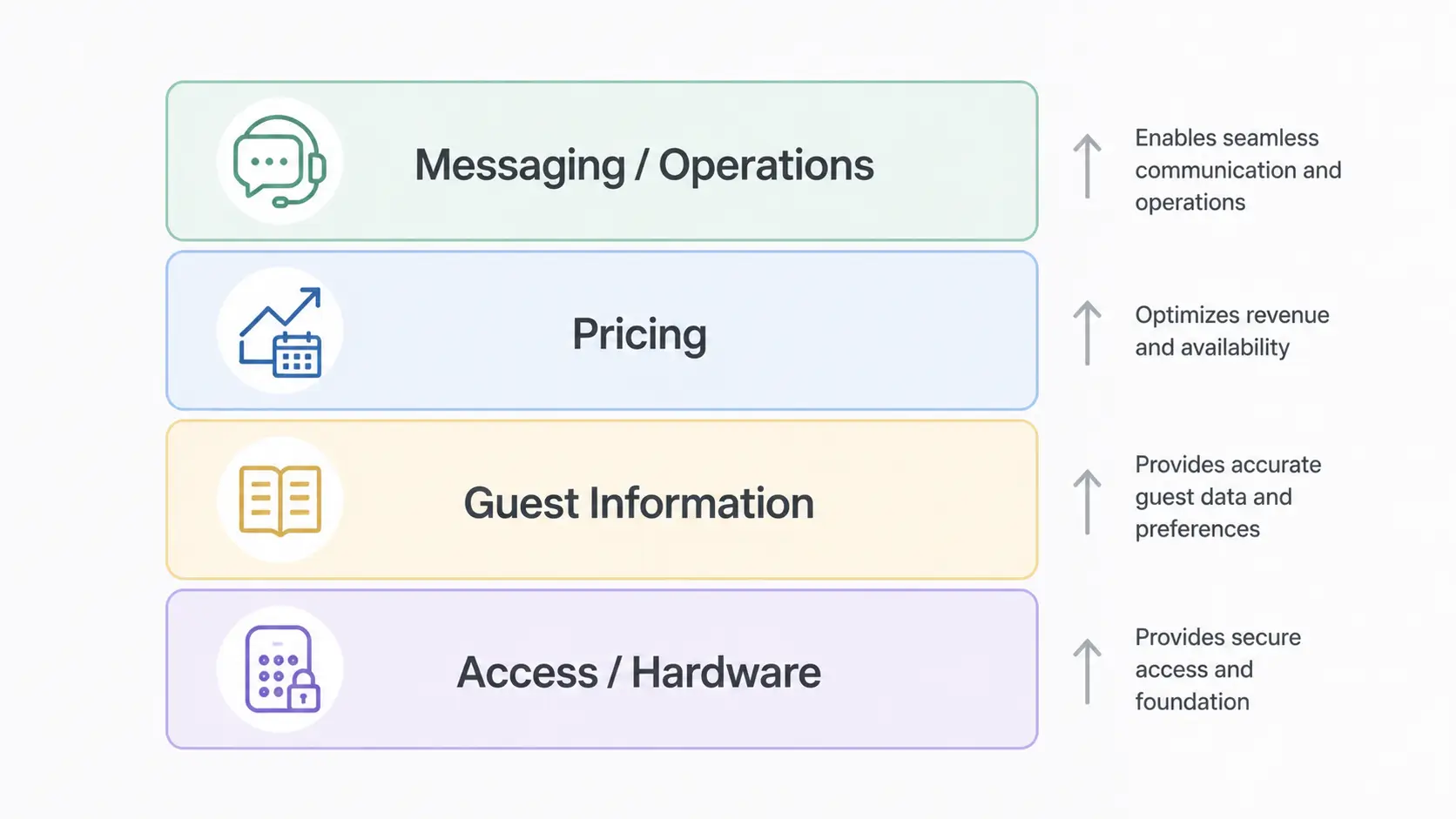
Four layers, in rough order of payoff: guest access (a smart lock with codes that expire at checkout), guest information (a digital guidebook with an AI chatbot that answers the questions you'd otherwise answer by text), pricing (a dynamic tool, often built into your PMS), and operations (cleaning scheduled straight from your booking calendar). Start with access and information. Both are cheap, work from the first booking, and remove the most daily friction.
Below is each layer in practice, with the tools we use on our own properties and the ones we'd shortlist.
The four layers at a glance
Layer | What it automates | Tools we use or would shortlist | When to add it |
|---|---|---|---|
Access and hardware | Door codes, noise alerts, leaks, temperature | Schlage, Ultraloq, NoiseAware, RemoteLock | First booking |
Guest information | Wi-Fi, appliances, rules, local tips, checkout | SmoothStay guidebook + AI chatbot | First booking |
Pricing | Nightly rates that follow demand | PMS built-in pricing, Beyond | Once reviews unlock pricing power |
Messaging and operations | Scheduled messages, turnover scheduling | Hospitable, Turno, Breezeway | Second property or second channel |
The order we automated in
When we listed the DC house in 2015, "automation" was a lockbox and a printed binder. The order we replaced things in has held up well as advice. The smart lock came first, after one too many key handoffs at odd hours. The guidebook came second, once we noticed every guest asked the same ten questions the binder already answered; the binder stayed in a drawer all stay. Scheduled messages came third, through our PMS. Dynamic pricing came last, once we had the review count for it to matter.
Hardware, then answers, then messages, then money. That order still holds.
Guest communication: automate the answers before the messages
Two different jobs hide inside "automated guest communication": the messages you send, and the questions guests send you. Most software is sold on the first. The bigger win is shrinking the second.
For outbound messages, your PMS is the right tool. We run Hospitable across our properties: the booking confirmation, check-in details, a mid-stay check-in, and the checkout reminder all go out on schedule, and its AI drafts solid replies to whatever lands in the inbox. If you're on one property and one channel, you can run the same four-message rhythm by hand from the Airbnb app; the habit matters more than the tool. Our guide to the questions guests actually ask covers what belongs in each message.
For inbound questions, the fix isn't replying faster. It's making the message unnecessary. Most guest messages are the same handful of questions: the Wi-Fi, the door code, the AC, the trash, where to eat. Write the answers once in a digital guidebook and most of those messages never get sent. We built SmoothStay for exactly this, with an AI chatbot that answers from whatever you've written, so the guest asking about the Wi-Fi at 11pm gets the password without waking you.
One boundary worth stating plainly: SmoothStay doesn't send messages or manage your inbox. That's your PMS's job. The guidebook's job is making sure most guest messages never get to your inbox in the first place.
Smart home devices: the hardware layer
Hardware automation is the closest thing to set-and-forget on this list.
Smart locks. A unique code per guest, created when the booking confirms and expired at checkout. No key handoffs, no lockbox with last year's code. We've run a Schlage lock in DC for seven years without a glitch and an Ultraloq U-Bolt Pro in Mexico.
Noise monitoring. Decibel sensors, not microphones: no recordings, no transmitted audio. When the living room crosses a threshold at midnight, you message the guest before a neighbor calls anyone. We've run NoiseAware for years across our properties.
Smart thermostats. Set arrival and vacancy temperatures and stop paying to cool an empty house. The integrations here are getting genuinely useful: RemoteLock now connects Honeywell Home thermostats by Resideo to its access platform, so a unit's temperature adjusts automatically around check-ins and checkouts.
Leak detection. Wi-Fi flood detectors under the kitchen and bathroom sinks. Ours caught one slow under-sink leak that would have cost us a cabinet floor.
Buy the lock first. Everything else here is an optimization; the lock removes a failure point.
One rule covers all of it: disclose. Airbnb bans indoor cameras outright and requires disclosure of noise monitors and outdoor cameras. Put the disclosure in your listing, not just the guidebook.
Task scheduling and operations
This is the layer where software coordinates people. Booking-triggered scheduling tools watch your calendar and book the cleaner the moment a reservation confirms. Turno is free if you bring your own cleaners; Breezeway adds photo-verified checklists and quality control for portfolios with service teams.
We'll be straight about what we do, though: our turnovers run on trained people and a printed checklist, not software. We still coordinate directly with cleaners we trained ourselves in DC and the Riviera Maya. They photograph damage before cleaning over it, restock the basics on a schedule, and run every tap to catch a slow drain before a guest does. Software earns its place in this layer when coordination starts failing, usually around the third property or the first time two turnovers collide on a Saturday.
Pricing: the automation with the most direct revenue impact
Static nightly rates are wrong in both directions: underpriced when the city fills up, empty when it doesn't. A dynamic-pricing tool that reprices your calendar daily fixes both ends, and it's the one automation that pays for itself in plain dollars.
We've used Beyond and PriceLabs in the past; today our rates run through Hospitable's built-in pricing, which comes with the PMS and does the job. If you want a dedicated engine, Beyond is the one we point hosts to first. Whichever you pick, the thinking underneath matters more than the brand: our Airbnb pricing strategy guide covers the factors that should drive it.
The digital guidebook: the automation guests actually touch
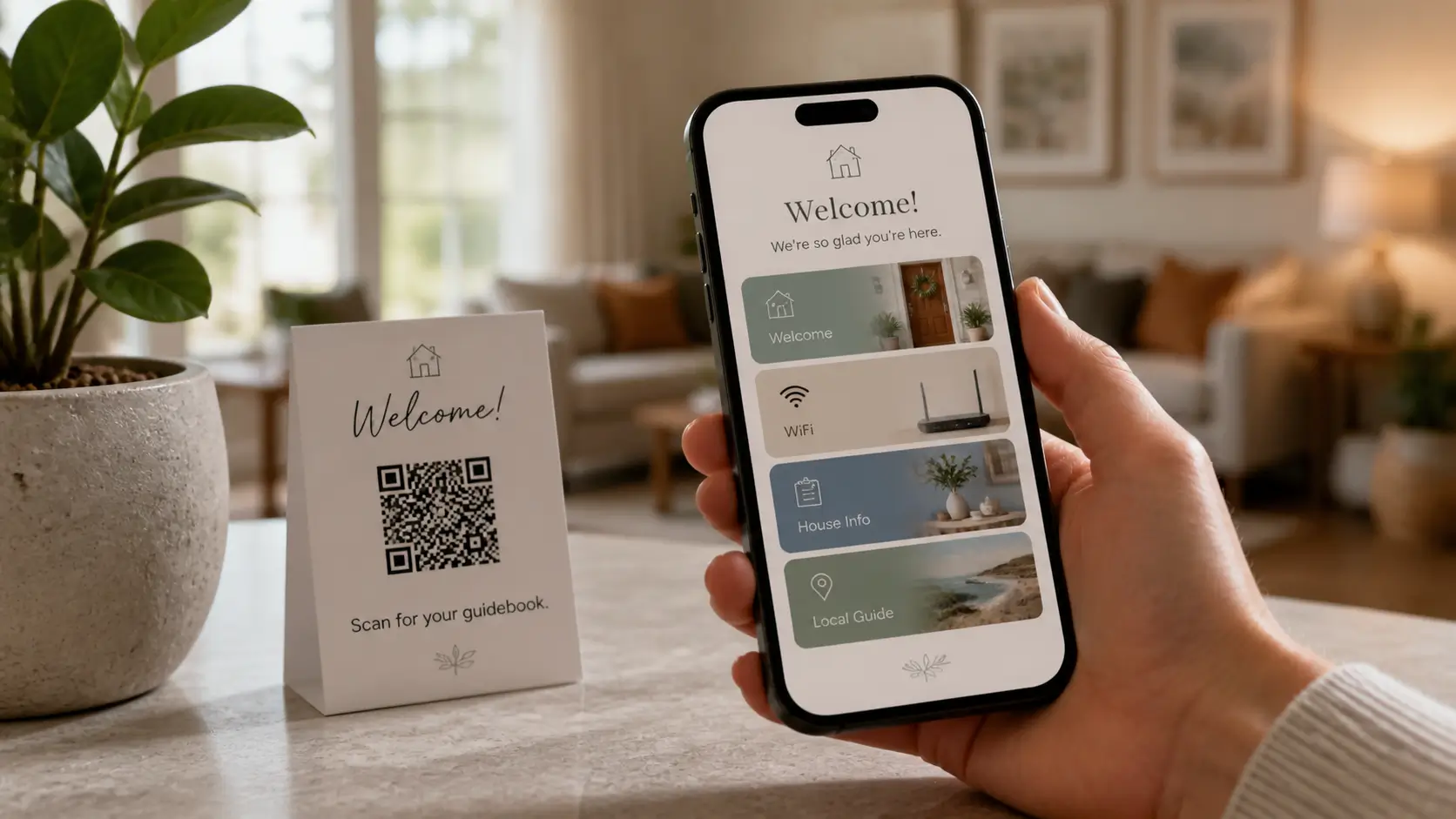
Everything above automates your side of the operation. The guidebook automates the guest's side, and it's the only layer guests ever see. The bar is simple: a guest walks in, scans a code, and stops needing you.
What that looks like with SmoothStay's live feature set:
One QR code per property, and per article. Guests scan a unique code at the entry for the full guidebook, or a small code next to the AC for just that article. At our Playa del Carmen house, the mini-split instructions are the most-scanned thing on the property. Our QR code setup guide covers placement and labeling.
Update once, everywhere. Change the gate code or trash day in the content hub and every guidebook and printed code points at the new answer. No reprints.
Automatic translation. The guidebook opens in the guest's language, 100+ of them. It's machine translation, so the odd idiom lands sideways, but a guest from São Paulo reads your pool rules in Portuguese without you writing a word of it.
Analytics. Guest insights show which articles get read and which codes get scanned, so you fix the gaps guests actually hit instead of guessing.
Your branding. With your own logo and colors, the guidebook reads as your property, not a generic form.
Where this sits in the stack: SmoothStay is not a PMS and not a channel manager. It's the guest-experience layer on top, and it works the same whether you run Hospitable, something else, or nothing at all. A direct Hospitable integration is in progress; we'll write about it when it ships.
One honest constraint: the guidebook loads over the internet, so it doesn't work offline. For a cabin with weak signal, have guests open the link on the drive in and keep a one-page printed fallback with the Wi-Fi and lock code. More on that trade-off in paper vs digital guest guides. For what goes inside the guidebook itself, start with our guide to building a guidebook your guests actually use.
How to choose tools and roll them out
The market data says most hosts are earlier in this curve than the ads suggest. AirDNA's Jamie Lane published a breakdown in March 2026 showing 64% of US short-term rental listings run without a PMS and 48% sit on a single channel. If you're hand-managing one property, you're not behind. You're the median.
Roll out in this order, and only when a problem has shown up twice:
Automate the recurring pain, not the imagined one. Answered the same question four times this month? Guidebook. Lost a Saturday to cleaner texts? Scheduling tool.
Pilot on one property. Refine the workflow where a mistake is cheap before rolling it across the portfolio.
Train the people the automation touches. A cleaner who doesn't trust the schedule will keep texting you anyway.
Check the result after 90 days. Fewer inbound messages, fewer turnover misses, better reviews. If a tool moved none of those numbers, drop it.
Time the rollout for low season. New systems break in their first month; let them break quietly.
When you compare tools inside a category, weigh four things: whether it connects to what you already run, whether it's simple enough that you'll still use it in March, whether it shows you numbers you'll act on, and whether the pricing punishes growth. Per-unit pricing is fine at two properties and painful at twenty.
Notes for U.S. hosts
A few US-specific wrinkles worth automating around:
Licenses and renewals. STR licenses lapse quietly and end businesses loudly. A recurring calendar event is the cheapest automation in this post.
Consent for guest contact. If you collect guest emails for direct booking, do it with explicit consent and only on channels that allow it. CAN-SPAM applies to marketing email, and Airbnb's terms restrict contact capture in-platform.
Taxes. Platforms collect some occupancy taxes, rarely all. Confirm what's remitted for you, and automate the rest with your accountant, not a guess.
Where this is heading
Two trends are worth watching without buying anything yet. First, AI keeps moving from drafting replies to answering questions outright, so the share of routine guest messages a host touches by hand keeps shrinking. Second, the layers are connecting: locks already talk to thermostats, PMSs talk to pricing engines, and guidebooks are starting to talk to PMSs.
Our rule for writing about any of it, including our own roadmap: if it isn't live, it isn't in the post. When something ships, we'll cover it here.
FAQ
What should I automate first in a vacation rental?
A smart lock and a digital guidebook. The lock removes key handoffs and code reuse; the guidebook absorbs the repetitive questions that fill your inbox. Both work from your first booking and cost little or nothing to start. Pricing and turnover automation earn their place as you grow.
Can you fully automate an Airbnb?
No, and chasing 100% is how reviews slip. You can automate access, answers, pricing, and scheduling, which covers most of the routine workload. You still need a human for emergencies, judgment calls, and the touches guests mention in reviews. Run it remotely, yes. Run it unattended, no.
Do I need a PMS to automate my vacation rental?
Not at first. With one property on one channel, a smart lock, a guidebook, and a four-message habit cover most of what software would do. Add a PMS when you cross two properties or two channels; that's when calendar sync and a unified inbox stop being optional.
Does automation make hosting feel impersonal?
The opposite, when you automate the right things. Nobody books your place for hand-typed Wi-Fi passwords. Automate the repetitive work, and the time it frees up goes to the parts guests remember: a real local tip, a flexible check-in, a fast human answer when something breaks.
Are noise monitors and smart locks allowed on Airbnb?
Yes, with disclosure. Decibel-only noise monitors are permitted in common spaces if you disclose them, and smart locks are standard practice. Indoor cameras are banned outright, and outdoor cameras must be disclosed before booking.
Most automation fails because hosts buy tools before habits. Start with the lock, write the guidebook, and add the rest when a real problem shows up twice. If you'd rather not build the guidebook part from scratch, you can have a SmoothStay guidebook with its QR codes generated for you running in under an hour. One property, free plan, no card needed.
Latest articles

How to Automate Check-In Instructions for Short-Term Rental Guests
Automate check-in instructions for short-term rental guests: the four-send sequence, what goes in a message versus a guidebook, and a copy-ready sample.

Vrbo Premier Host in 2026: Every Listing Now Stands on Its Own Record
Vrbo Premier Host requirements changed in 2026: per-listing scoring, tighter thresholds, quarterly checks. What each one means, and how it compares to Superhost.
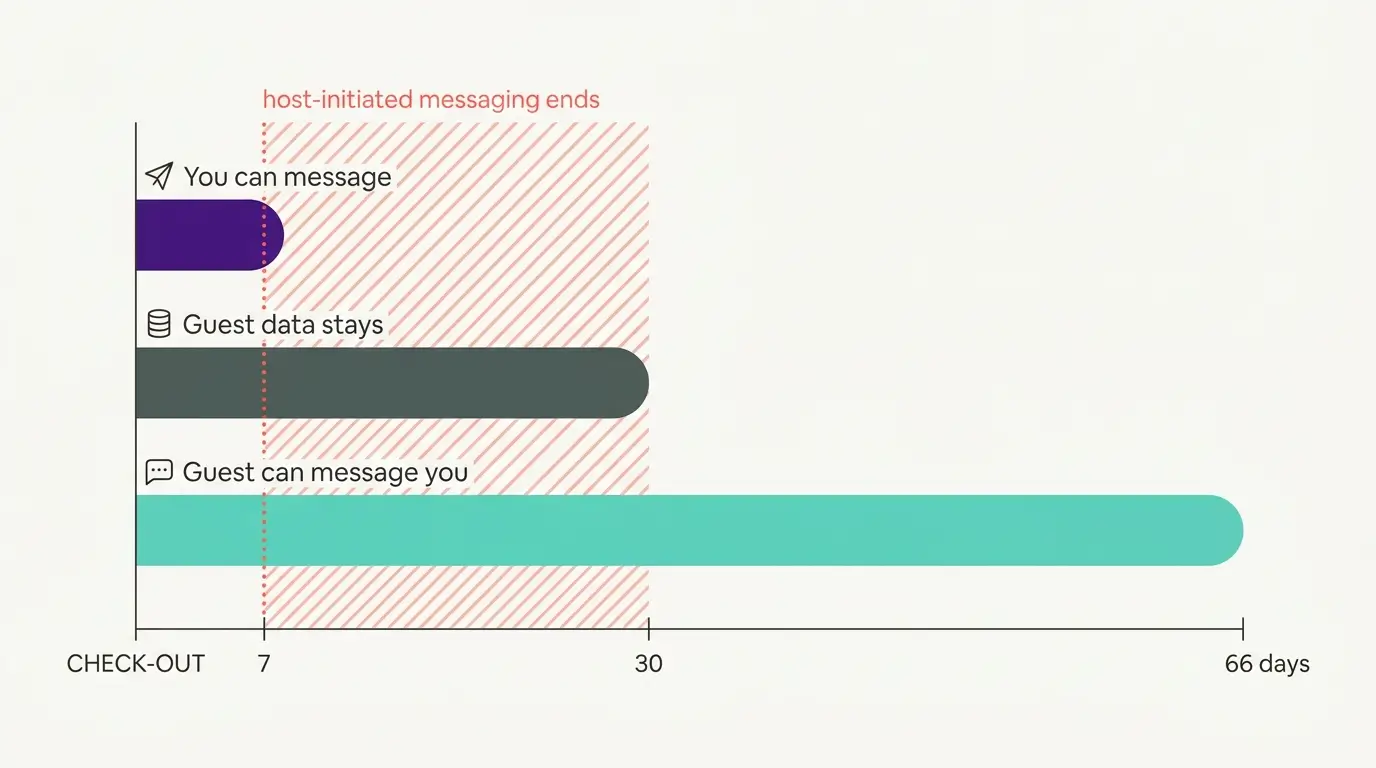
Booking.com Guest Messaging Rules: What Hosts Can Send, When, and Why Links Get Removed
Booking.com guest messaging rules, verified at source: how long you can message a guest, why your links get removed, and what the partner terms say.
Vrbo's New Features for Fall 2026: What's Live, What's Gated, and What's US-Only
We sorted Vrbo's new features for fall 2026: what is live globally, what is gated behind eligibility, and what is US-only. Verified against Vrbo's own pages.